

Browsing the gallery
Duplicating a project
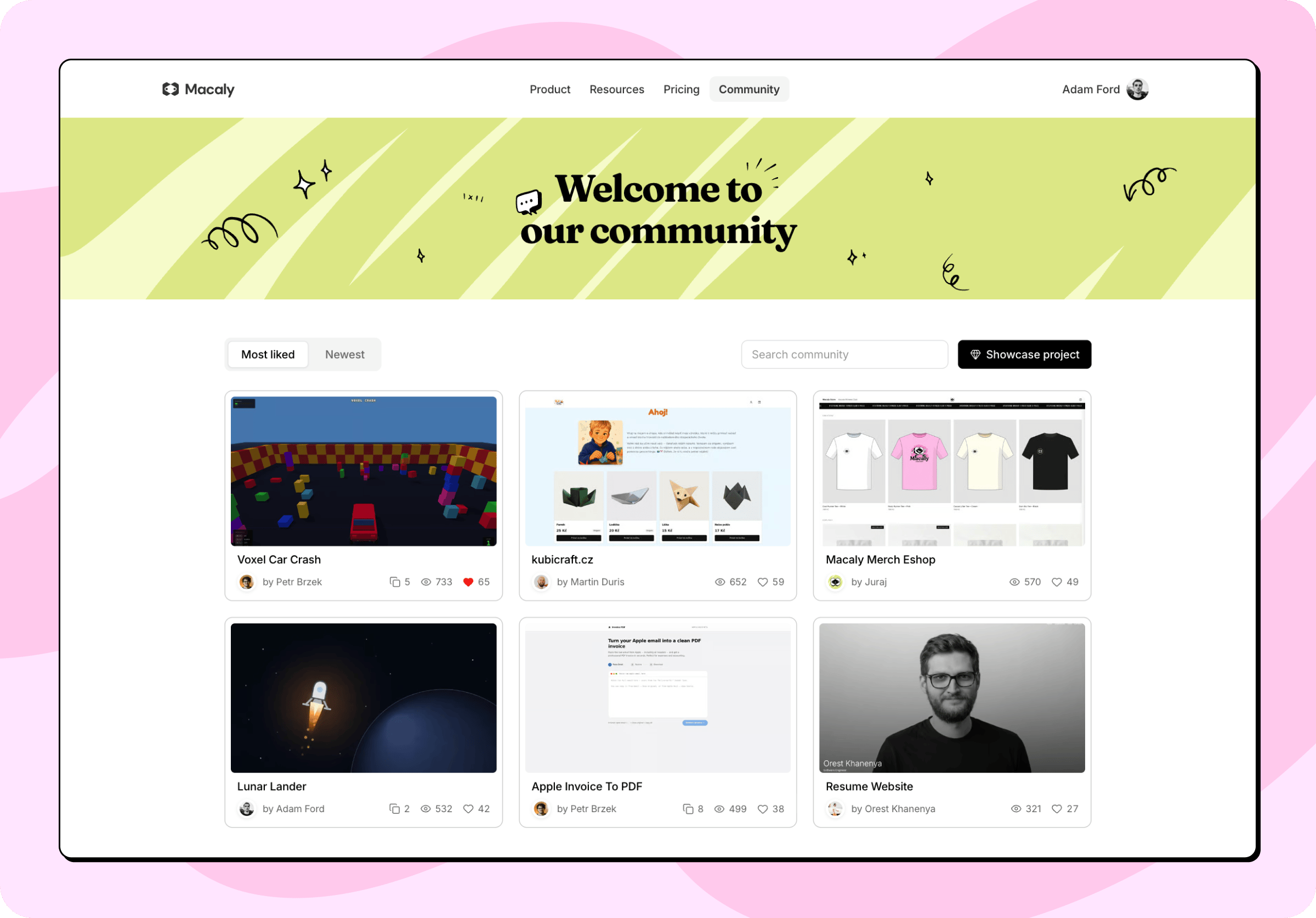
Every project has a detail view with its description and a link to the live site. Give the ones you like a heart. Some projects can be duplicated into your own workspace and taken further from there. When you duplicate a project from the community gallery:- The copy includes the full source code, along with the files that come with it.
- The copy excludes the original chat history, its secrets, and any data in its database.
Duplicating a project from the community gallery is not the same as duplicating your own chat. Copies of your own projects can carry secrets and database data across. Copies of projects from the community gallery never do.