

The profile menu
Click your profile in the top-right corner to open the menu, where everything related to your account and workspaces lives.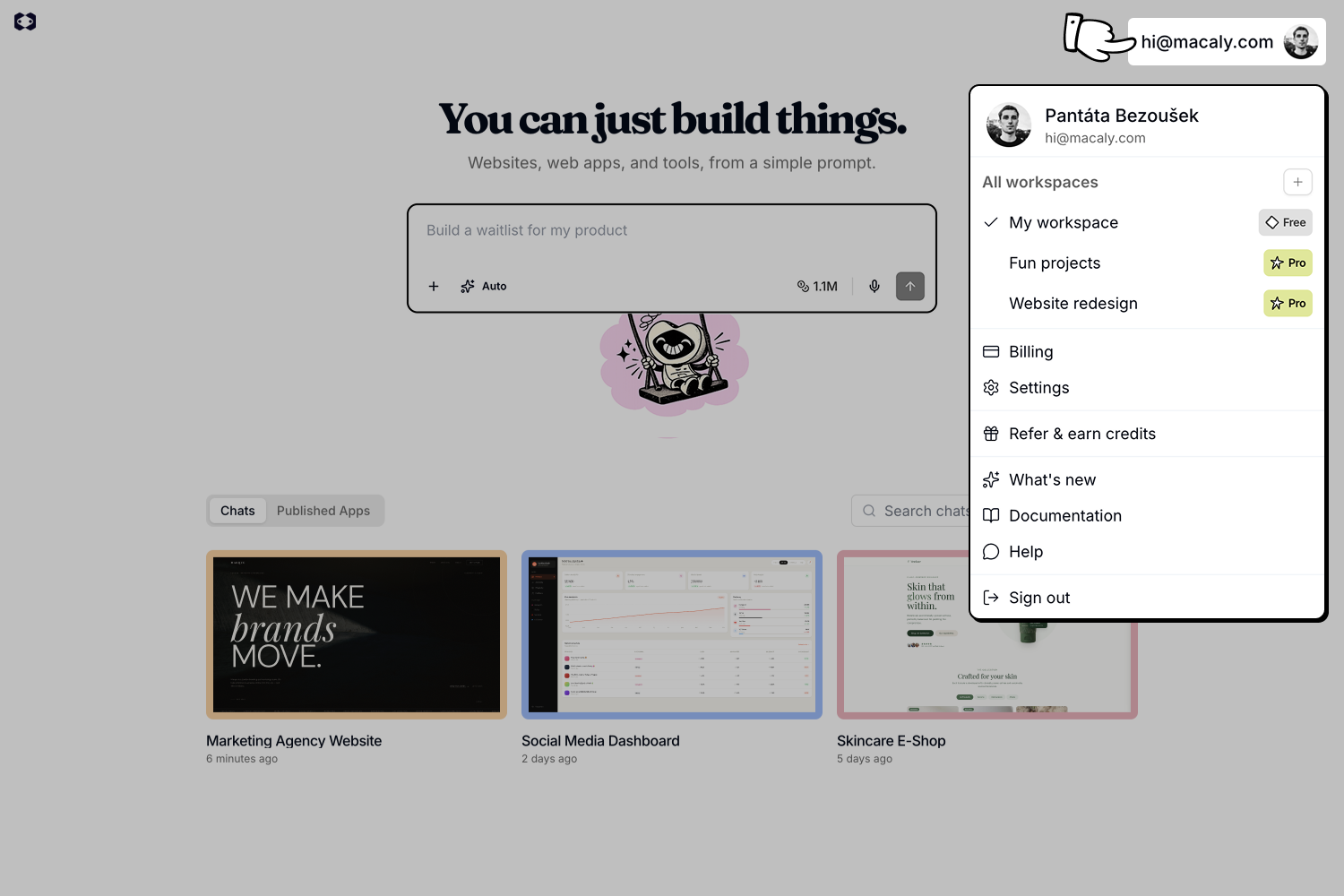
- All workspaces: Switch between your workspaces or create a new one
- View profile: Open your public profile in the Macaly Community
- Billing: Manage your plan, credits, and invoices
- Settings: Open personal and workspace controls
- Refer & earn credits: Share your referral link to earn free credits
- What’s new: See recent product updates
- Community: Browse projects shared by other users
- Documentation: Browse these guides
- Help: Contact support
- Sign out: Log out of Macaly