Build your site from a chat on your phone


Connect WhatsApp or Telegram and message Macaly like you'd message anyone. Start a project, change a page or publish the whole site, right from the sofa.
Why a chat is enough
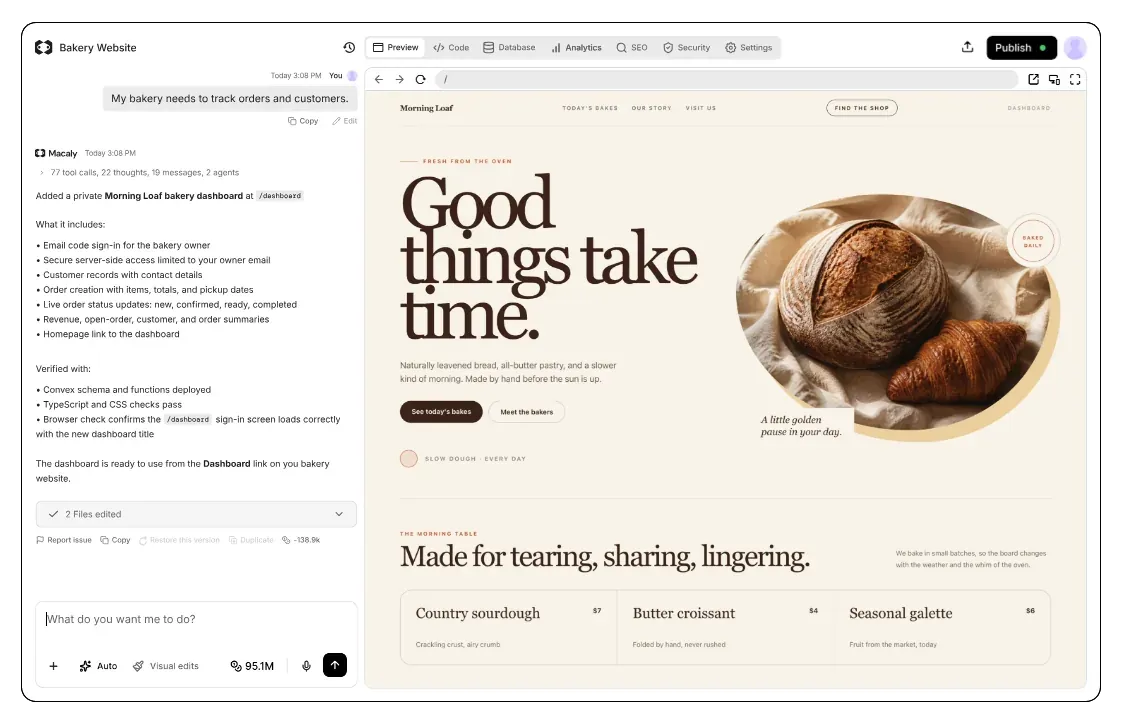
Building with Macaly is a conversation, and a conversation works just as well on your phone as in a browser tab.
Connect once and Macaly is a contact in your phone. Describe a change or ask it to publish your site, and it sends you the link to the result.
When this beats opening a laptop


Put this week's specials on the homepage and publish it


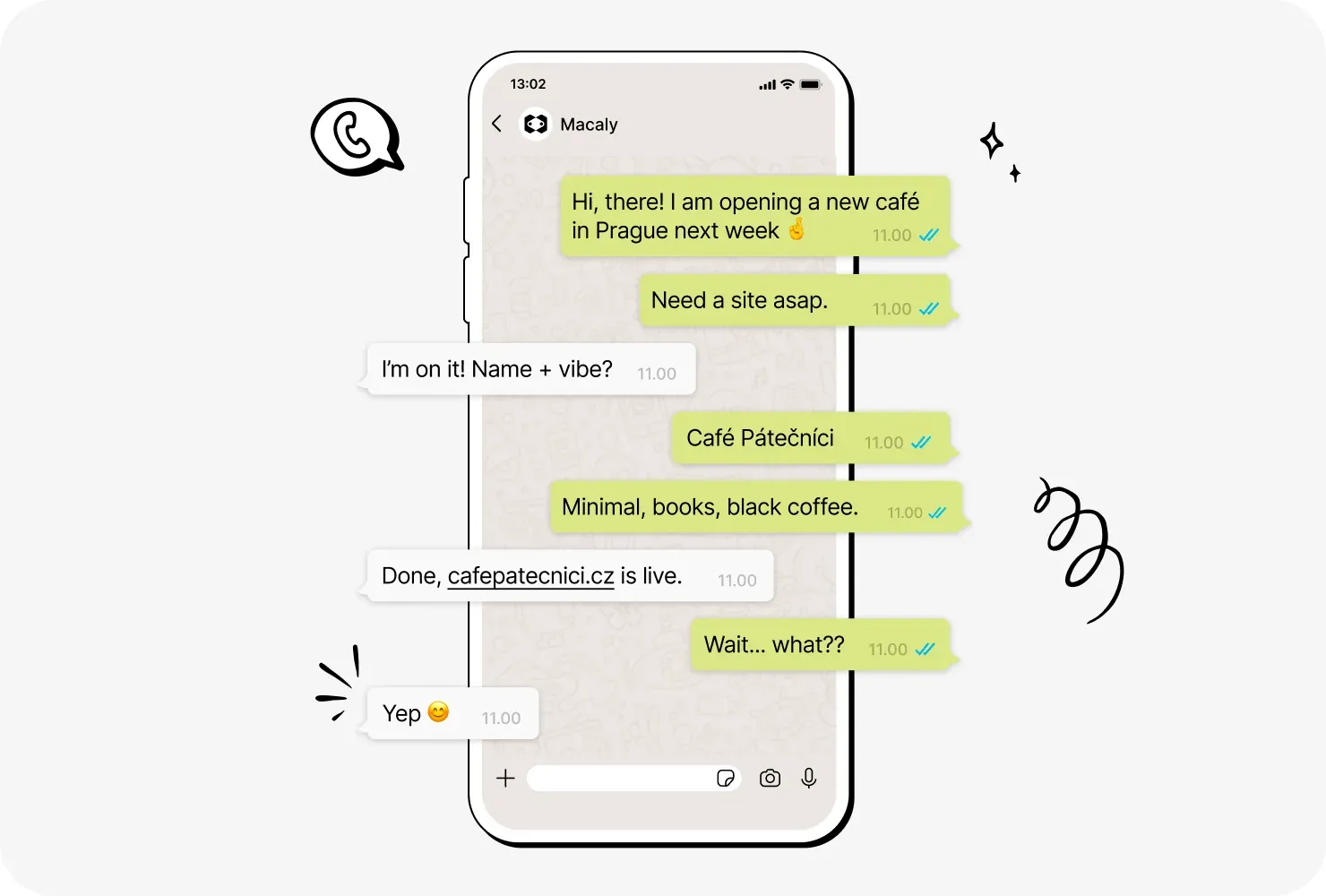
Build a site from WhatsApp
Ask for a new site or a quick fix in a message, right in the app already on your phone. Macaly replies with a button to open the result.

Telegram works the same way
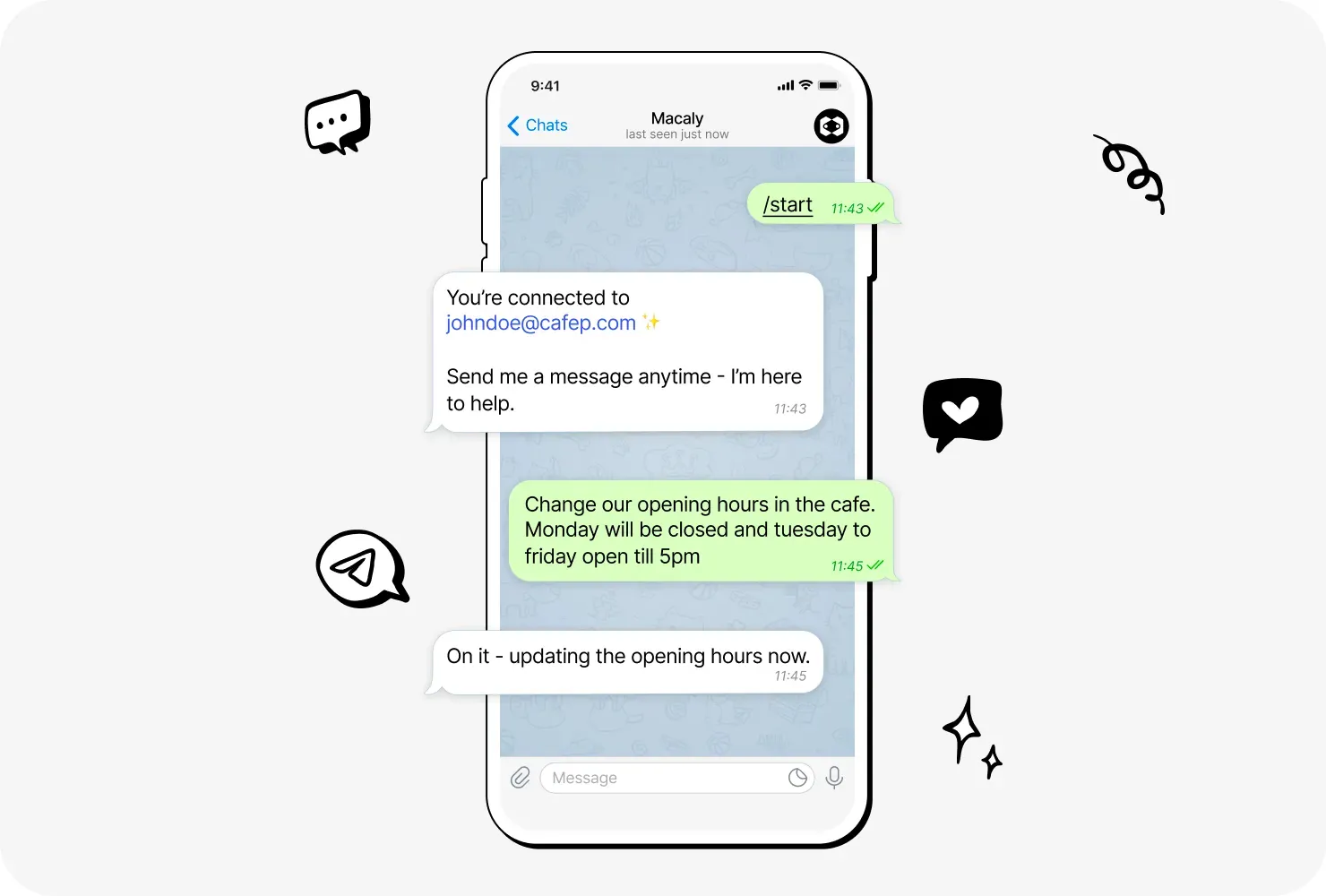
Connect your Telegram account once and your projects are one message away, whether you type, record a voice message or send a screenshot.

Macaly knows your projects
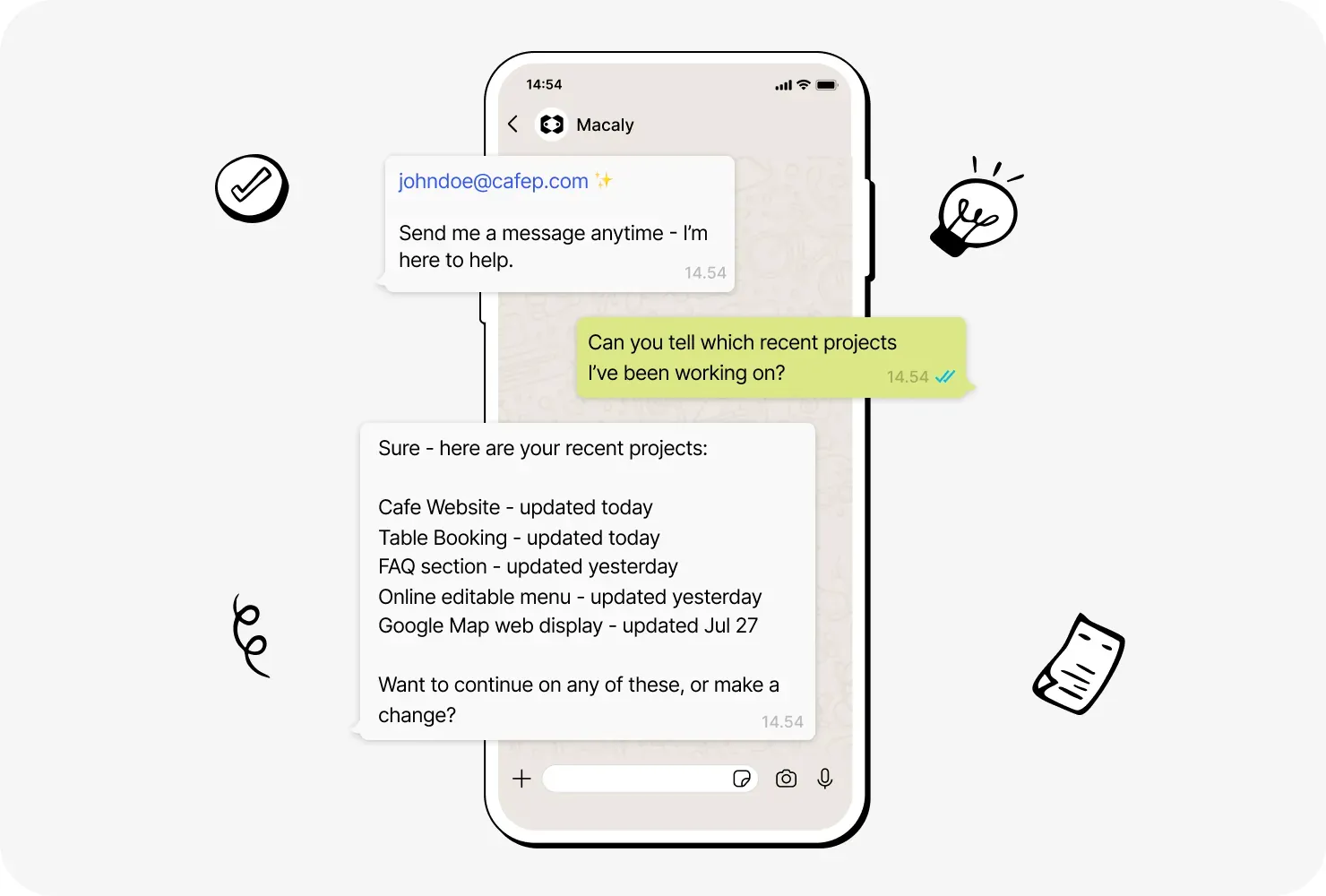
Ask which projects you have, then pick one to change or publish. Macaly follows the conversation and sticks with the project you mean.

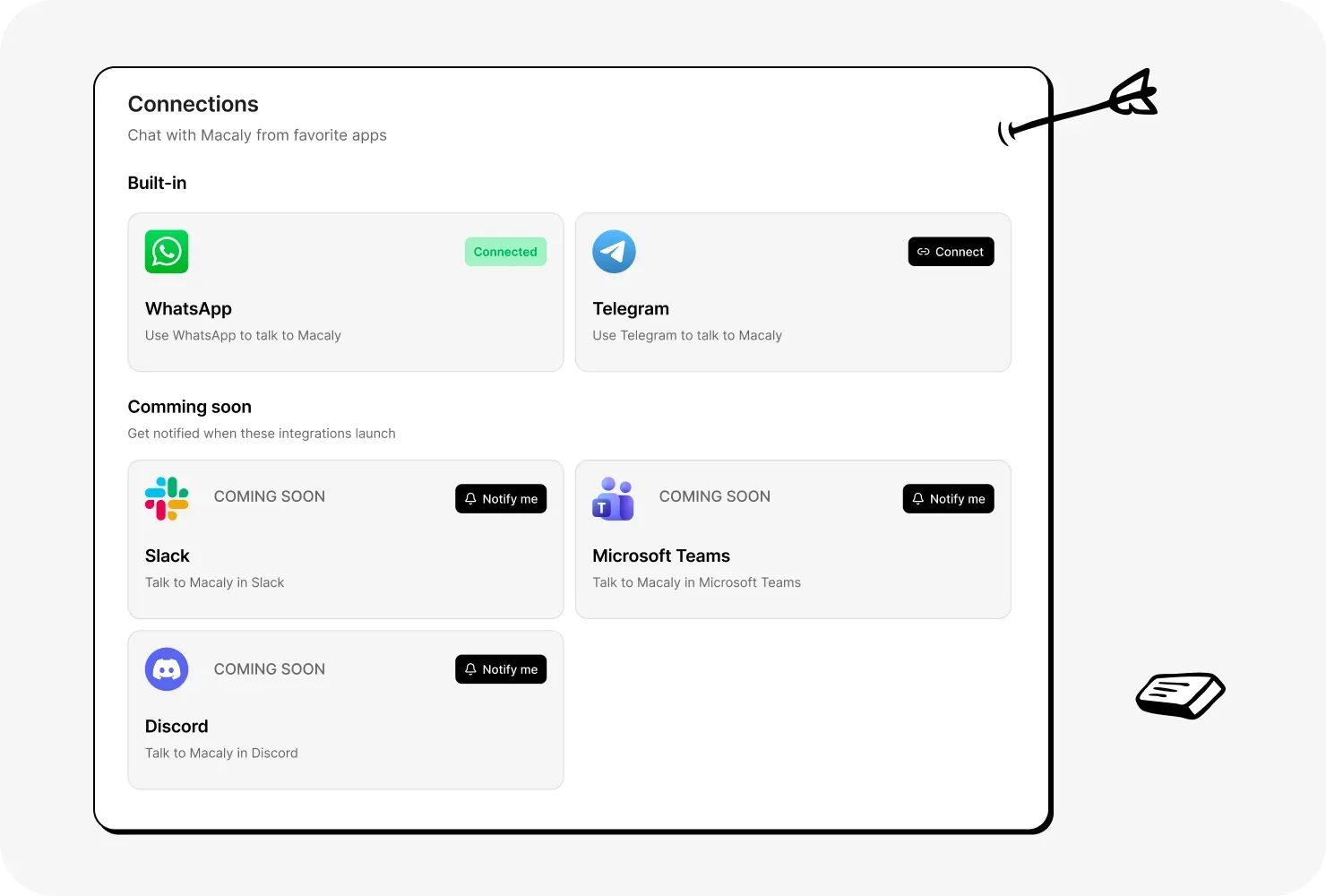
More chat apps on the way
Slack, Microsoft Teams and Discord are coming soon. Press the Notify me button next to one in Settings and we'll let you know when it's ready.
Editing on the go, before and after
Mobile edits anywhere else
- Writing the idea down so you don't forget it
- Waiting until you're back at a computer
- Logging in to your website builder on a small screen
- Hunting for the right page and the right text box
- Pinching and zooming to edit it by hand
- Finding the publish button and checking the result
Mobile edits in Macaly
- Sending Macaly a message on WhatsApp or Telegram
Frequently asked questions
Yes, once WhatsApp or Telegram is connected, describe the website in a message and the agent builds it, then sends you a link to preview it. Ask the agent to publish, and the site goes live.
Open Settings, go to Connections and click the Connect button on the WhatsApp or Telegram card. Scan the QR code with your phone, then send the pre-filled message in WhatsApp or press the Start button in Telegram.
Yes, the WhatsApp and Telegram connections work on the same projects as the web app, and each request runs in that project's chat. Open the project on a computer later and carry on from there.
Yes, besides text the agent accepts images such as screenshots or mockups, PDFs and other documents, and voice messages up to 10 MB, which it transcribes. Videos aren't supported.
Yes, the agent answers in the language you write in, so you can describe a change in Czech, German or whichever language you normally use.
The WhatsApp and Telegram connections are available on every plan, including Free. Work you ask for in a chat uses credits from your workspace, as it does in the web app.
Slack, Microsoft Teams and Discord are coming soon. Each one has a Notify me button in the Connections settings, so we can let you know when it's ready.