Connect the tools you already use
Stripe, Google Sheets, Notion, GitHub and more. Bring your favorite tools and services into Macaly and put them to work in the websites and apps you build.


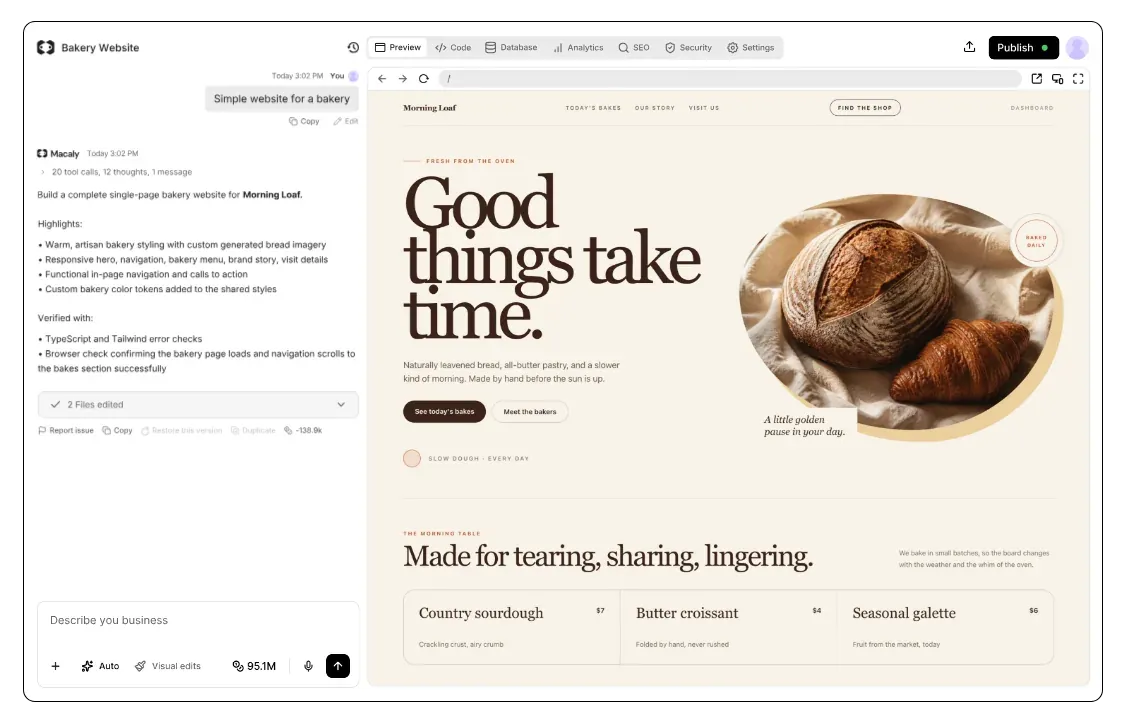
How connecting a tool works in Macaly
No website works alone. Stripe handles the payments, a Meta or Google pixel shows which ads brought customers in, and your team runs on Notion or Google Sheets.
Connecting a service usually means creating an API key, reading the docs and writing code. In Macaly, your favorite tools and services connect in a click.
What you'll find in Integrations


Add each new order to my Google Sheet


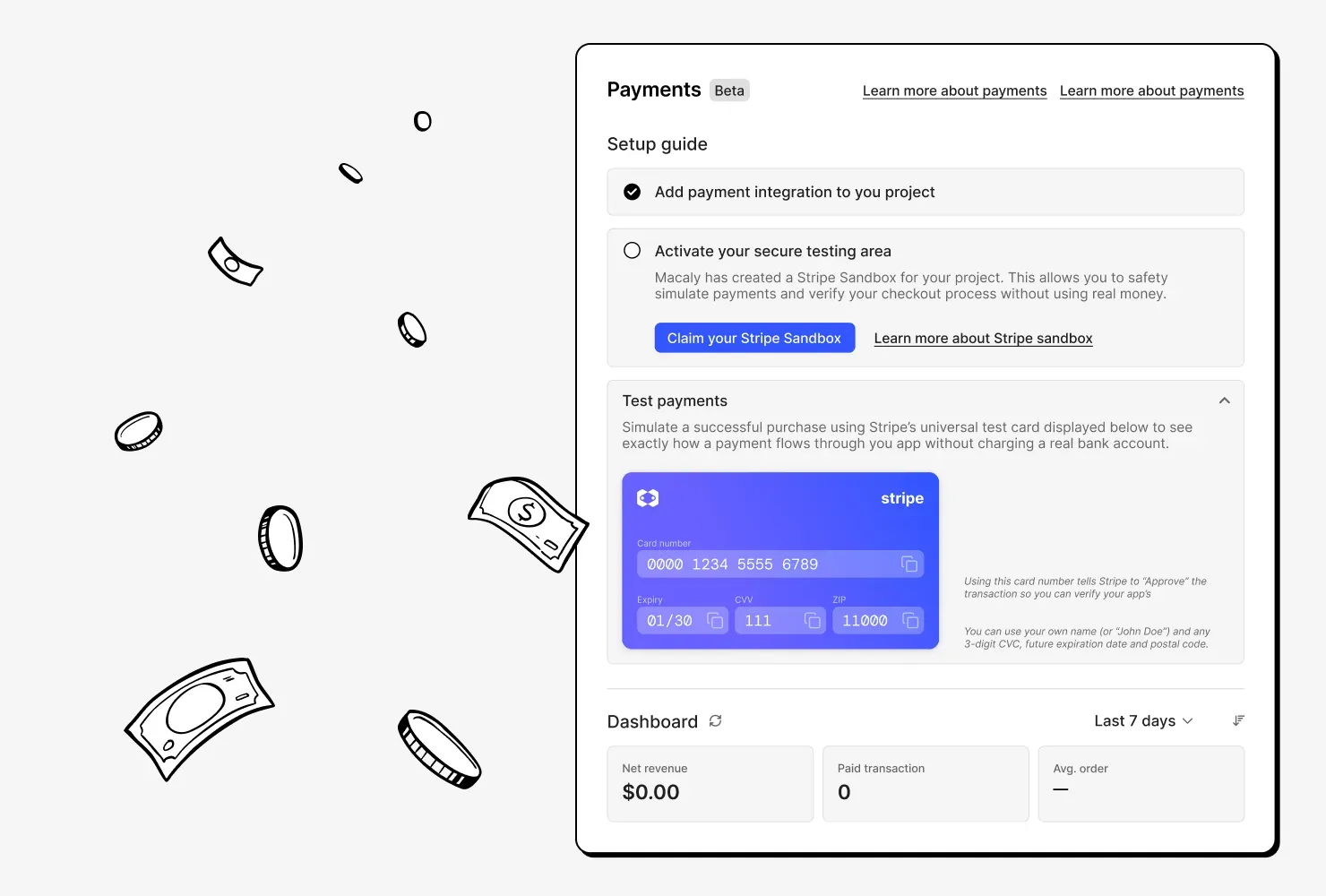
Try payments before you have a Stripe account
Ask for a payment gateway and Macaly sets up a Stripe sandbox for you. You only need your own Stripe account before taking real payments.

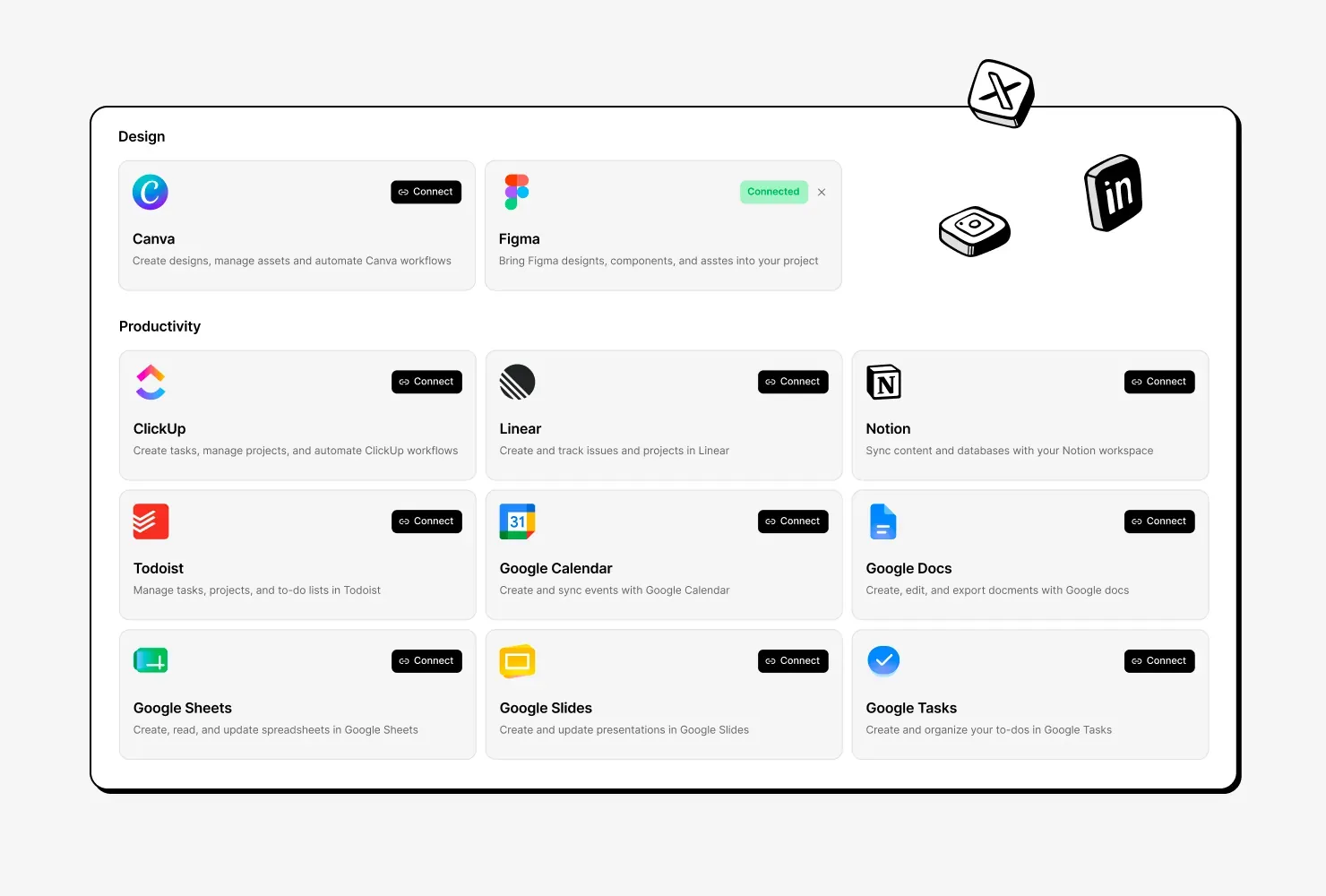
Bring in Notion, Google Sheets and more
The agent uses connected tools while it builds, and your published site can work with them too, for example to log each new order in a sheet.

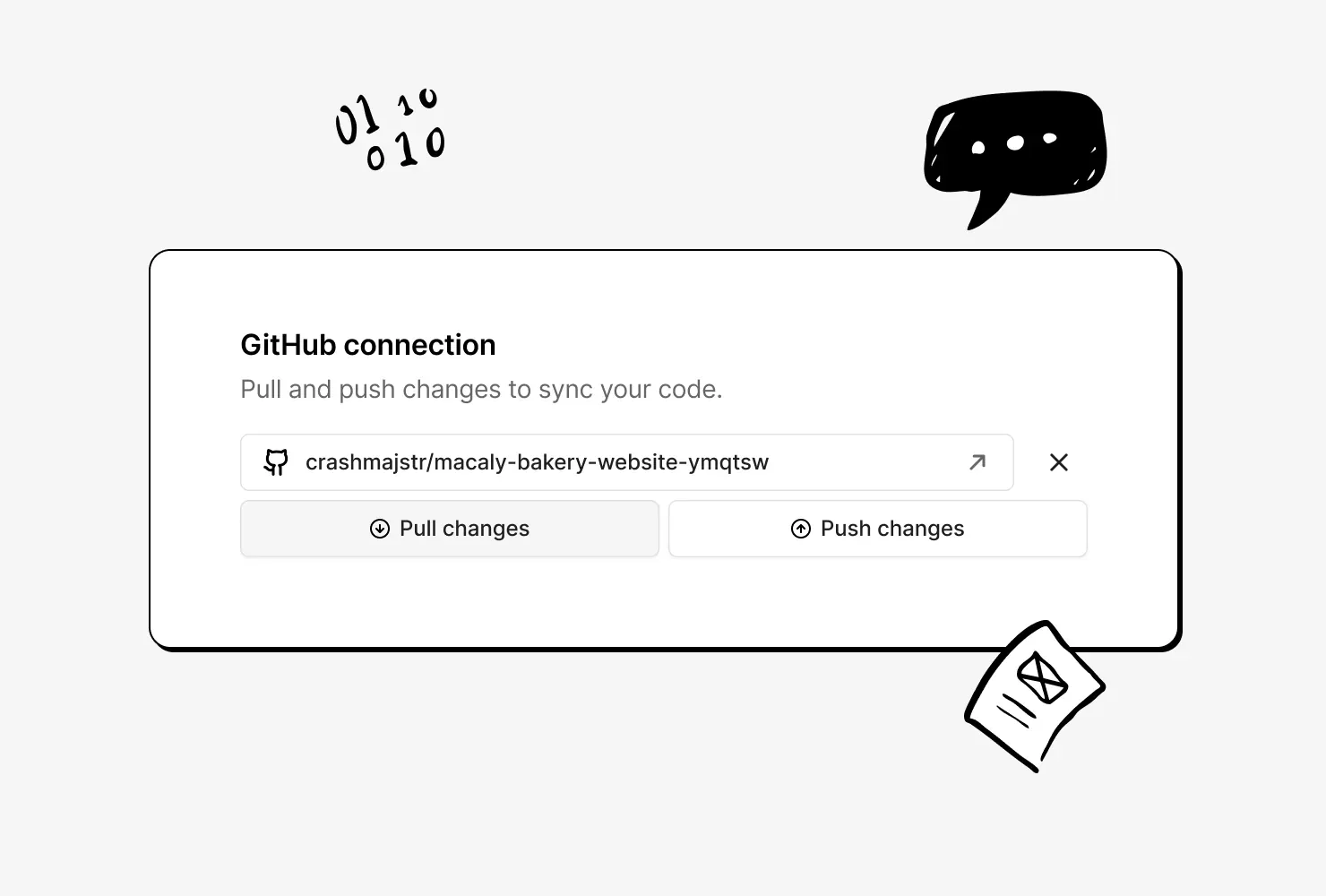
Your code, backed up on GitHub
Macaly creates a private repository on your GitHub account. Every push opens a pull request, and you can pull changes back into your project.

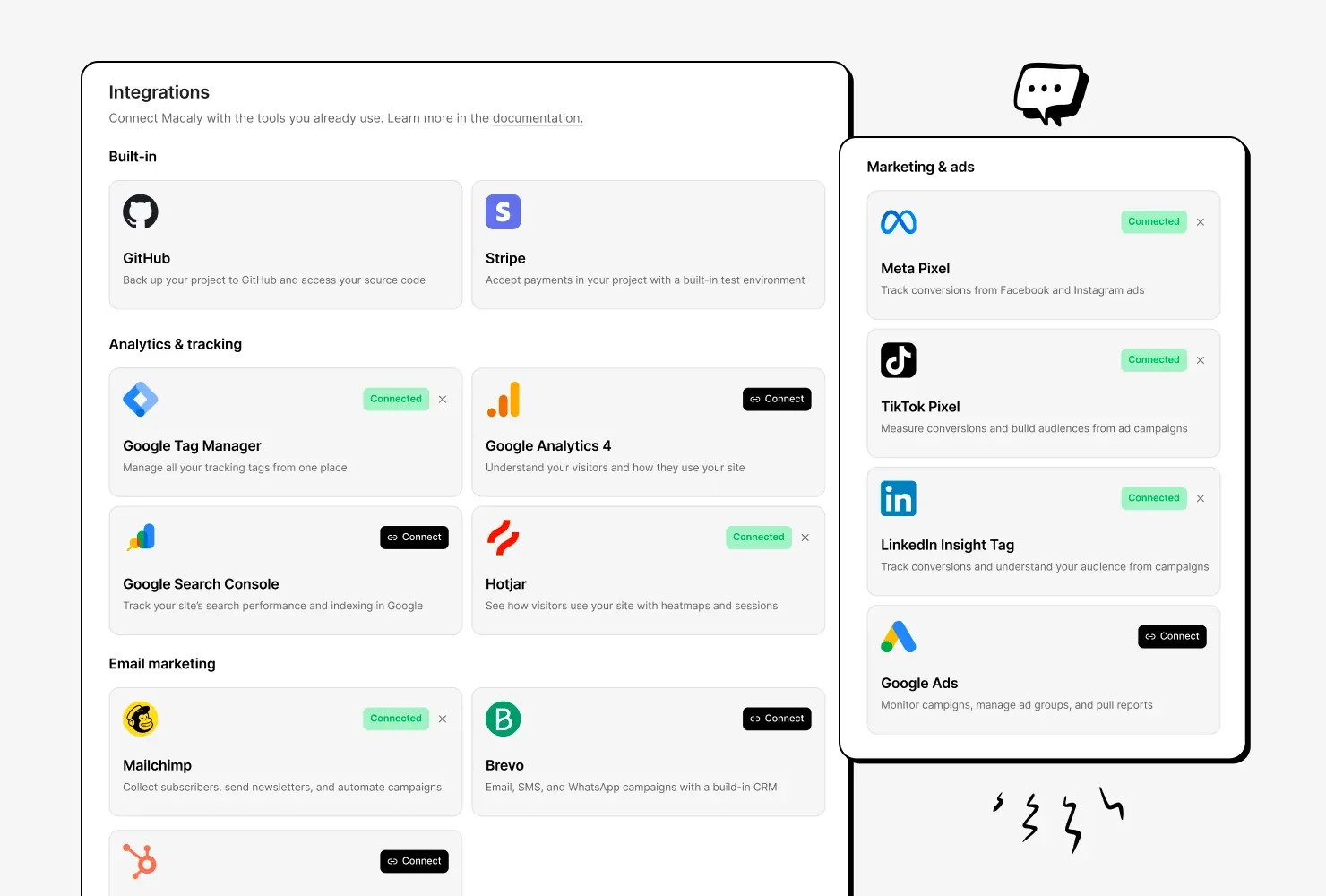
Add analytics and ad tracking to your site
Send the agent your Google Analytics, Tag Manager, Hotjar, Meta, LinkedIn or TikTok ID, and it adds the tracking code. Tracking starts when you publish.
Connecting tools, before and after
Connecting tools anywhere else
- Opening a developer account with the tool
- Creating an API key and keeping it secret
- Reading the tool's documentation
- Writing the code that talks to it
- Keeping the key on a server, away from the browser
- Testing that it works
Connecting tools in Macaly
- Signing in, then telling the agent what you need
Frequently asked questions
More than 30 popular tools and services, including Stripe, GitHub, Gmail, Google Sheets, Google Drive, Google Calendar, Notion, Linear, ClickUp, HubSpot, Mailchimp, Figma, Canva and Typeform, plus analytics and ad tracking tools.
Usually not. For most integrations, you click Connect and sign in with your account for that service. Tracking tools such as Meta Pixel or Hotjar need only the ID they give you, pasted into the chat.
Yes. If the tool can be connected with an API key or an MCP server, you can use it with Macaly too.
Yes. The connection creates a private repository on your GitHub account. Push changes sends your latest version as a pull request, and Pull changes replaces the project's files with the GitHub version after you confirm.
Yes. Add the server's address in your account settings, and the agent can use its tools in your chats.