


Build your wedding website
Type your names and the date. Macaly builds the invitation, the plan for the day, the venue and an RSVP form, and you change anything by chat.
You see the whole site in Macaly before any guest does.

An example wedding website
A welcome, the plan for the day, directions and an RSVP form. Type your names above and the example updates.
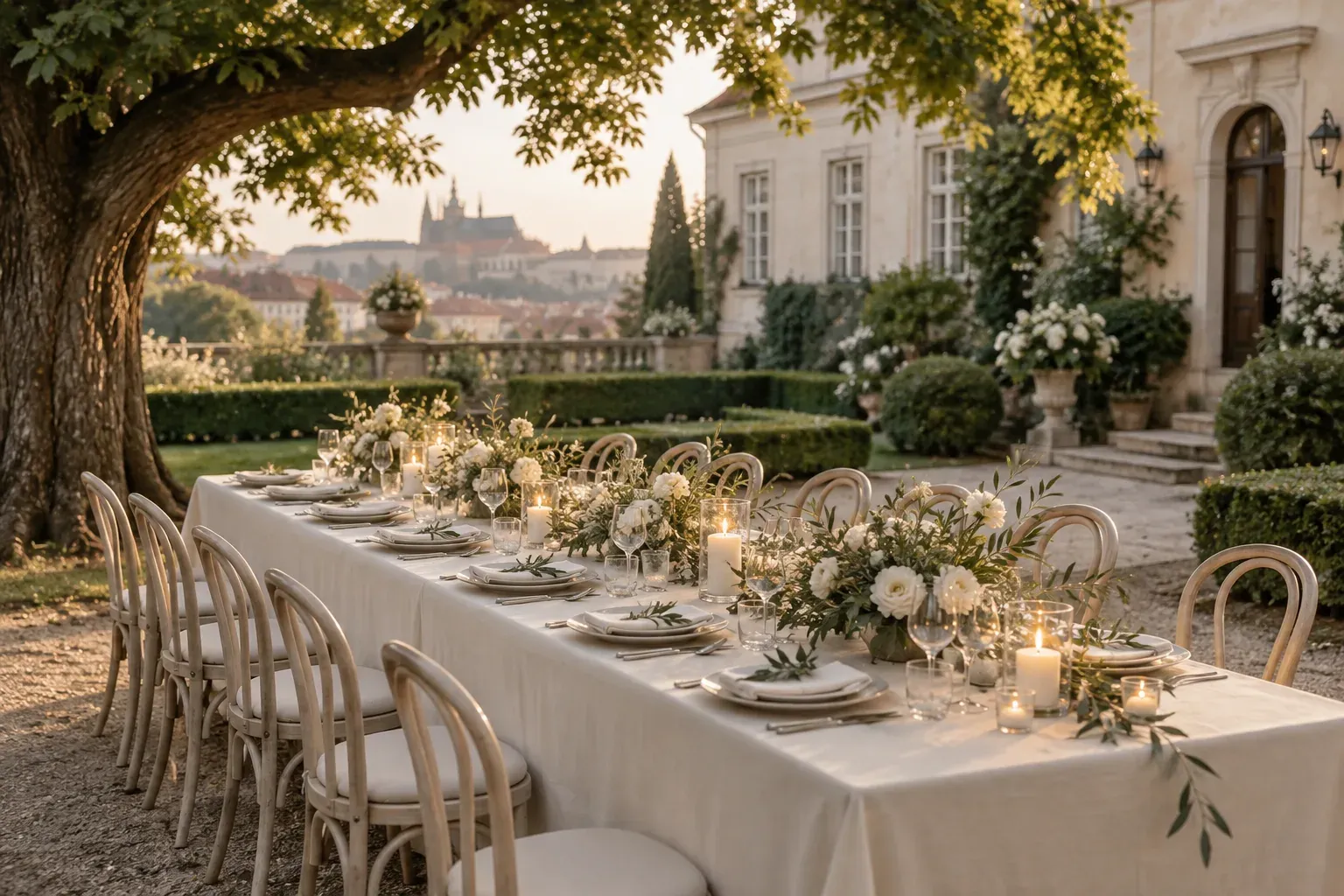
Saturday, 12 June 2027
Anna & Petr
Villa Richter, Prague
The day
A slow start. A long celebration.
Arrivals and a garden welcome
Ceremony beneath the chestnut trees
Long-table lunch and toasts
First dance, then a very late evening
A made-up wedding, for illustration. Open the whole site
An RSVP form that counts replies
Guests say yes or no, add a plus one and tell you what they can't eat. Every reply lands in one list in your project, with the totals on top.
Guest replies
ExportComing
86
Can't come
9
Waiting
17
- Coming
Klára Nováková
Plus one: Jonas. Vegetarian
- Coming
Tomáš Beneš
No nuts, please
- Can't come
Aunt Eva
Back from Canada that week, so sorry
- Coming
Ondřej and Lucie
Bringing the little one, needs a high chair
Travel and where to stay
Directions, taxis and places to stay sit on one page with the venue, so guests can look them up instead of asking you.
Getting there
Villa Richter
Staré zámecké schody 6, Prague 1
- Tram
- 22 to Malostranská, then six minutes up the old castle steps.
- Taxi
- Drivers can drop you at the vineyard gate.
- Stay
- Rooms are held for guests at a hotel two streets away until 1 May.
A shared photo gallery
Guests add the pictures from their phones to the gallery. They wait for you first, and only the ones you approve show up on the site.
From guests
14 new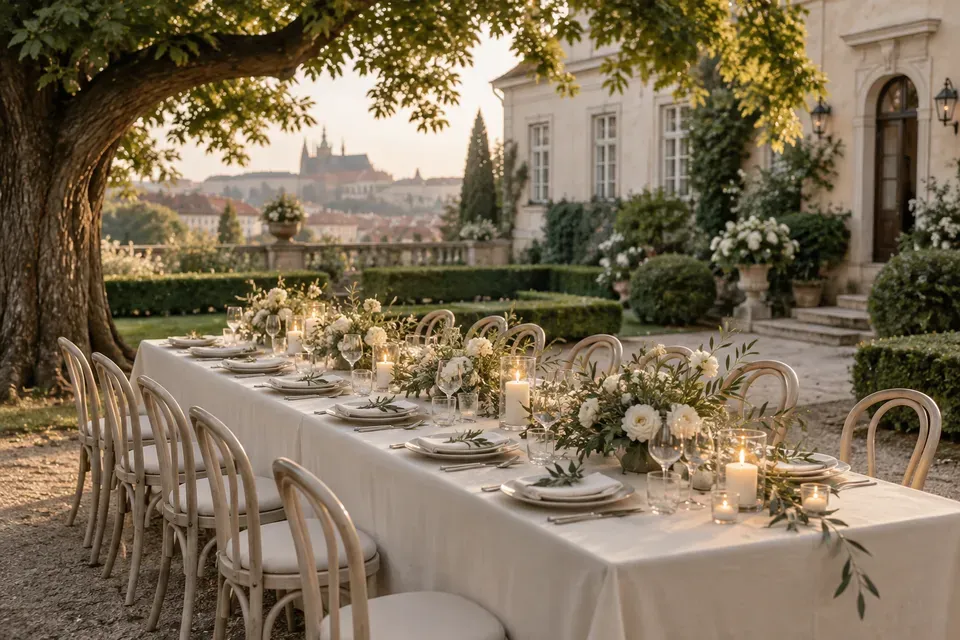
 +12
+12Shows on the site once you say yes
Approve allChange plans by chat
If the ceremony moves or you add a rain plan, say it in the chat and the page changes. The link everyone already has always shows the current plan.
The day
Saturday, 12 June
If it rains, the ceremony moves into the orangery. Same time, ten steps from the lawn.
- 13.30Arrivals and a garden welcome
- 14.3015.00Ceremony under the chestnut treesUpdated
- 16.30Long-table lunch and toasts
- 19.30First dance, then a very late evening
Questions couples ask
Fill in your names and date and sign in. The Macaly agent builds your site right away: invitation page, program, gallery, gift list and an RSVP form. You refine everything by chatting, then share one link with your guests.
Straight into your built-in database and your inbox. Every yes, no, plus-one and dietary note lands in one guest list you can export any time, so you never count replies by hand.
Yes. Guests add their photos to your gallery, so the pictures from every phone end up in one place. You approve what shows.
The site costs nothing to start. Put in your names, sign in or create a free account, and Macaly begins building. Guests open it on a free macaly.app subdomain. A custom domain with your names in it is on the paid plans.
Yes. Your names go on the invitation instead of a long link. Buy the domain directly in Macaly or connect one you own, and Macaly handles the setup, security included.
Any time up to the big day and after. New program point, new photo, menu change: edit by chatting with the agent, or click any text or photo and change it yourself.
Yes. Birthdays, baby showers, graduations and anniversaries work the same way: one link with program, gallery and RSVP.


Create your wedding website
Macaly publishes it to a free address when you are happy with it, and you can put your names on a domain of your own later.