Every site you build starts on secure ground


Macaly keeps the servers and the software behind your site up to date. A security check reviews your code and fixes what it can.
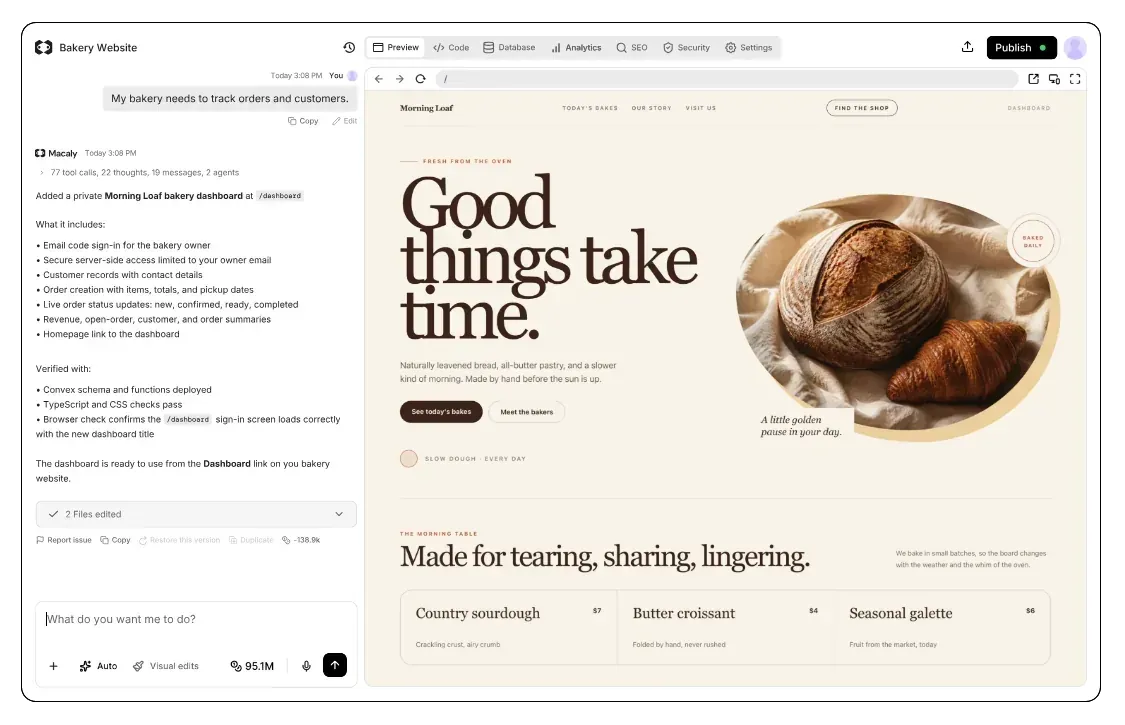
How do small websites get hacked?
Bots scan the whole internet for known weak spots, so a small site gets found as quickly as a big one.
Macaly looks after what every site shares: the servers, the secure connection, the database and security updates. For everything else, like who can see which data in your app, there's a free security check that reviews your site and fixes problems on the spot.
The usual weak spots


Make sure customers can only see their own orders


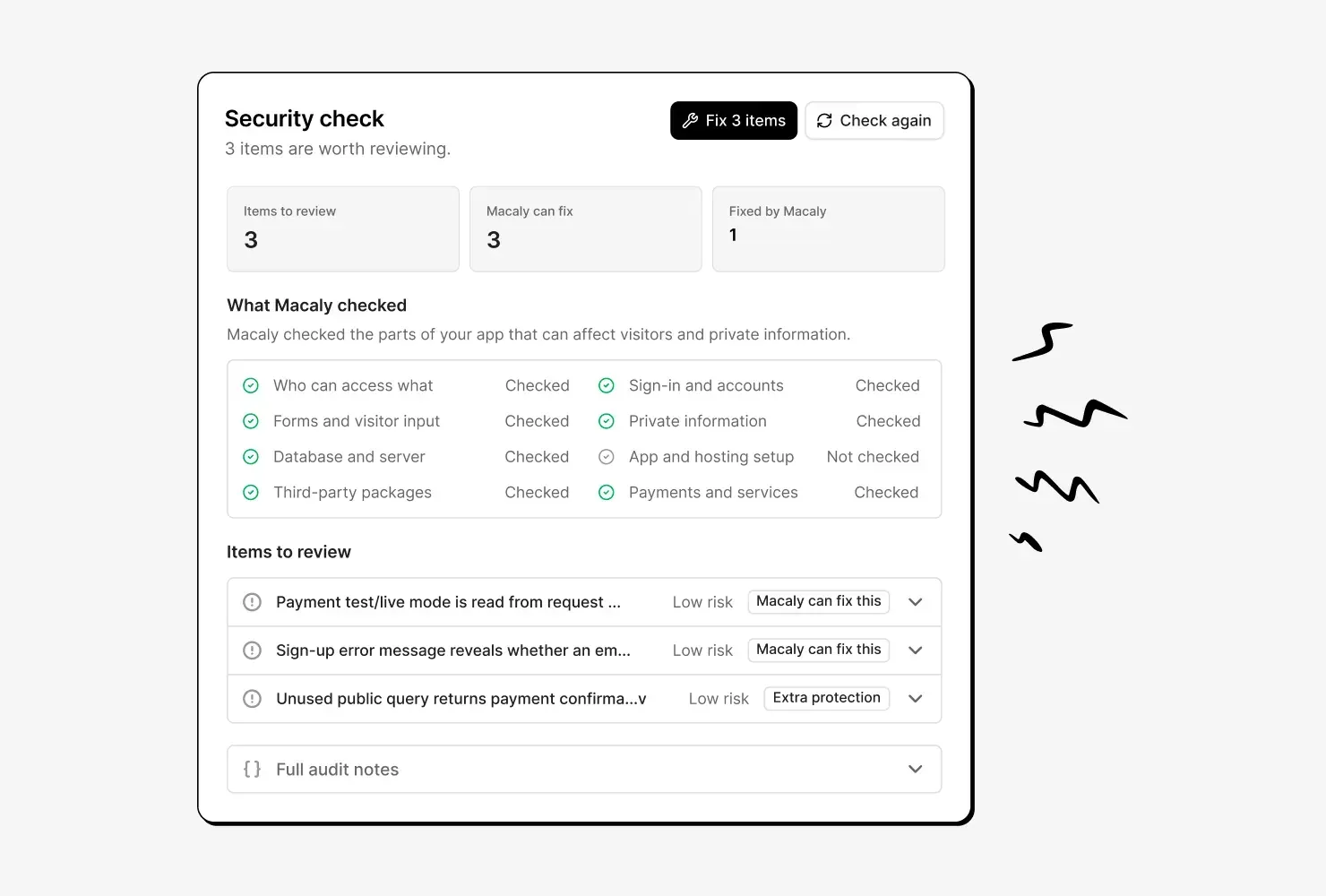
A security check you can actually read
Macaly reviews sign-in, forms, private data and who can see what, then explains each finding in plain words and fixes what it can.

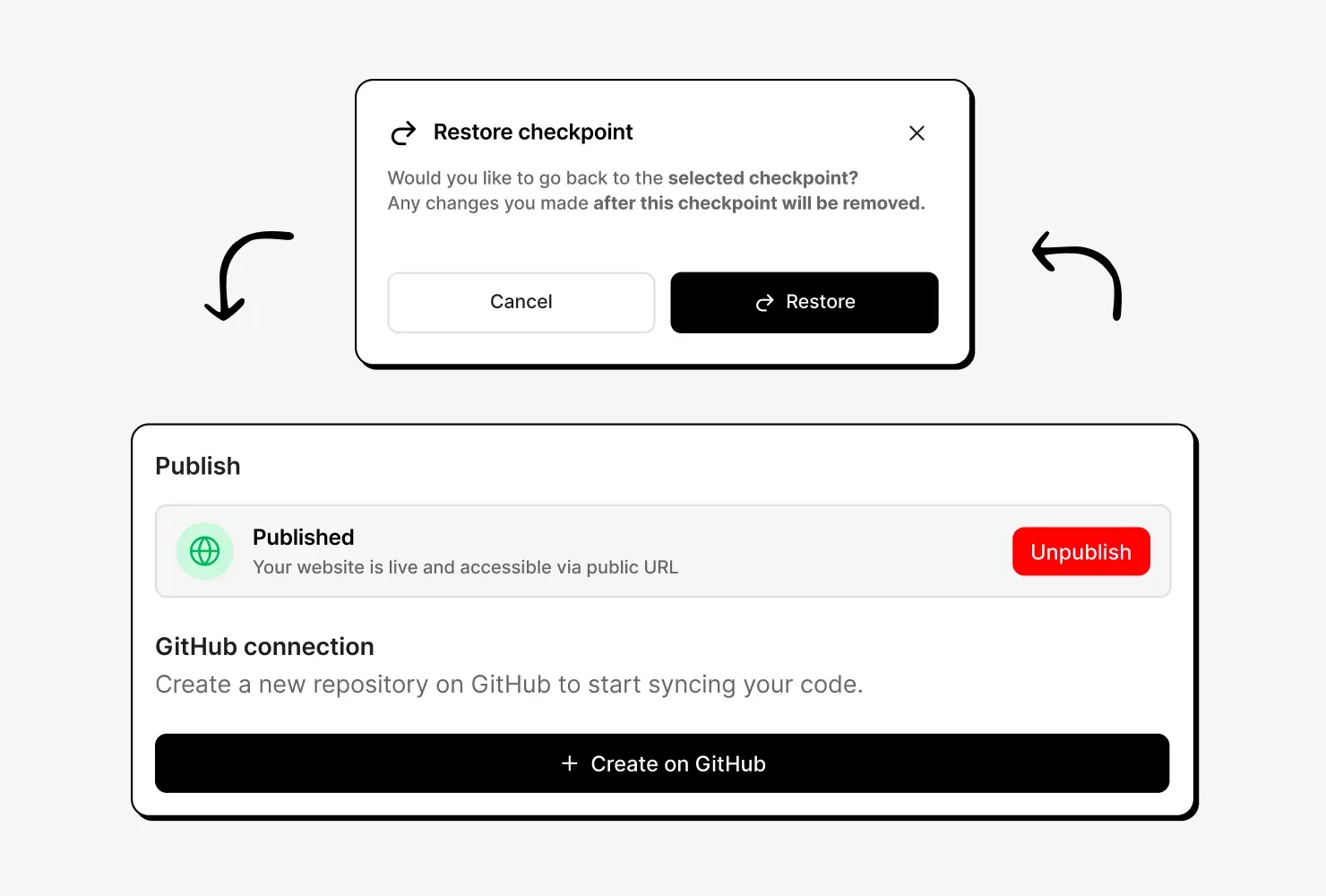
Undo a change that went wrong
Macaly saves a version each time the agent finishes a change, so you can go back to an earlier one. You can also export your database at any time.

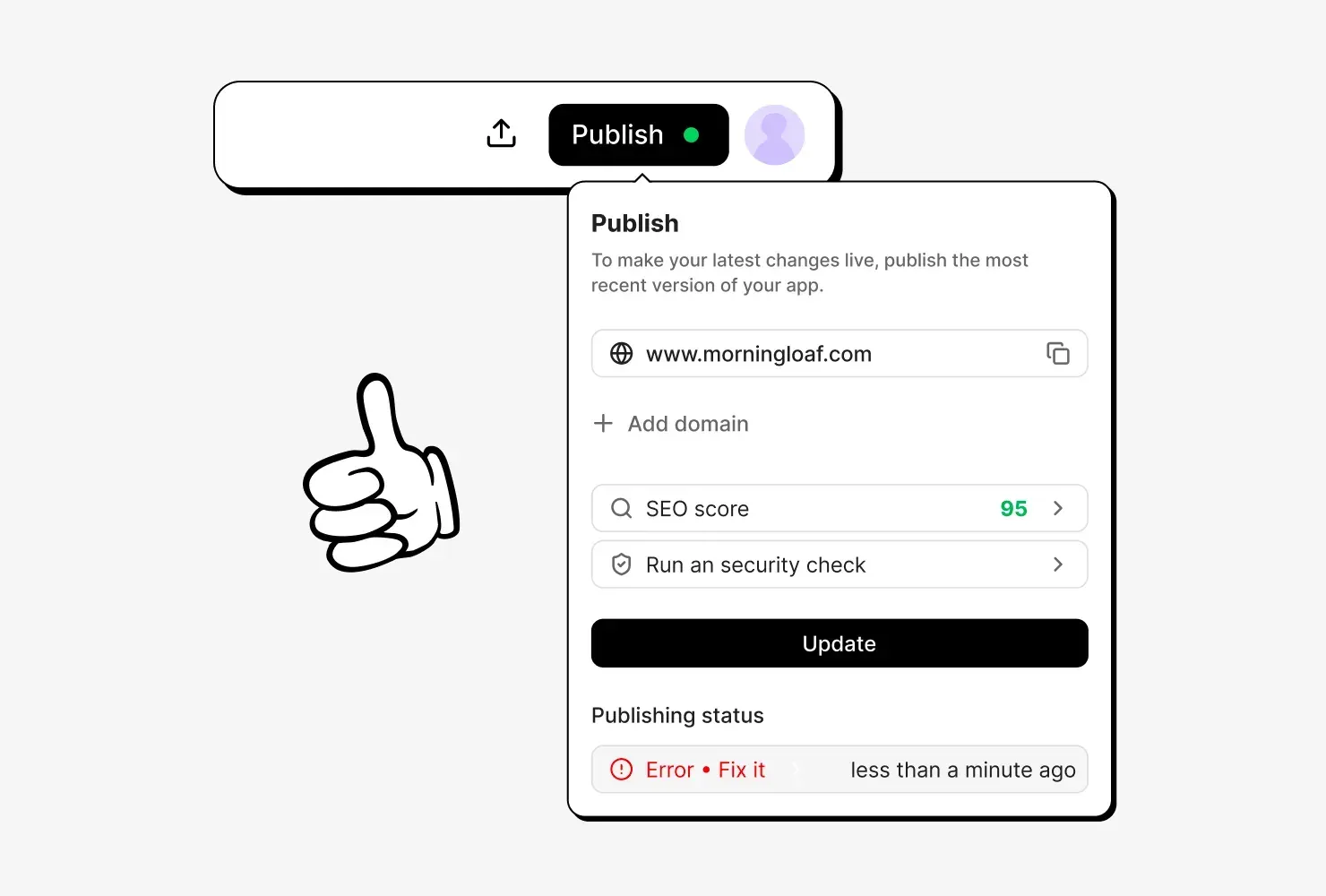
Your site's software stays up to date
Macaly rolls out security updates as they come out. If a critical flaw affects your project, publishing waits until you click Fix it now.

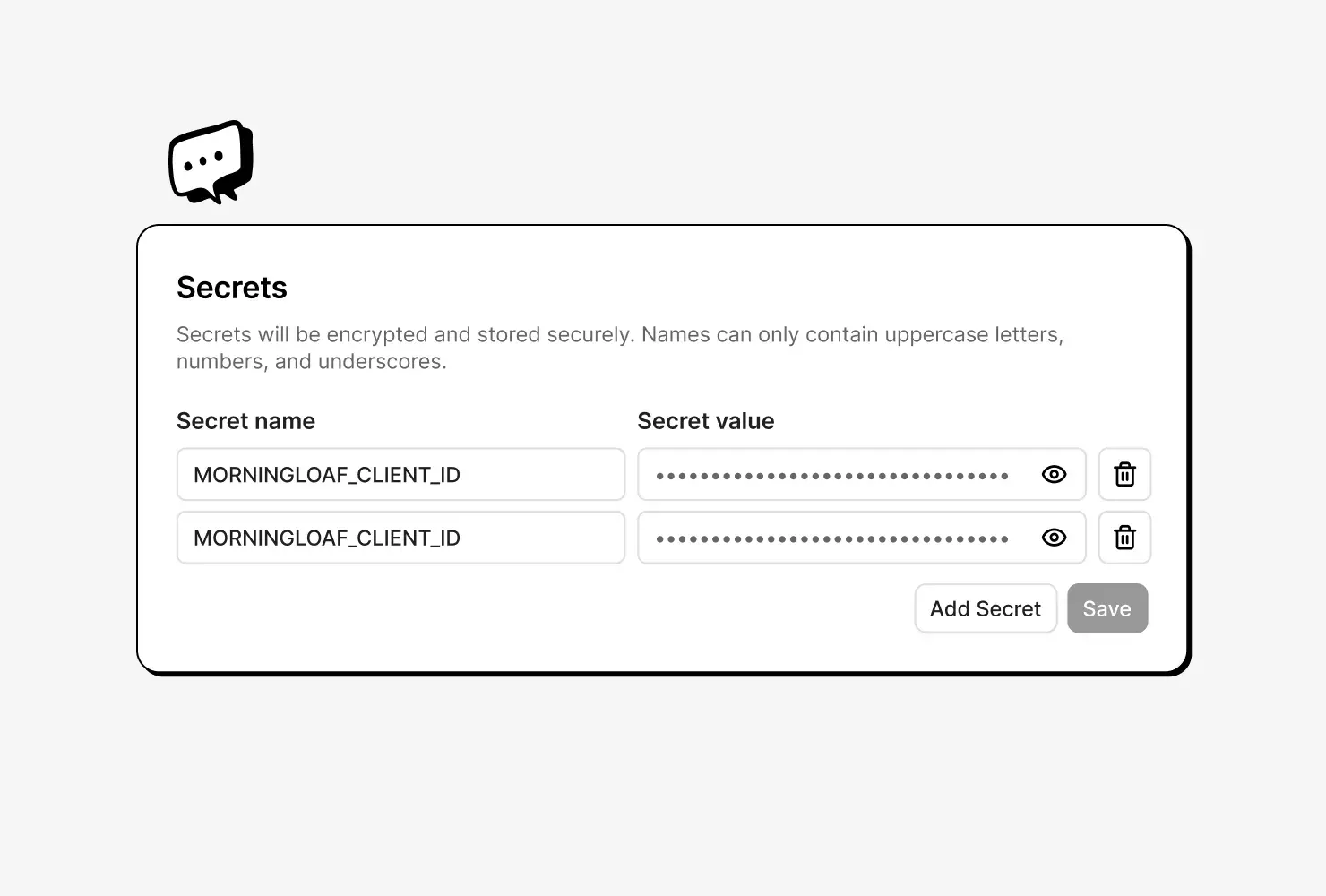
Your API keys stay on the server
Save a key for a service such as Mailchimp in the Secrets tab. The agent uses it only on the server, so visitors never see it in your pages.

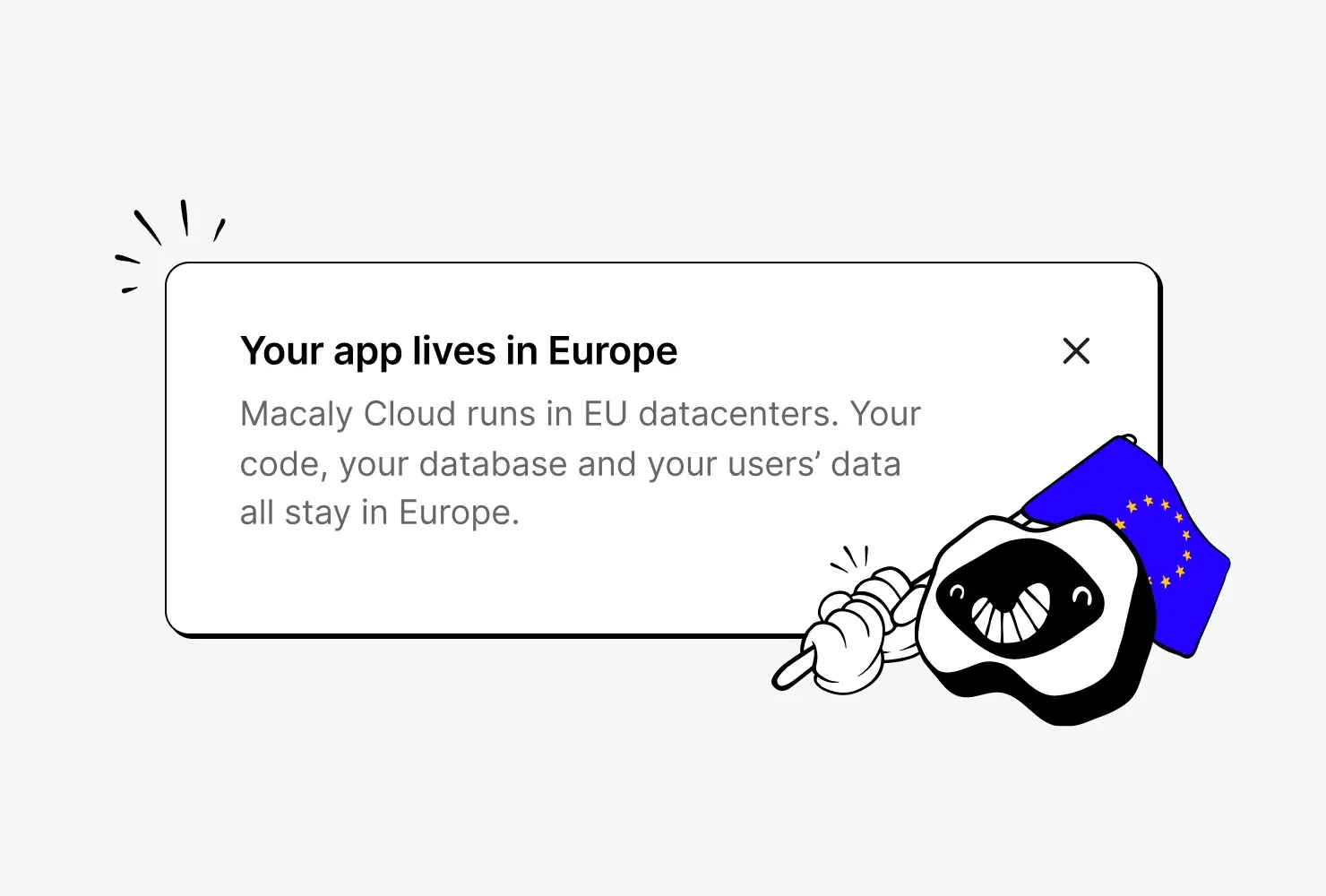
Your site runs on servers in the EU
Your site is hosted in Frankfurt, new projects keep their database in Ireland, and data is encrypted both when stored and when sent.
Securing a site, before and after
Security anywhere else
- Setting up a secure connection and keeping it renewed
- Watching for flaws in your software and patching them
- Keeping API keys on a server, away from the browser
- Setting up protection against attack traffic and bots
- Keeping backups in case a change goes wrong
- Paying someone to review your code for security holes
Security in Macaly
- Clicking the Check my app button before you launch
Frequently asked questions
Yes, every published site gets a secure connection, each project has its own database, and security updates roll out to all projects. What each visitor can see depends on how the site is built, which is what the security check reviews.
The security check reads your site's code and looks for problems such as one user seeing another user's data, keys anyone can find or weak sign-in. It explains each finding in plain words, and the agent can then fix it. You start it with the Check my app button, and it takes up to 30 minutes.
Yes, the first security check in each project is free, and so are the fixes it suggests. Later checks and their fixes use credits. The security check is available on every plan.
The security check finds common problems and helps fix them, though no automated review can promise that a site is completely secure. It is an AI-assisted review of your site's code rather than a penetration test or a security certification.
Published sites are hosted in the EU, on servers in Frankfurt, Germany, and new projects get their database in Ireland. Every site has a secure connection, and the hosting and database providers encrypt the data they store.
Yes, the data processing agreement under Article 28 of the GDPR is part of the terms of service. It covers the personal data your site collects, with Macaly as a processor, or a sub-processor when you build for a client.
Yes, card payments go through a payment provider such as Stripe, which handles card details on its own servers. Macaly itself doesn't store or process card data, so card numbers never need to go into your site's database.
Yes, a new version of the project is saved every time the agent finishes a change, and you can restore any earlier one. Restoring changes the site itself, not the data stored in it, such as orders or sign-ups, so export the database before big changes.