Google Maps to Website
Paste your Google Maps link. Sign in, and the Macaly agent builds a site out of what your listing already shows: your photos, your hours, your reviews, your address on a map.
Starting is free, and publishing on a macaly.app address is free too.







How it works
You paste a link, then watch the site being built in the editor.
Step 1
Paste the link
Open your business on Google Maps, tap Share, and copy the link. That link is all the agent needs to find the listing.
Step 2
Sign in and watch it build
You land in the Macaly builder with the request already sent. The agent reads the public listing and writes the pages in front of you.
Step 3
Say what to change, then publish
Tell it what to fix in plain words, or click the text on the page and edit it. When you like it, publish it on a macaly.app address or your own domain.
What goes on your website
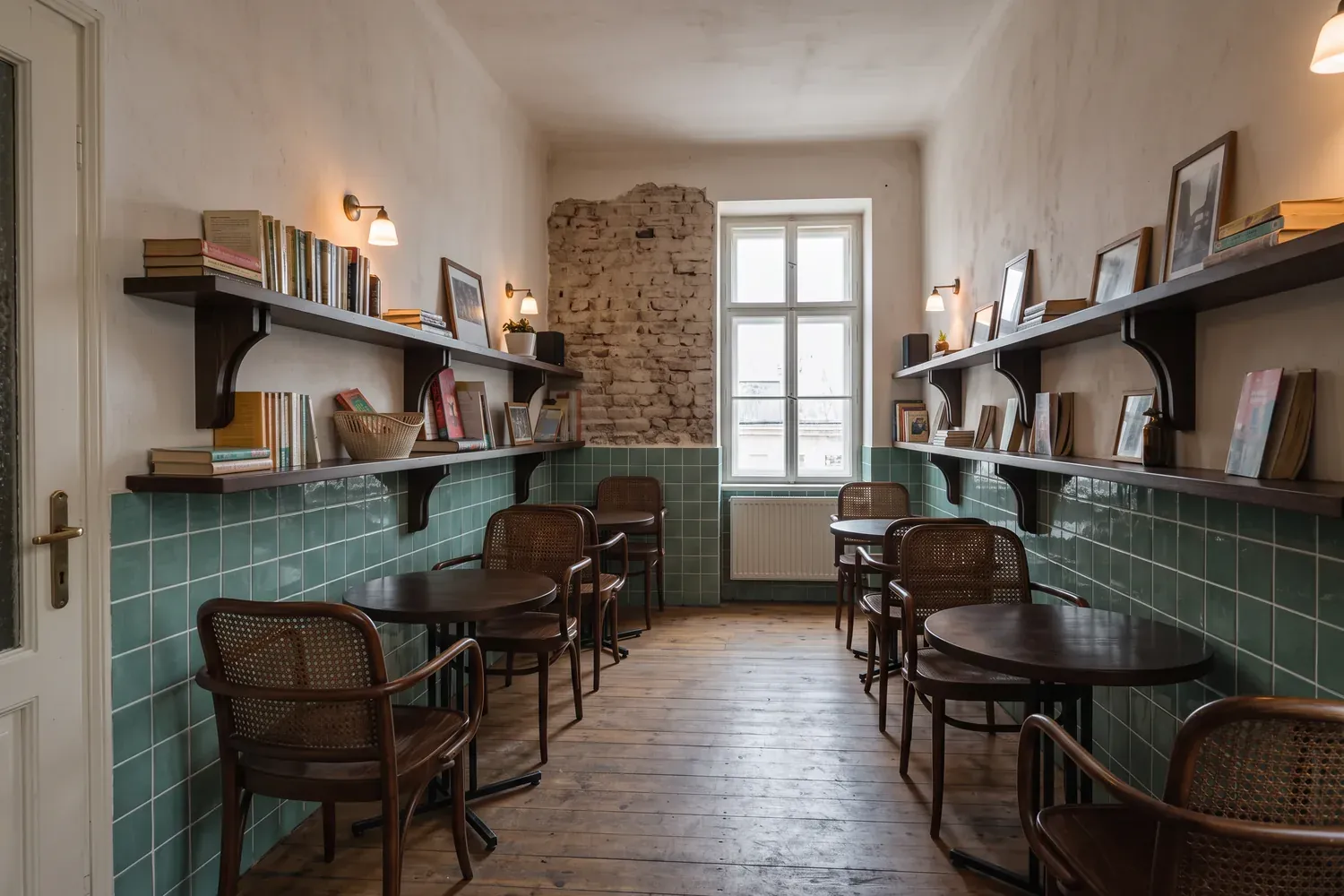
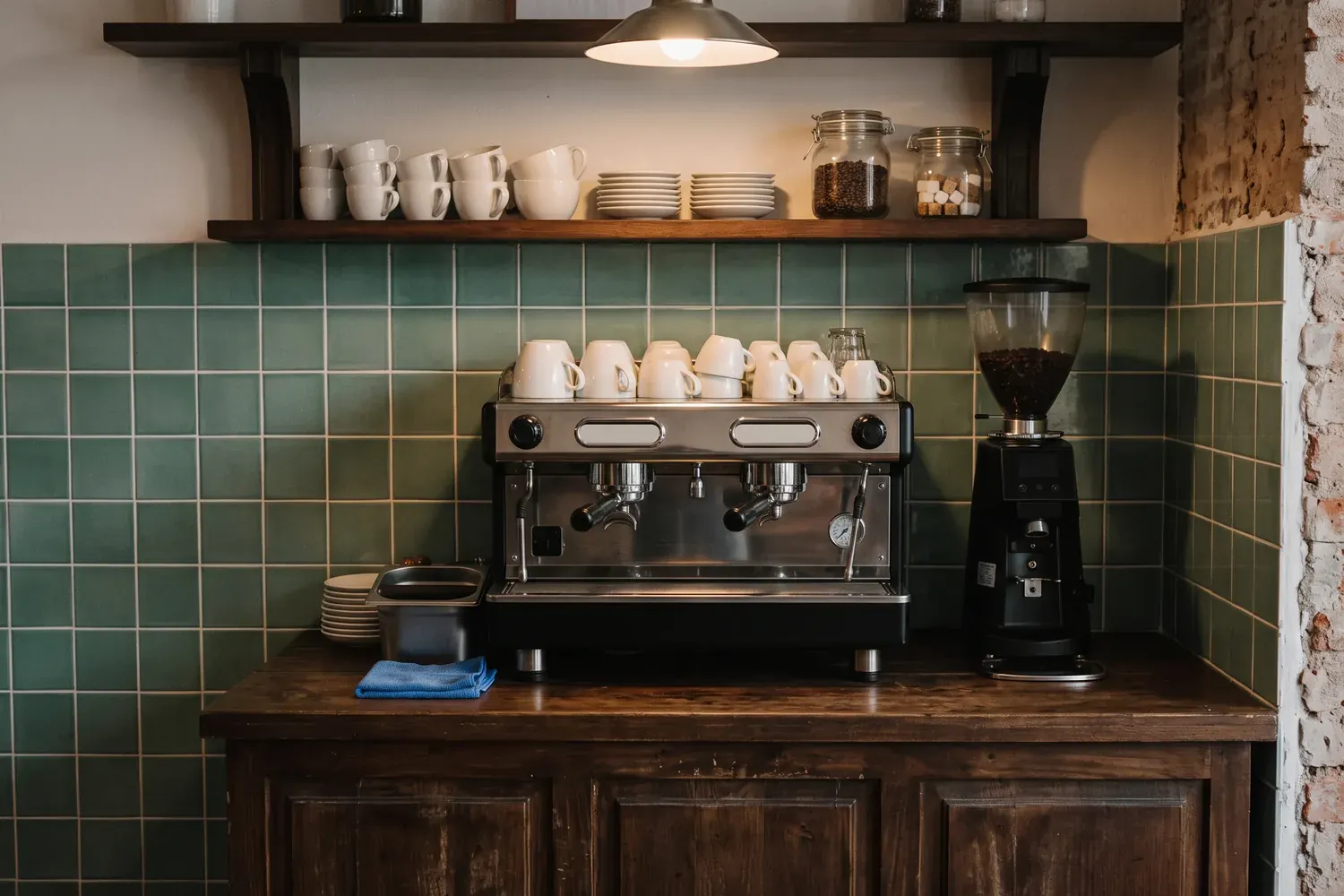
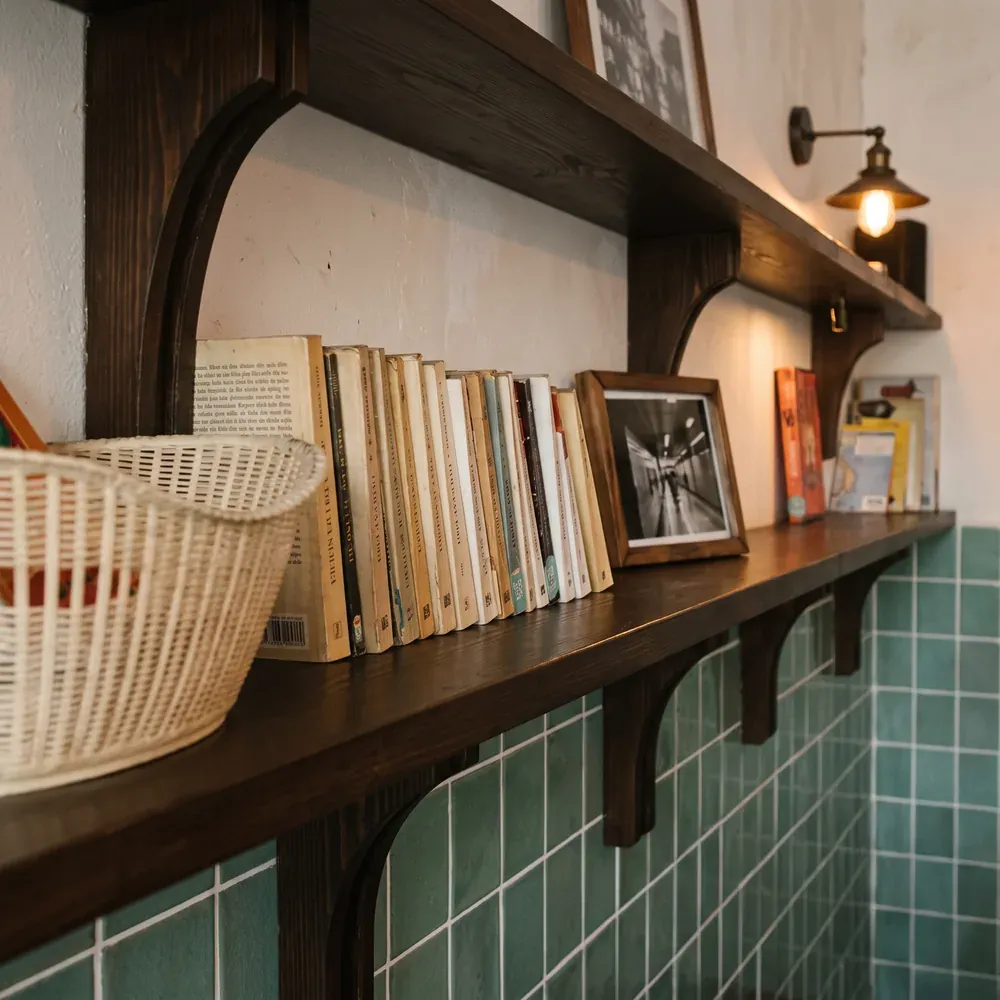
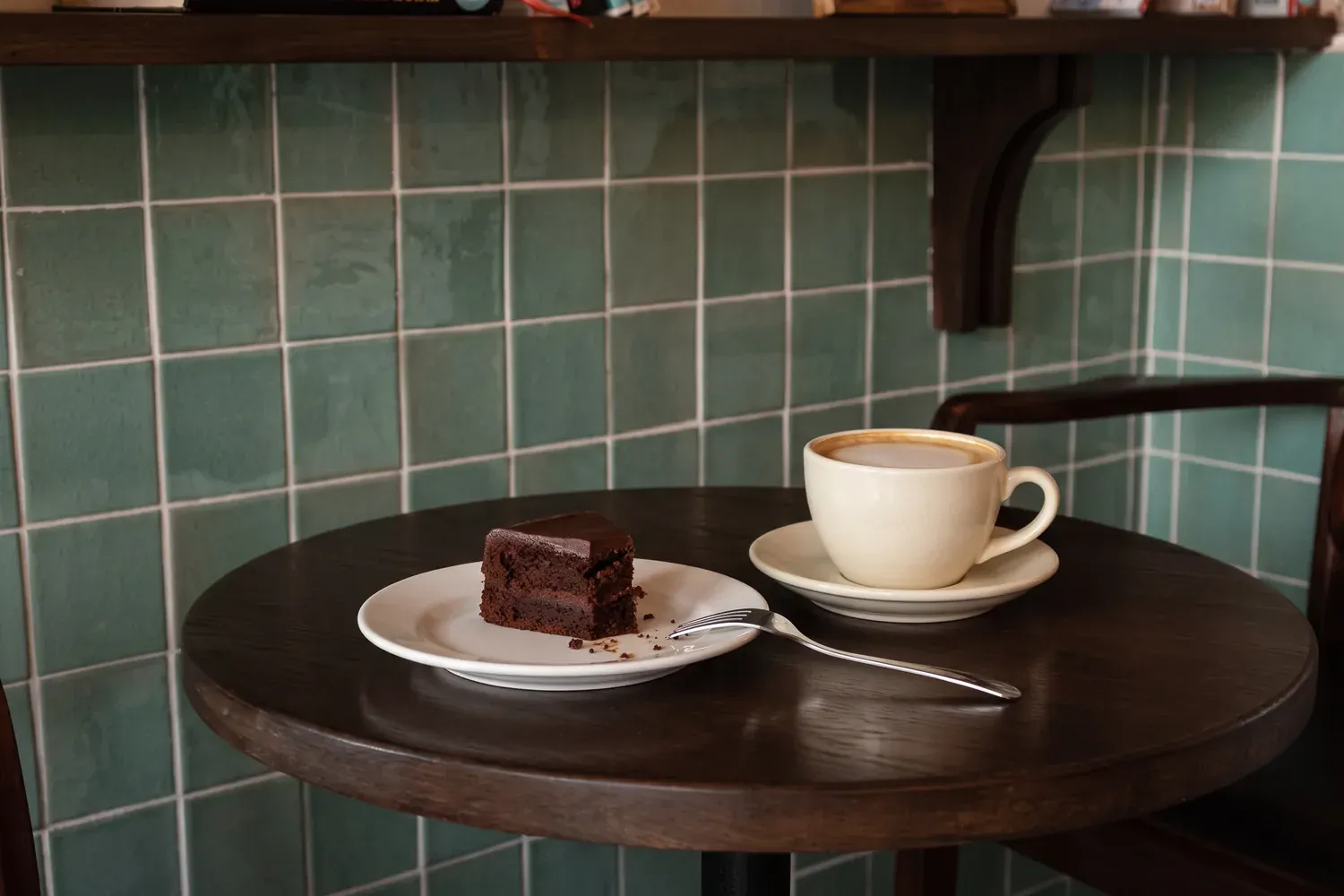
Every screen below is a real part of the Dusk site above. The card beside it is the piece of the listing it came from.
Your photos in a full gallery
On Maps they are thumbnails you swipe through, in whatever order Google feels like. On your site they are a gallery, at full size, in the order you want them.
Your reviews on your own site
The rating and the reviews from your listing become a wall on the site, still credited to Google. Someone who lands on your page sees the proof without leaving it.
Opening hours, address and phone
The three lines Maps shows become an opening-hours table with a live open badge, a map with directions, and a number that dials when it is tapped.
A contact form, and bookings if you ask
A listing has four buttons and none of them takes a booking. The first build gives your site a contact form. Want reservations? Ask the agent in the chat and it adds a booking form that saves to your project's database.
What a website adds to your listing
Your Google Maps listing is how people find you, and it stays exactly as it is. The website sits next to it, on an address you own.
Your listing stays as it is. Macaly doesn't edit it or write anything back to Google.
Bought here or connected from your registrar, certificate included
Your own web address
Pay with card
Deposits paid to your account
Visitor analytics
Closed on Monday this week
Done, the hours say closed Monday and back Tuesday at 7:30
Changes by chat message
Who it's for
The same agent writes a different page depending on what you do.
Cafes
A menu with prices people can read before they walk in, and photos of the actual room.
Restaurants
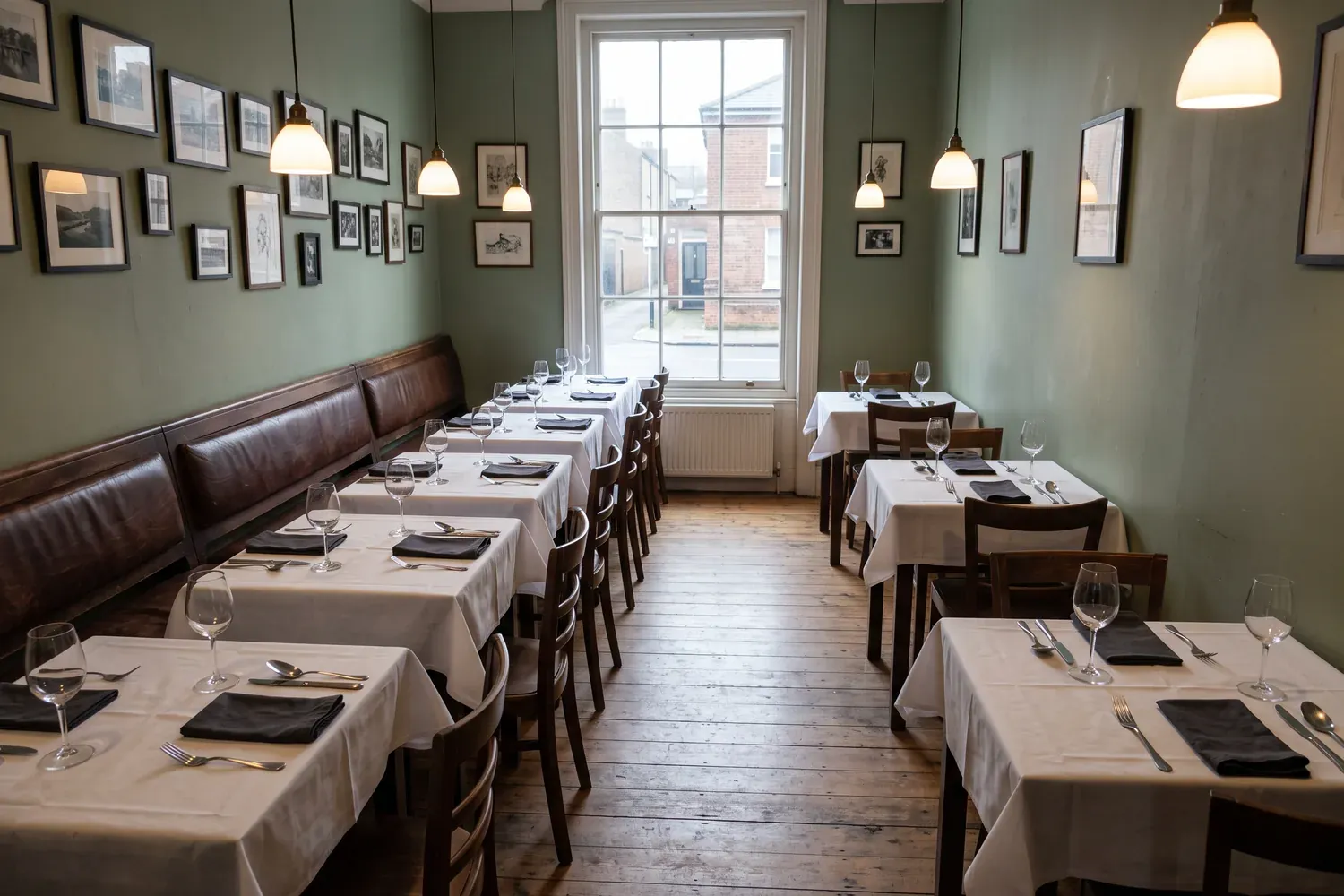
The menu, what is on today, and a table booking that does not go through anyone else.
Salons and barbers
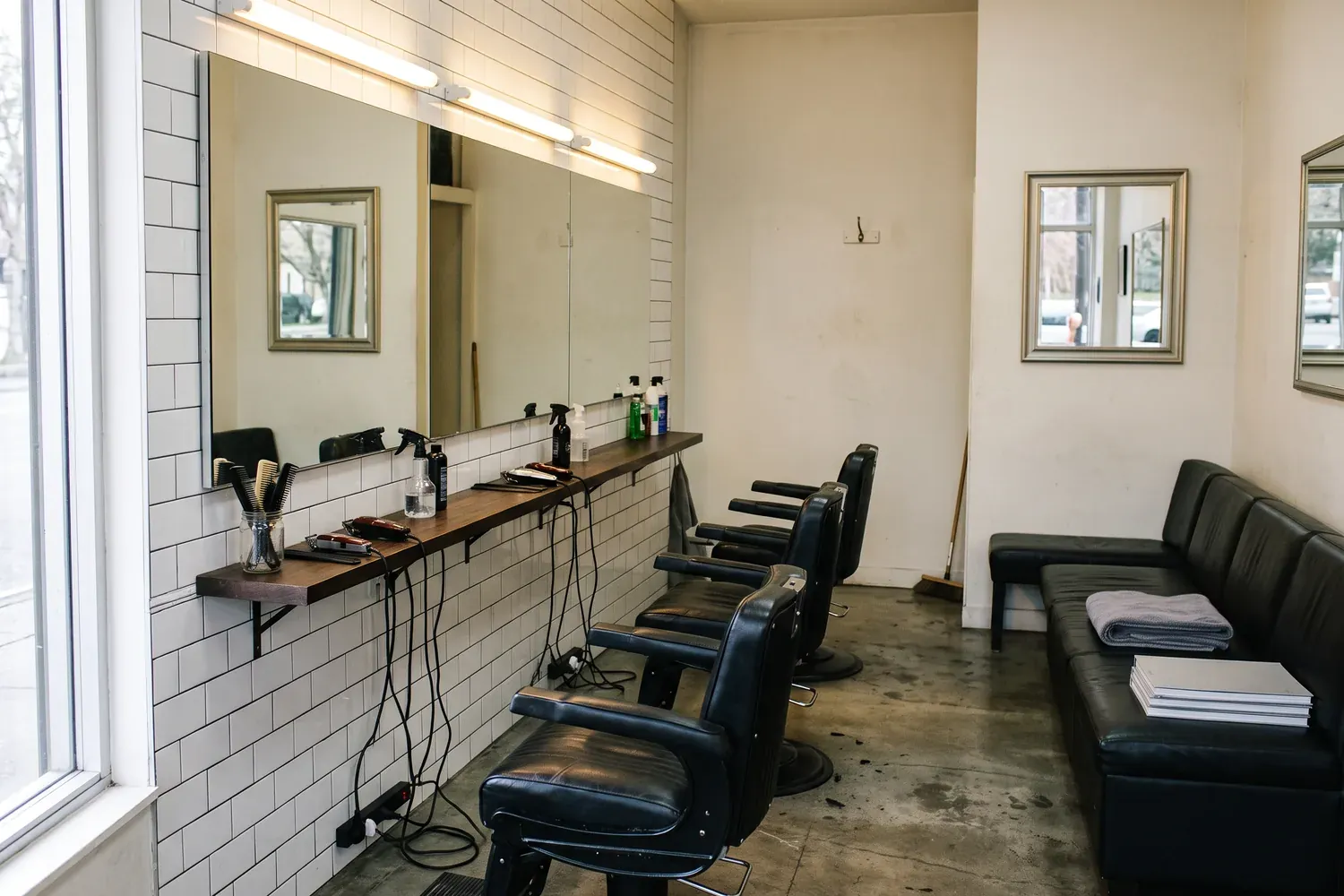
A price per service, who does what, and a slot people can ask for at midnight.
Rooms and rentals
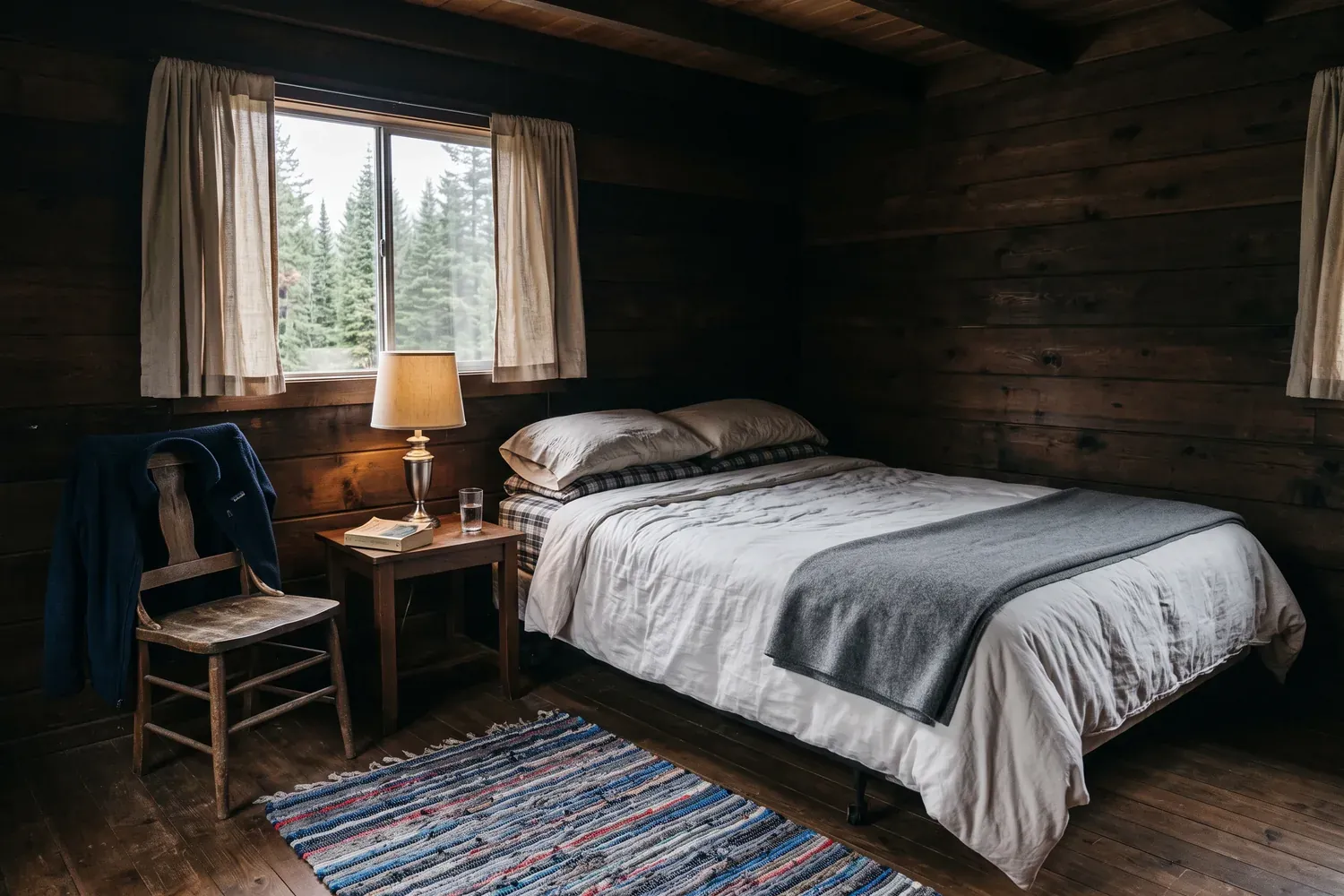
The rooms, the photos, and a direct enquiry that costs you no commission.

Gyms and studios
This week's schedule, who teaches it, and a sign-up for a first class.
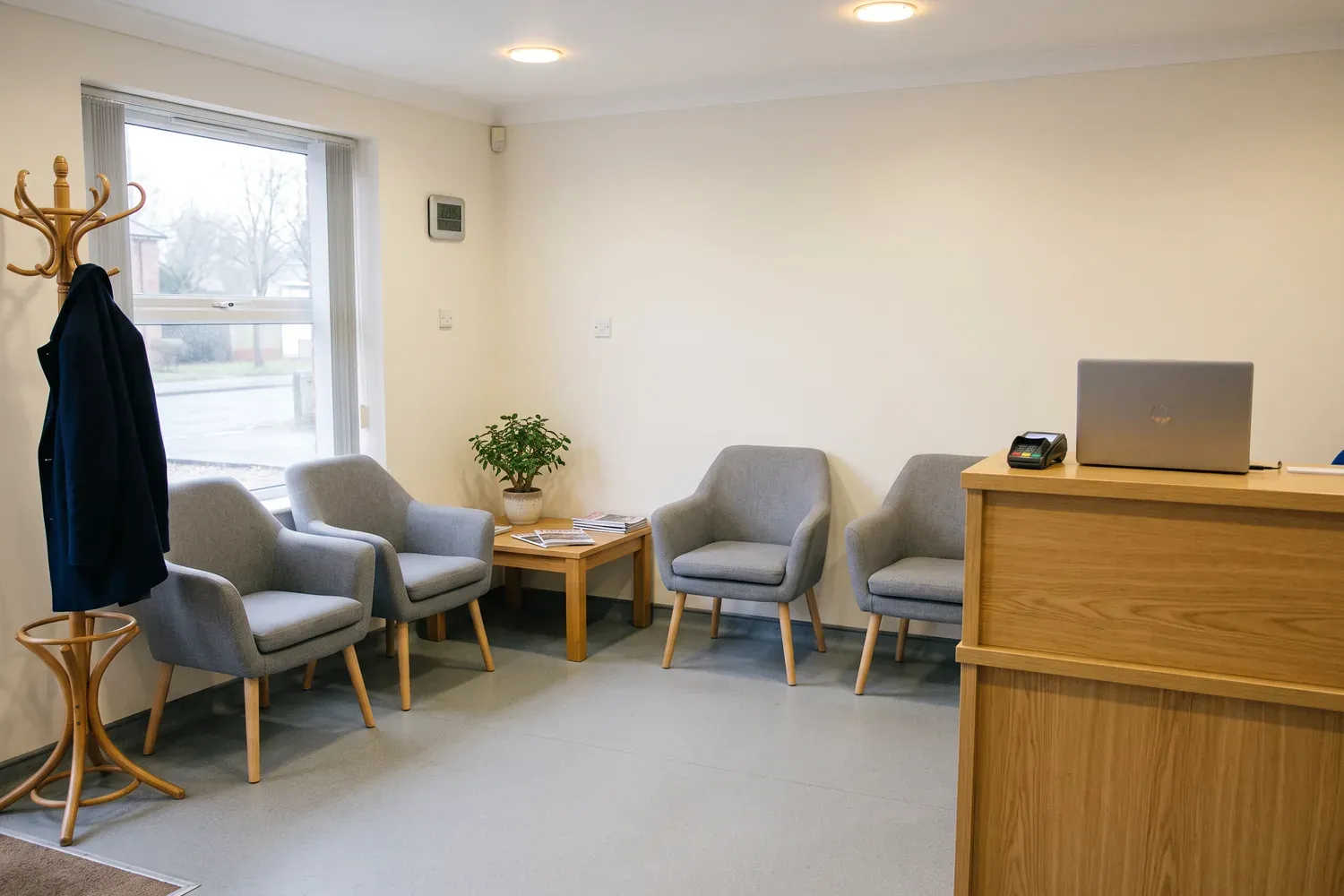
Doctors and dentists
Hours, how to get there, and a form for new patients who would rather not call.
Questions people ask
Common questions before you start.
No. Your listing stays exactly as it is and nothing is written back to Google. The site is a separate thing on its own address, and the two sit side by side: people find you on Maps, then land on a site that is yours.
The public part anyone can already see when they tap your pin: business name, category, address, phone, opening hours, photos, rating and reviews. The agent reads that and writes the pages around it.
It still works. The agent builds the site from what is there and drafts the rest for you to correct in the builder. You can upload your own photos and tell it in a sentence what the place is like, which is usually faster than fixing the listing first.
Starting is free. You sign in, the agent builds the site, and you can publish it on a free macaly.app address. A custom domain and the larger plans cost money, and the pricing page has the numbers.
Yes. Connect a domain you already own from any registrar, or buy one inside Macaly. The DNS records are shown to you and the SSL certificate is handled for you.
Yes, and most of that work is yours. Tell the agent what to change in plain words, or click a piece of text or a photo on the page and edit it there. Every version is saved, so you can always go back.
Yes. The first build has a contact form, and when you want reservations you ask the agent for a booking form in the chat. Bookings and enquiries save to your project's built-in database and confirmations can go out by email. For deposits or paid services, connect Stripe and the money lands in your account.
Turn your Google Maps listing into a website
Paste the link, sign in, and watch the first version go up. Change anything you want before you publish.