If it has an API, Macaly can connect it


Ready-made integrations cover 30+ popular tools. For anything else, describe what should happen and the agent writes the connection.
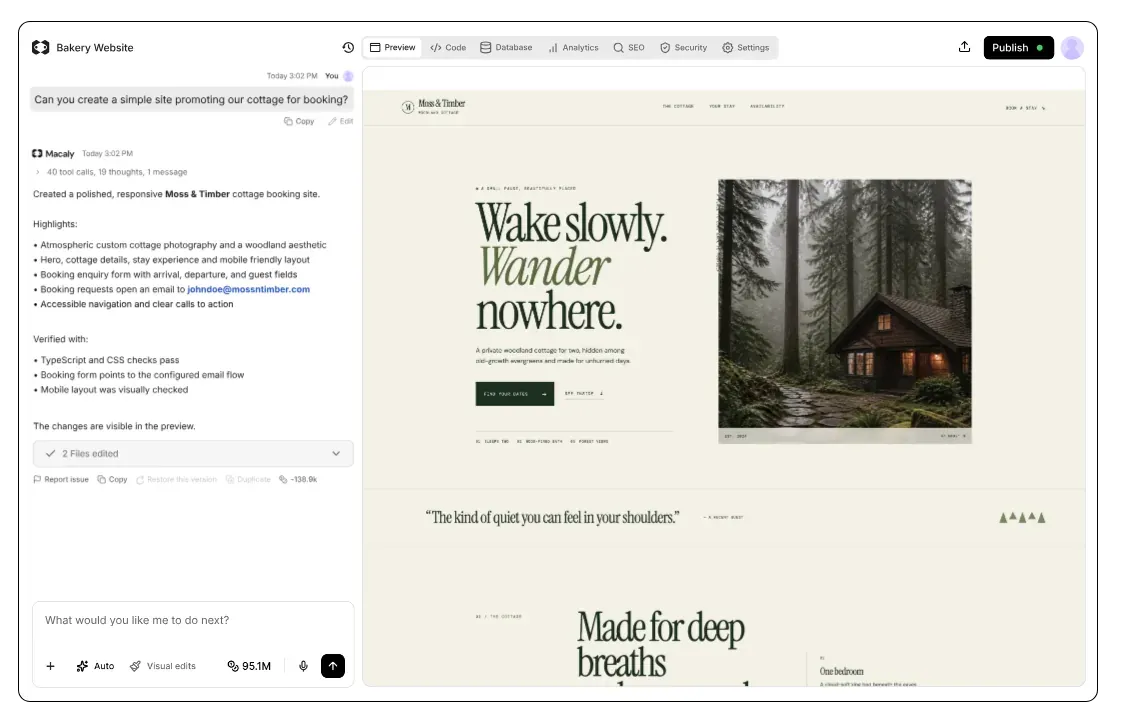
What an API is, and what it does for you
An API is how one piece of software talks to another. Your CRM has one, and so do accounting tools, booking platforms and the services that publish exchange rates.
Connected through an API, your website or app can send and receive data automatically, instead of someone copying it between tabs every morning.
Normally that means reading documentation, writing code and keeping API keys somewhere safe. In Macaly you describe the result in plain words, and the agent builds the connection.
What you can connect


When someone fills in the contact form, add them to our CRM as a new lead


Tell the agent what should happen
Name the service and the result you want. The agent asks about anything unclear, writes the code and sends a real request to check it works.
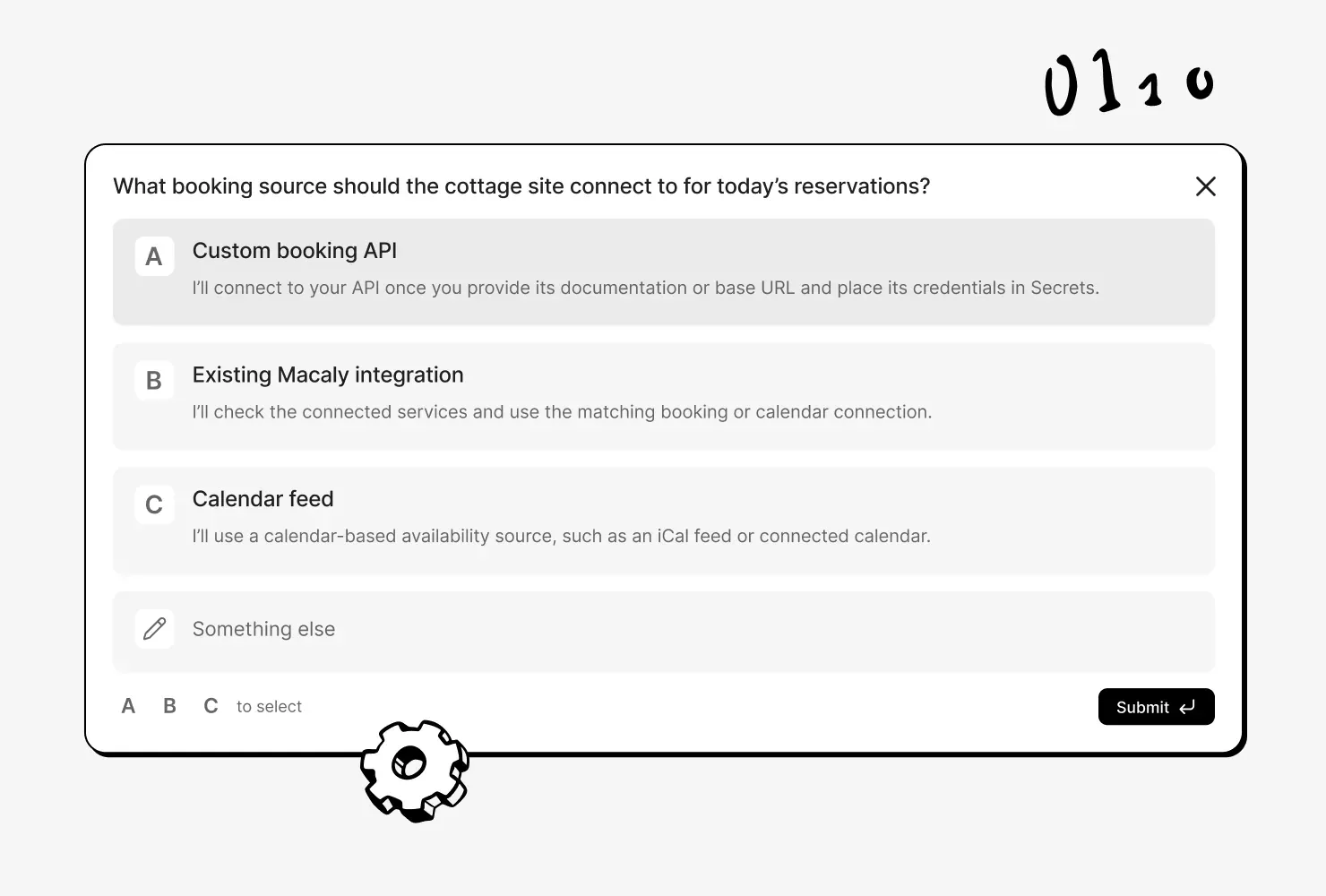

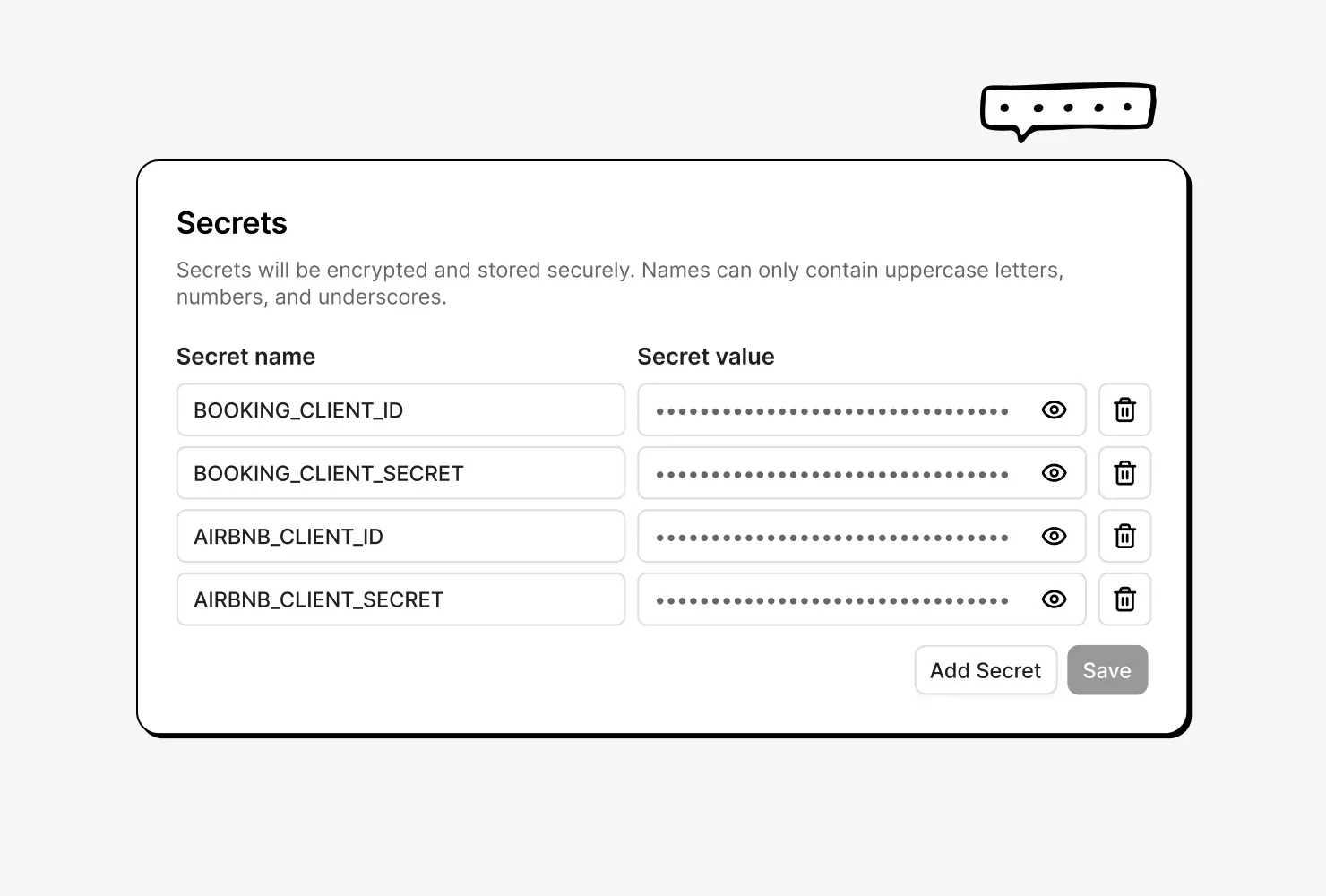
Add an API key once
If a service needs an API key, save it in the Secrets tab. It works in the preview and on the published site, and visitors never see it.

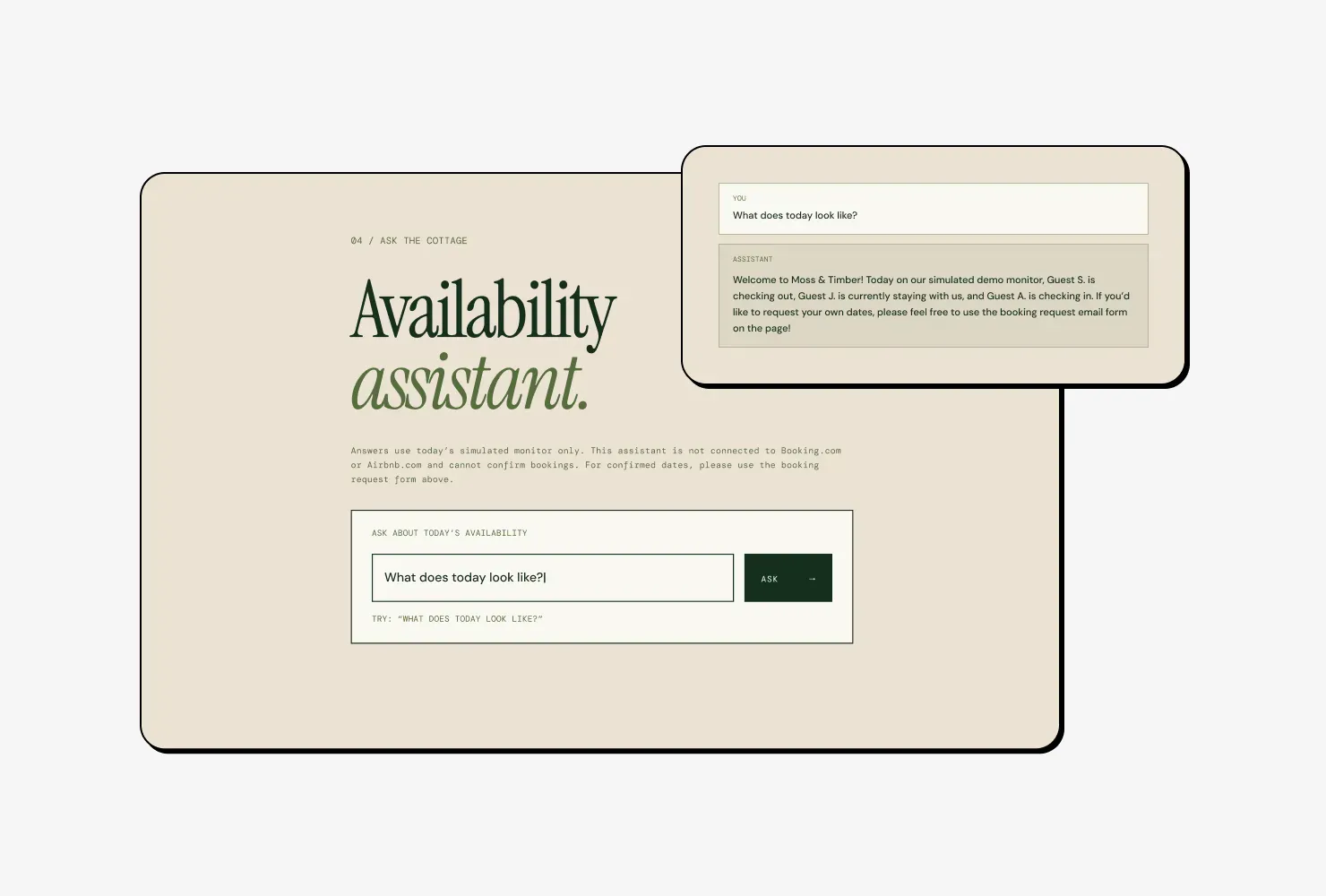
AI features, paid with your credits
Your site can answer questions, write text and create images through Macaly's AI, using your credits instead of an OpenAI or Google account.

Keep your site's data up to date
When something changes in another service, your site gets the update right away. It can also refresh data on a schedule or search the web.
Connecting an API, before and after
APIs anywhere else
- Reading the service's API documentation
- Writing the code that sends and receives data
- Keeping the API key safe on a server
- Testing the connection with real requests
- Setting up an address the service can send updates to
- Digging through error logs when something breaks
APIs in Macaly
- Describing what should happen, then adding a key
Frequently asked questions
Yes, if the service has an API. The agent reads the service's API documentation and writes the code that connects to it, using the key you add in Secrets.
You can connect an API without writing code. Describe in plain words what should happen, and the agent writes and tests the connection. If the service asks for an API key, get it from the service and save it in Secrets.
API keys go in the Secrets tab of your project settings. Save the key under a name such as MAILCHIMP_API_KEY instead of pasting it into the chat, and your site can use it in the preview and on the published site.
API keys saved in Secrets are used by your site's server, which visitors can't open. The agent keeps them out of the code that runs in visitors' browsers, so the keys stay hidden.
A website built with Macaly can write text, answer questions and create images without a separate AI account. Each use is paid with credits from your workspace.
Yes, a project with a database can get a permanent backend address in the form yourapp.api.macaly.app, and services such as Stripe can send webhooks to it. The agent usually sets it up with the database, and the address stays the same when you connect your own domain.
If a connection stops working after a service changes its API, tell the agent. It reads your live site's error logs and updates the code. Macaly doesn't watch other services for changes on its own.