Your app gets a database the moment it needs one
 Your app gets a database the moment it needs one
Tell the agent what your app should remember, and it creates the database, the tables, and the forms that feed them.

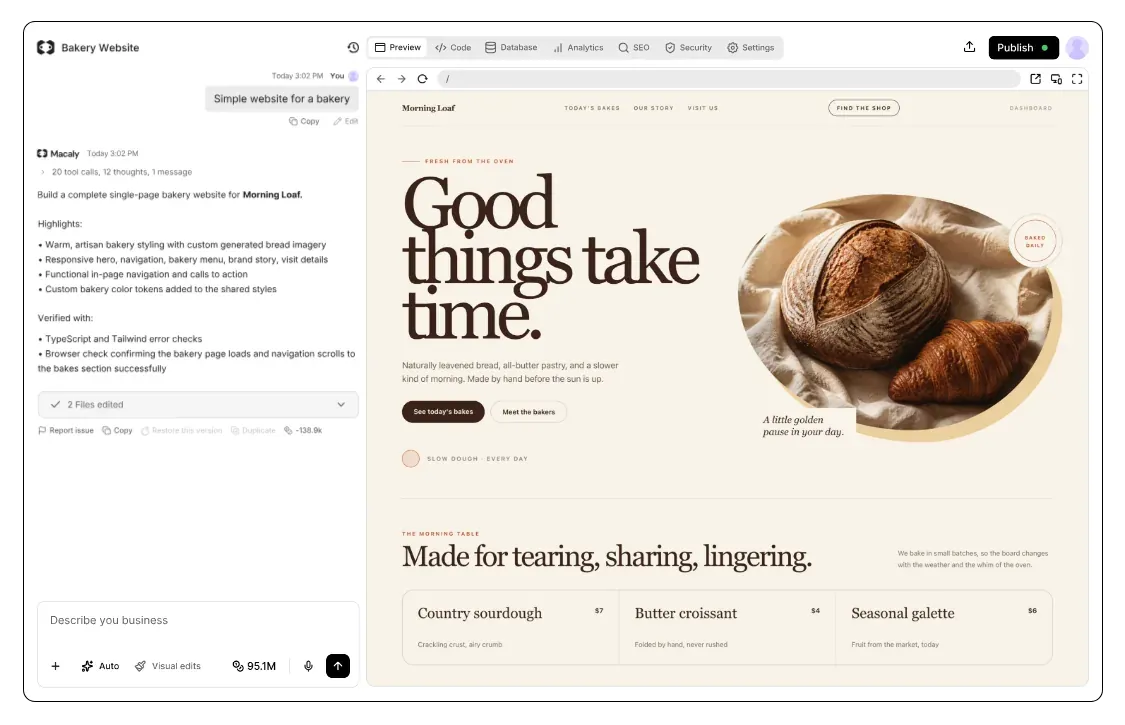
How does the database work in Macaly?
Think of it as the spreadsheet behind your app. Every customer, order, or booking is a row, and everything you know about it is a column.
A website shows things. An app also remembers them: who signed up, what they ordered, which slots are still free. That memory is the database. Every Macaly project has one, built the moment you ask the agent to keep track of something.
What people usually keep in it


My bakery needs to track orders and customers


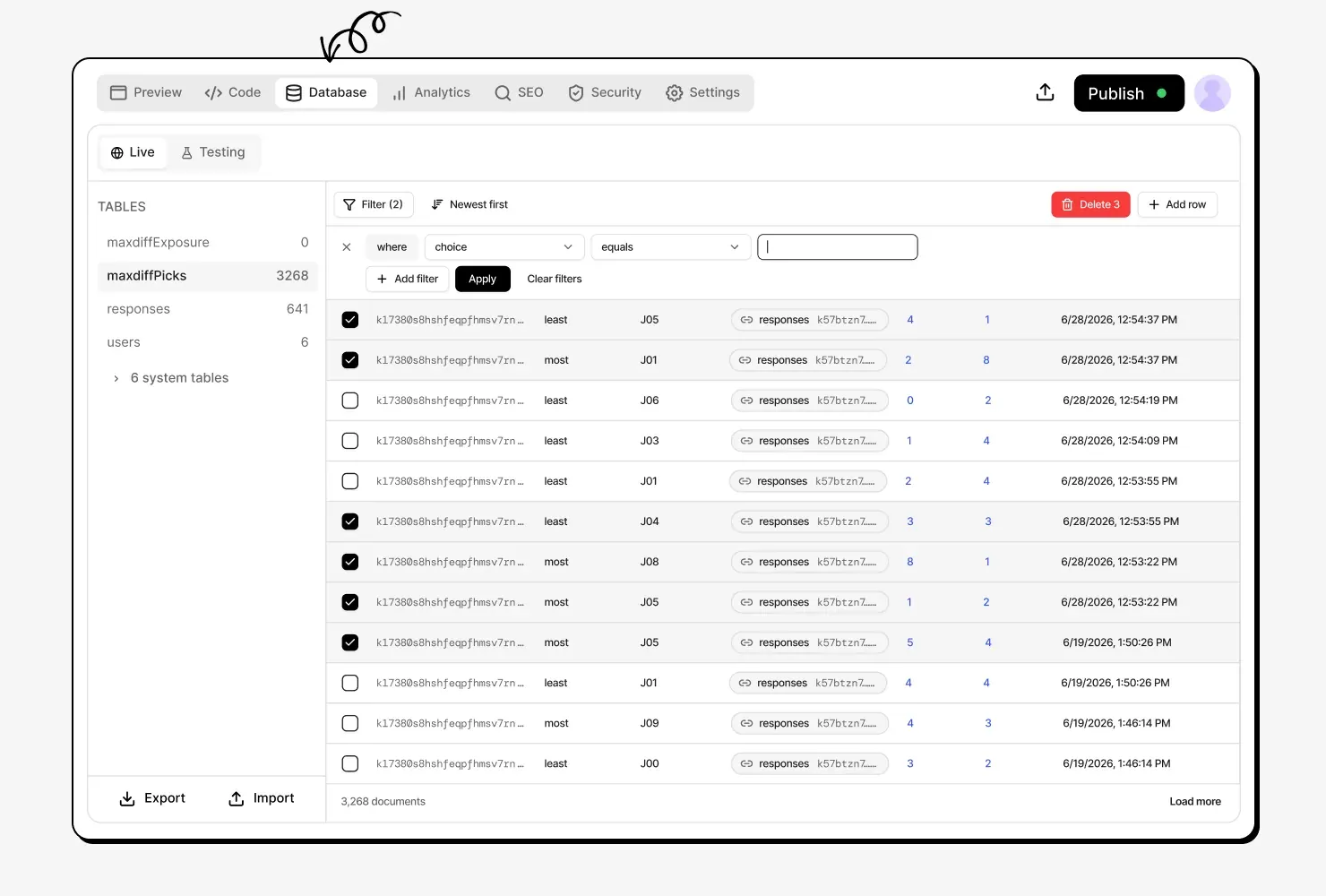
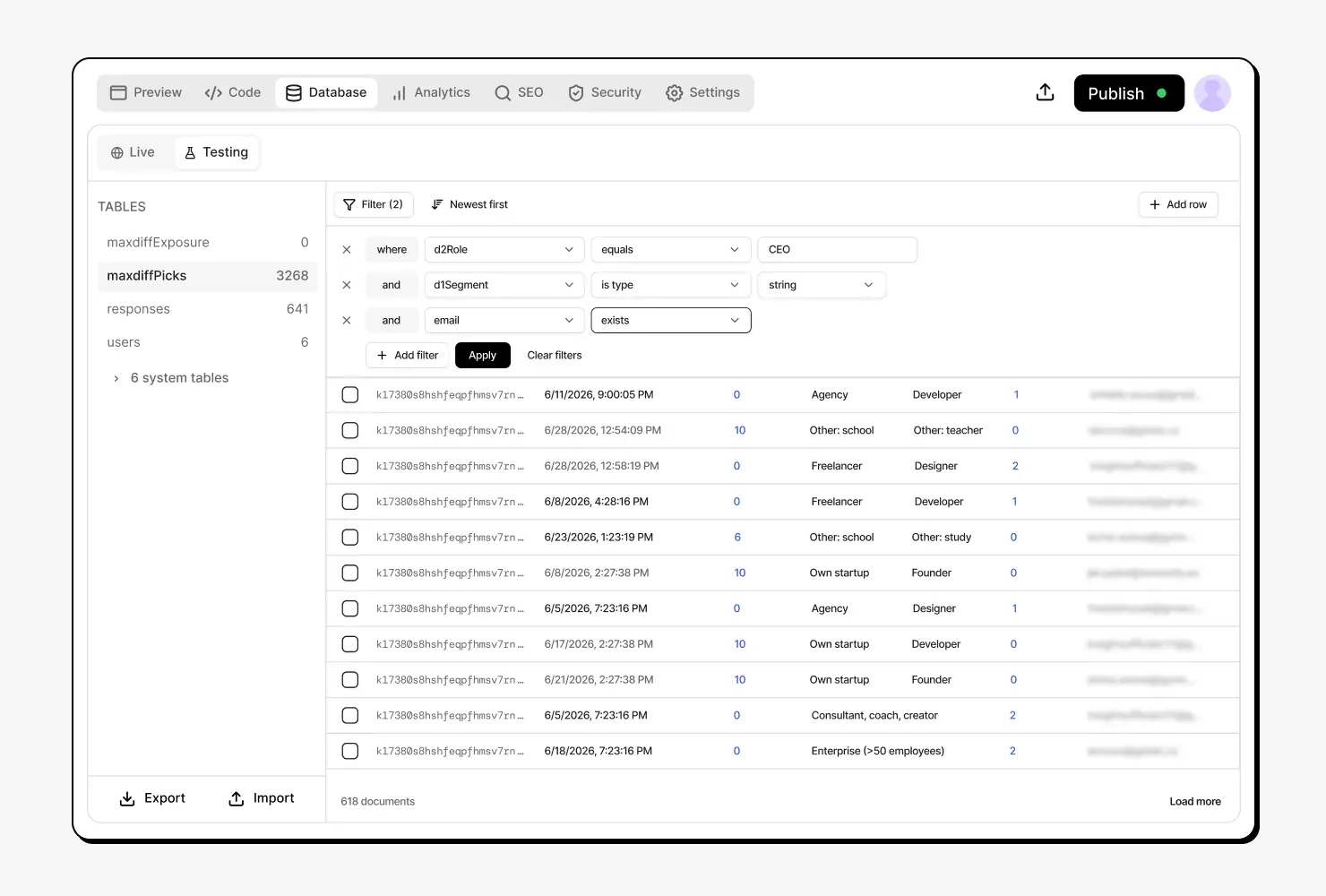
See what your app has saved
It shows the customers, orders, or bookings your app has saved. Filter and sort them, or correct a wrong value right there.

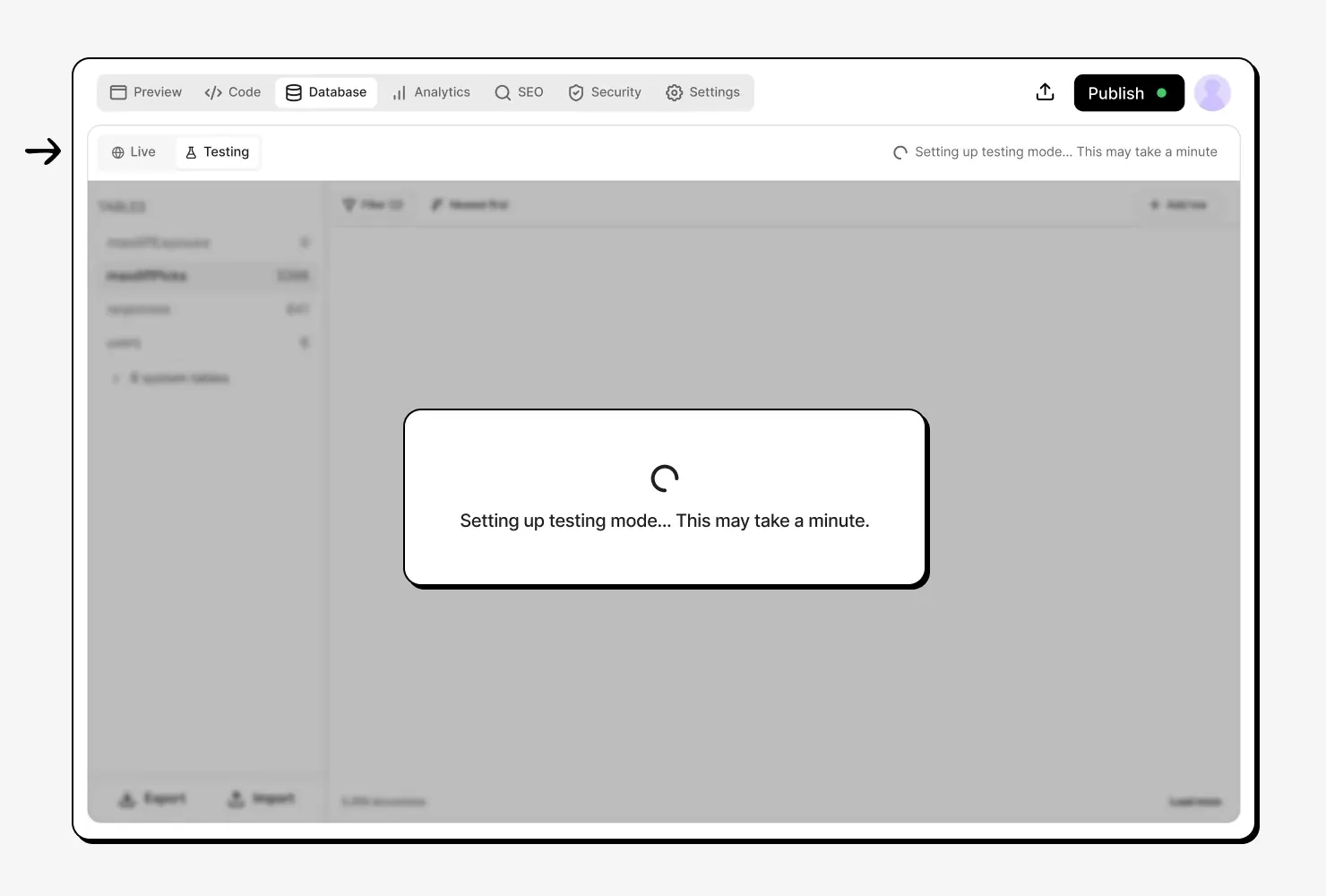
Try changes on a copy of your data
A testing database gives you a separate copy of your data to experiment in. Your published site keeps running on the real data until you're ready to publish.

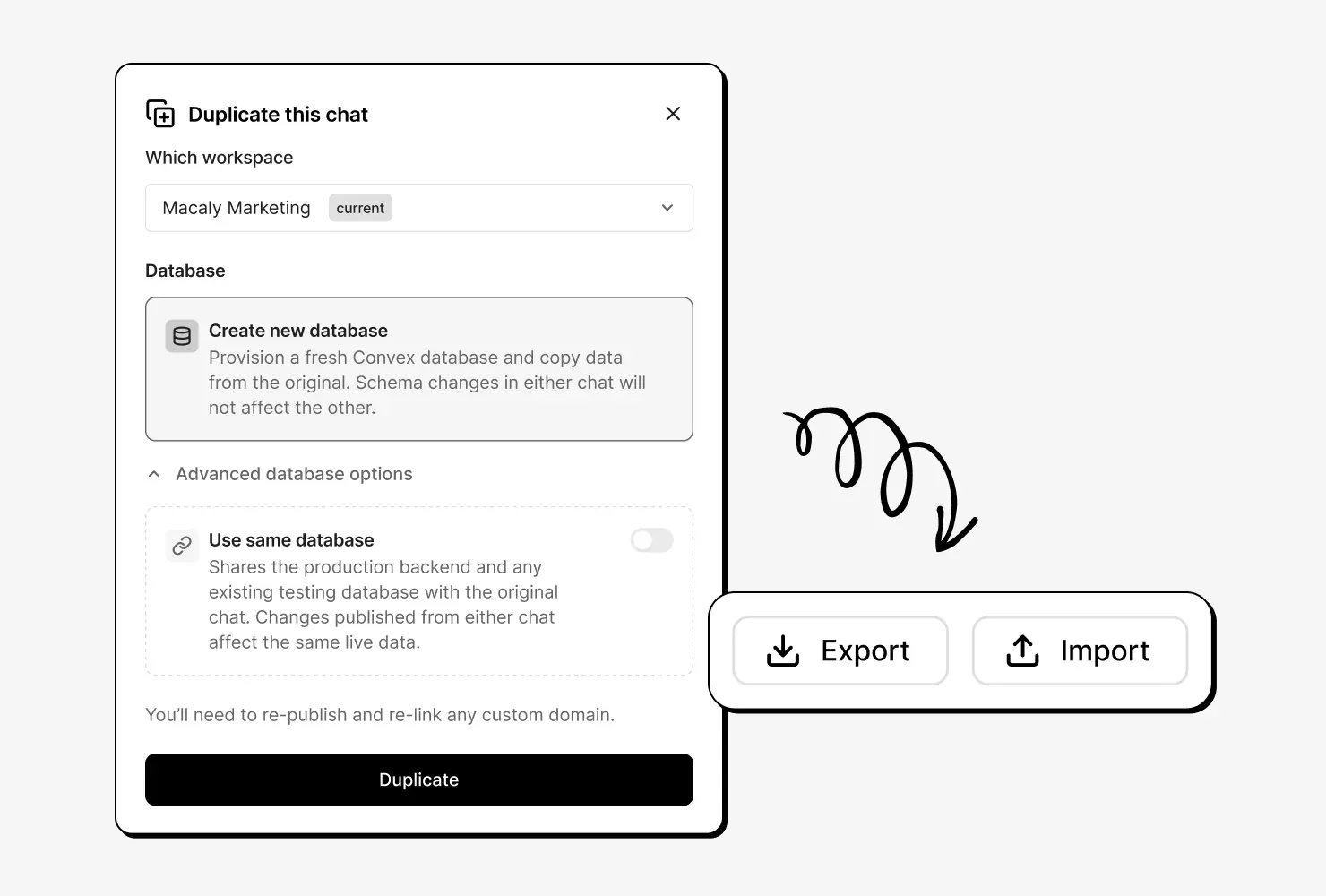
Your data is yours
Download the whole database as a ZIP whenever you like, and load it back in later if you need to. When you duplicate a project, you choose whether the copy gets its own data or shares the original.

Ready for ten customers or ten thousand
The database grows with your traffic on its own and is included in your plan. When data changes, your app shows the new version straight away.
Setting up a database, before and after
Databases anywhere else
- Choosing a database provider
- Creating an account and a payment method
- Generating keys and pasting them into your project
- Describing the tables in code
- Connecting forms and pages to the data
- Setting up a separate copy for testing
Databases in Macaly
- Telling the agent what your app should keep track of
Frequently asked questions
No. The agent creates one the first time your app needs to save something, along with the tables it needs. A simple website without forms or data works fine without one, and you can ask for a database at any point later.
Your data lives with Convex, the database provider Macaly is built on, in the EU (Ireland). Each project has its own database, so data from one project stays separate from the others.
Yes. Your data is shown as a table you can filter and sort, and you can correct a value, add a new entry, or delete one directly in it. Changes to the structure, such as adding a new field, are done by the agent, so just ask for them in chat.
A testing database gives you a separate copy of your data to build and experiment in, while your published site keeps running on the real data. Publishing only works from the live database, so a test can't go public by accident.
Yes, the whole database, as a ZIP file, at any time. You can load it back in later if you need it. Files your app stores, such as uploaded images, are kept separately and are not part of the download.
You choose. The copy can get its own database with all the data copied over, or share the database with the original, so changes in one show up in the other. A project duplicated from the community gallery always starts with a new database.
It is, on every plan. Each plan includes a monthly database usage allowance that covers the data your projects store and the traffic your app generates, and staying within it costs no credits. On the Pro and Agency plans, usage above the allowance is charged in credits - see the pricing page for the current rates.