Count your visitors without any cookies


Macaly's built-in analytics goes live with your site. See how many people visit, which pages they read and where they come from, right inside your project.
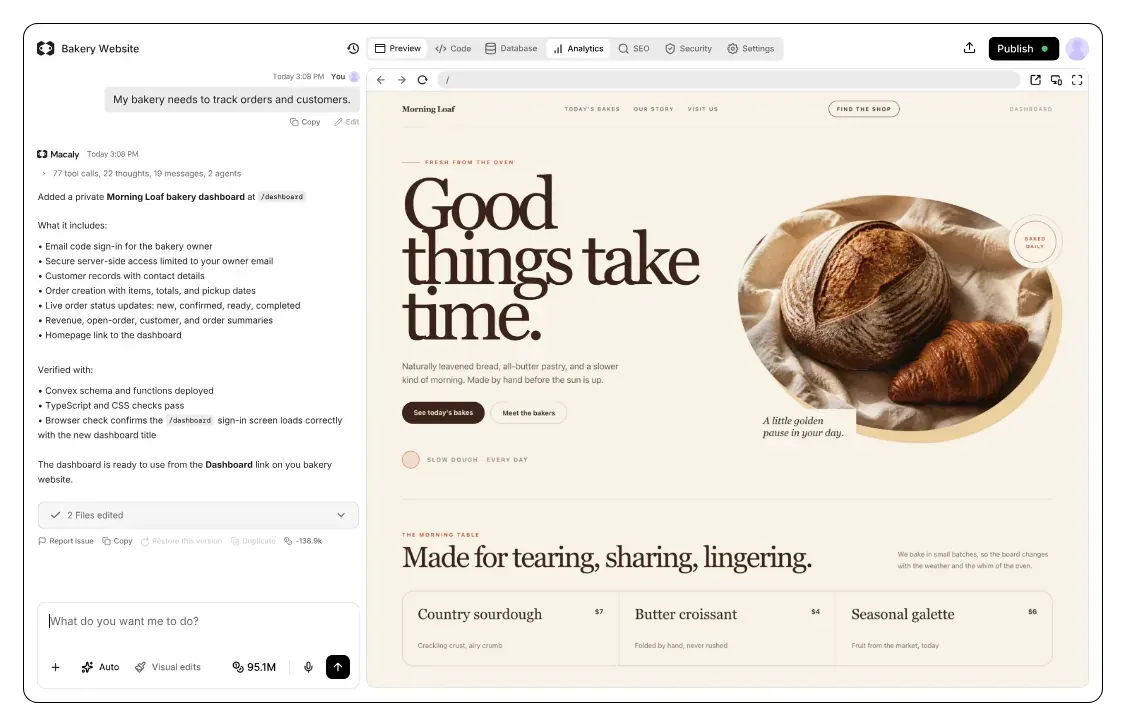
What analytics tells you
The first question after any launch is simple: is anyone visiting? Analytics answers it, showing how many people came, where they found you and which pages they read.
Every site you publish with Macaly comes with analytics built in, and it tracks visits without cookies. Check the Analytics tab, or ask the agent for the numbers.
What people usually ask

How many people visited my site this week?


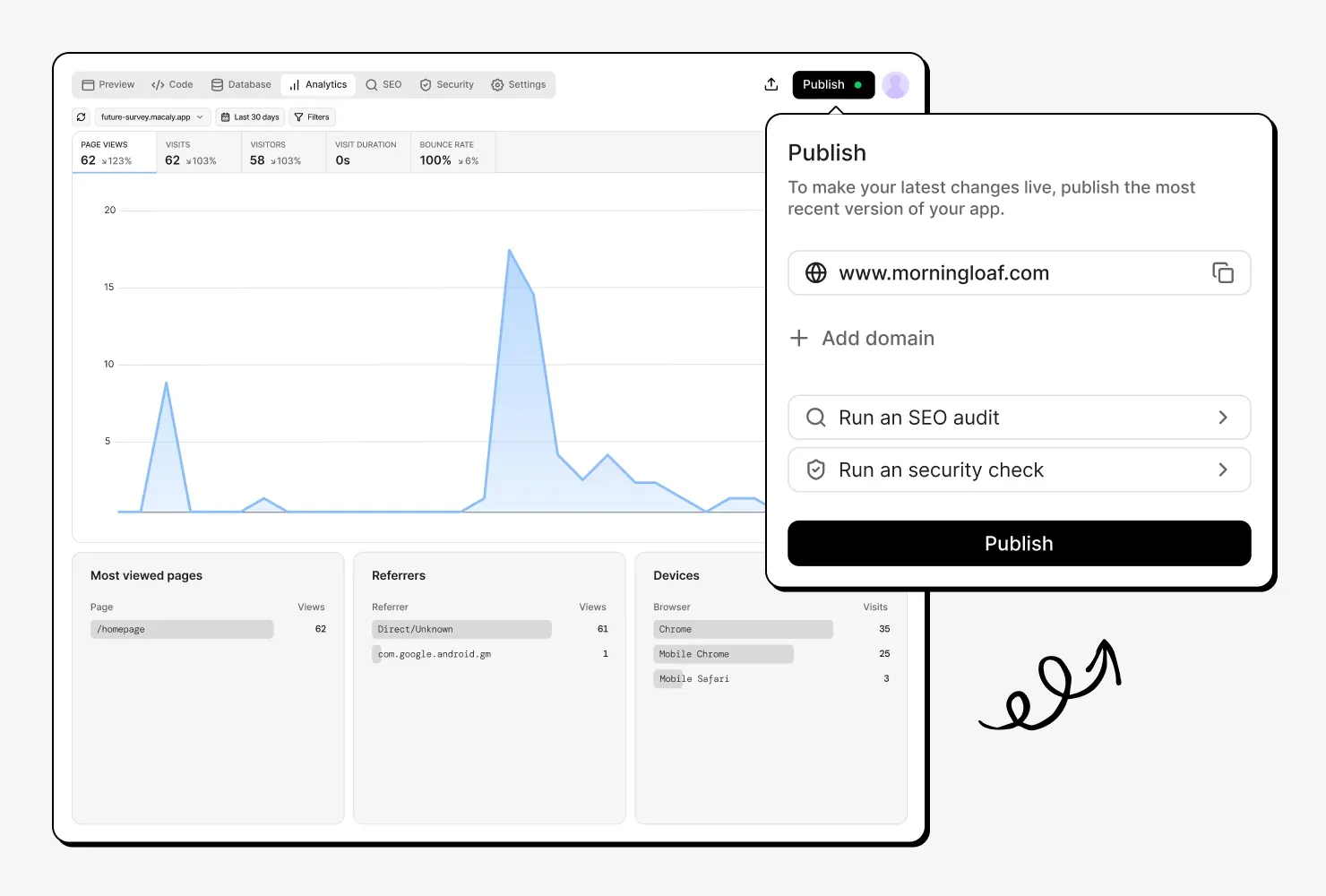
Analytics from your very first visitor
Analytics is switched on for every site you publish with Macaly, so detailed traffic data starts coming in the moment you go live.

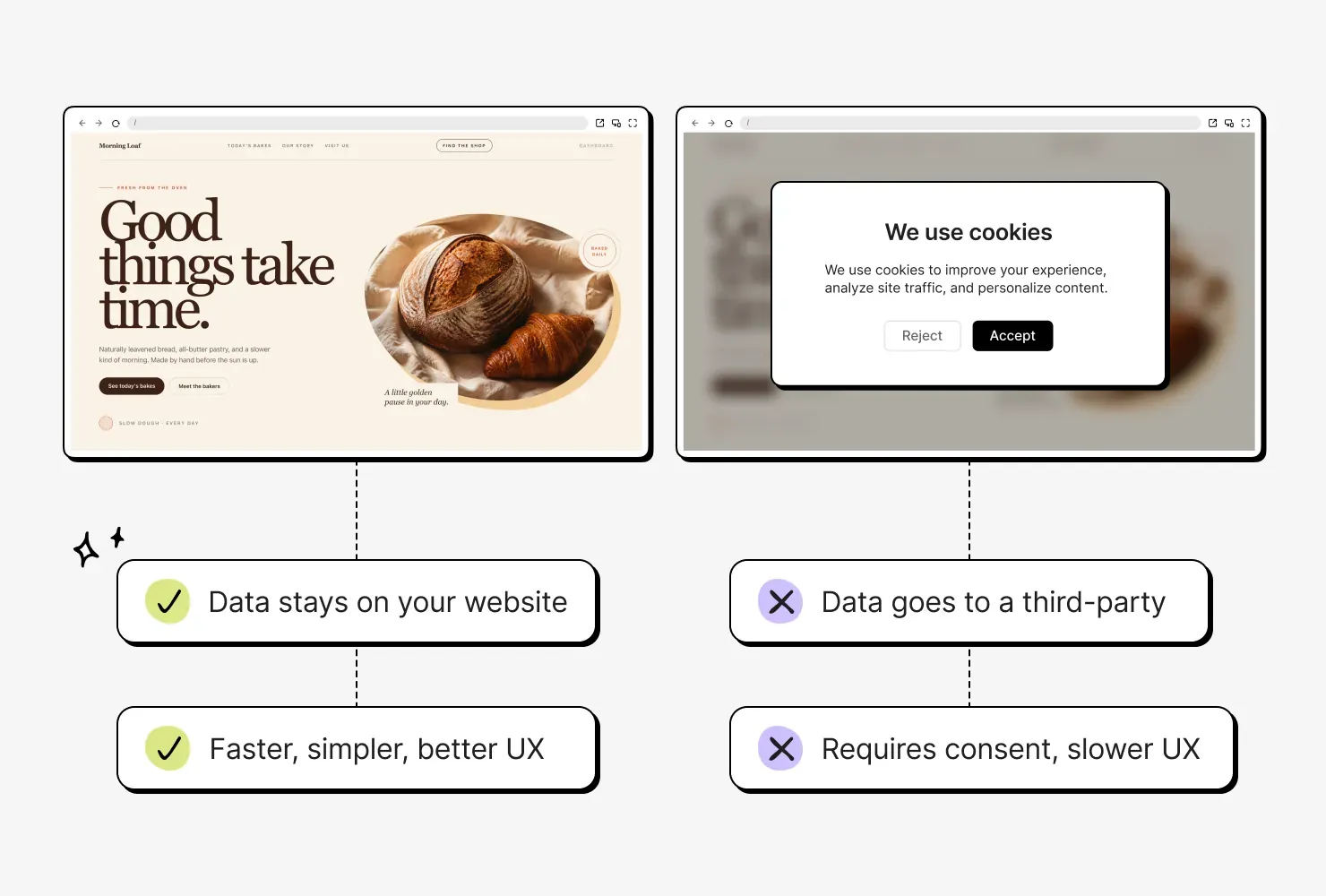
No cookie banner required
Macaly's built-in analytics stores nothing in your visitors' browsers, not even cookies. It records only the page viewed, the referring site and any campaign tags in the link.

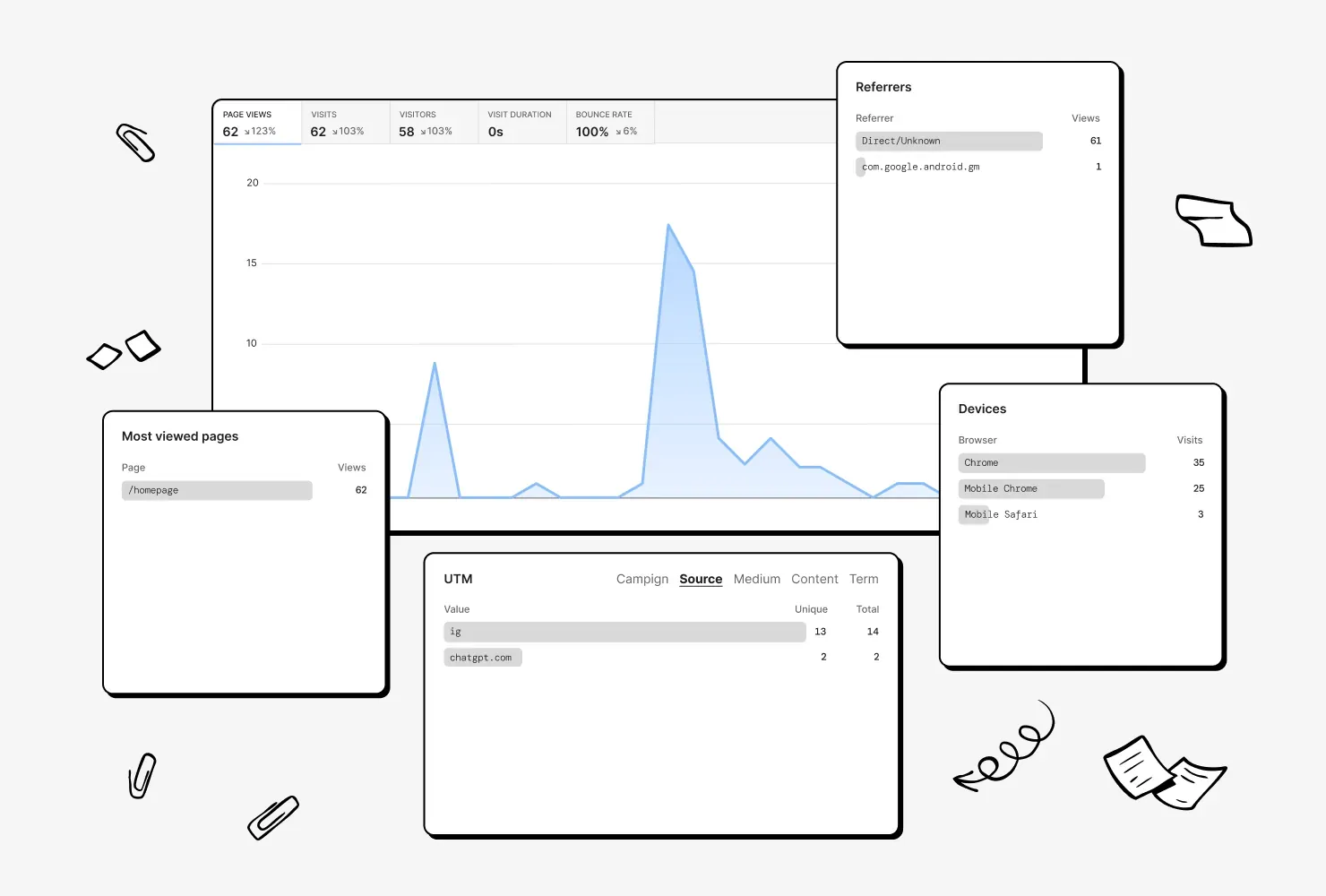
See where your visitors come from
Choose any period to see page views, visitors and time on site, compared with the period before. Then filter by page, country, device or traffic source to find what's working.

Every domain gets its own stats
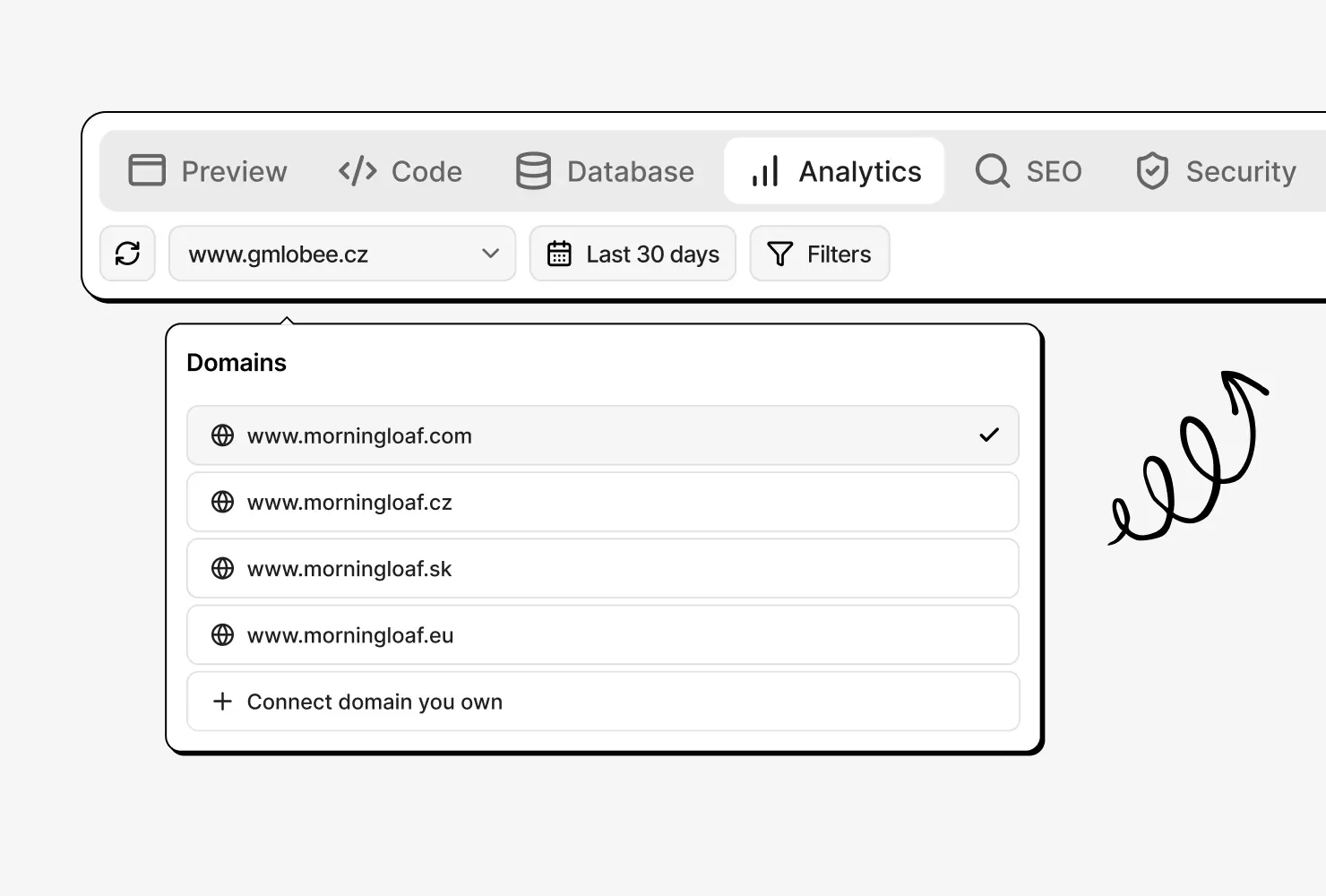
When your site runs on several domains, including its free macaly.app address, each one gets its own stats.
Setting up analytics, before and after
Analytics anywhere else
- Picking an analytics tool and creating an account
- Setting up your website inside that tool
- Copying a tracking code into your site
- Checking that it loads on every page
- Adding the code back after a redesign
- Doing it all again for your next site
Analytics in Macaly
- Publishing your site
Frequently asked questions
No. Analytics comes with every website you publish in Macaly, so you get the essentials on your visitors straight away, without adding another tool.
No. The built-in analytics tracks visits without storing cookies or any other data in visitors' browsers.
No. The built-in analytics doesn't use cookies, so it doesn't need a consent banner. Tracking tools you add yourself, such as Google Analytics or Meta Pixel, may still require one.
The built-in analytics shows page views, visits, visitors, visit duration and bounce rate, each compared with the previous period. It also lists your most viewed pages, referrers, countries, devices, browsers, operating systems and UTM campaign tags, for any period up to the last 180 days or for dates you pick.
Yes. Ask the agent a question such as “How many people visited last week?” and it looks up the analytics data for your published website.
Yes. Google Analytics 4, Google Tag Manager, Google Search Console and Hotjar are supported integrations, and the built-in analytics keeps tracking alongside them.