One click, and your site is online


Macaly publishes your site on a free, secure domain. Connect your own domain whenever you're ready.
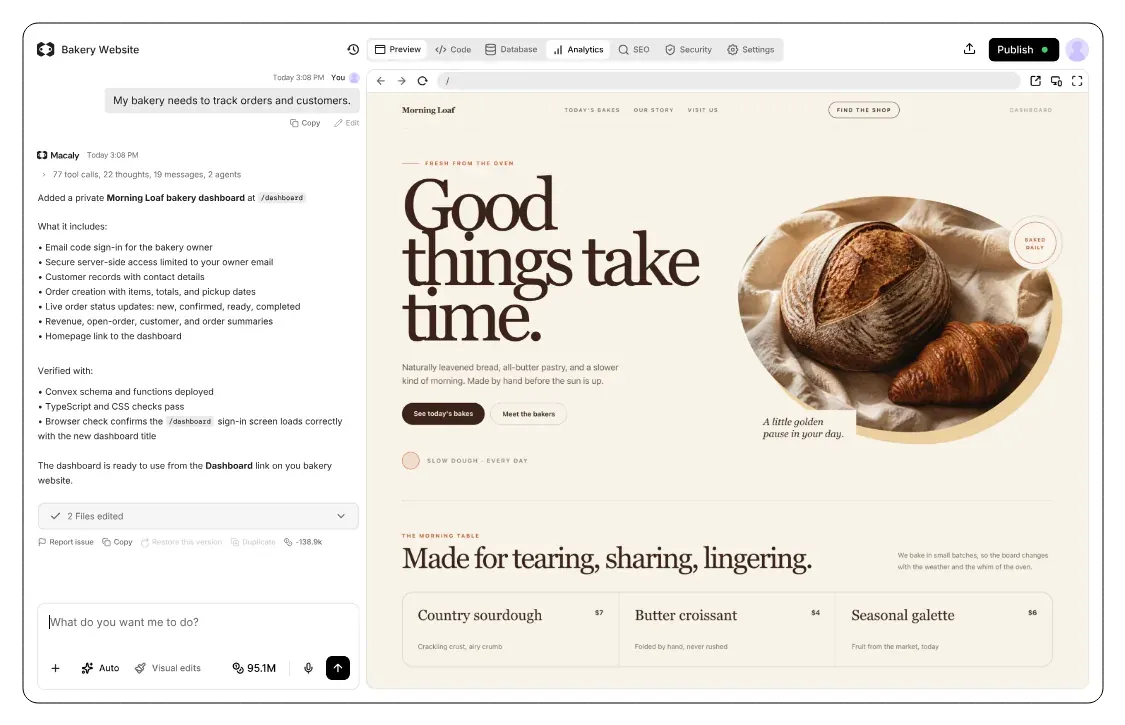
How does publishing work in Macaly?
While you're building a site in Macaly, only you can see the preview. Once you publish, anyone on the internet can visit it. Published sites run on servers in the EU, with a secure connection in place from day one.
What Macaly hosting includes


Connect my domain morningloaf.com


Your changes go live when you say so
Take as long as you need on your project. Visitors only see it once you publish, and every new version goes live at the same address.
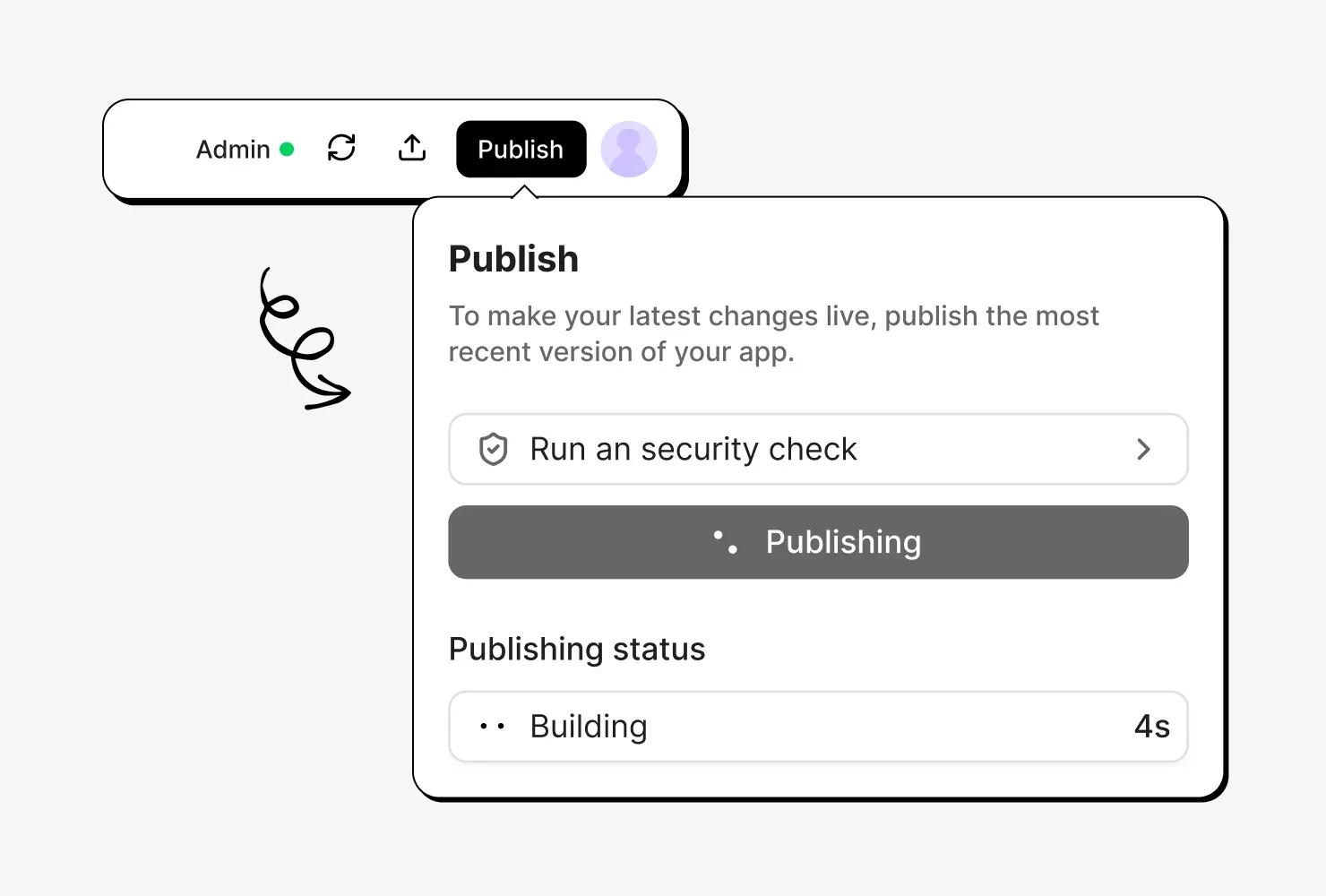

Put your site on your own domain
Connect a domain you already own, or buy a new one right in Macaly with credits. Either way, we set up the secure connection for you.
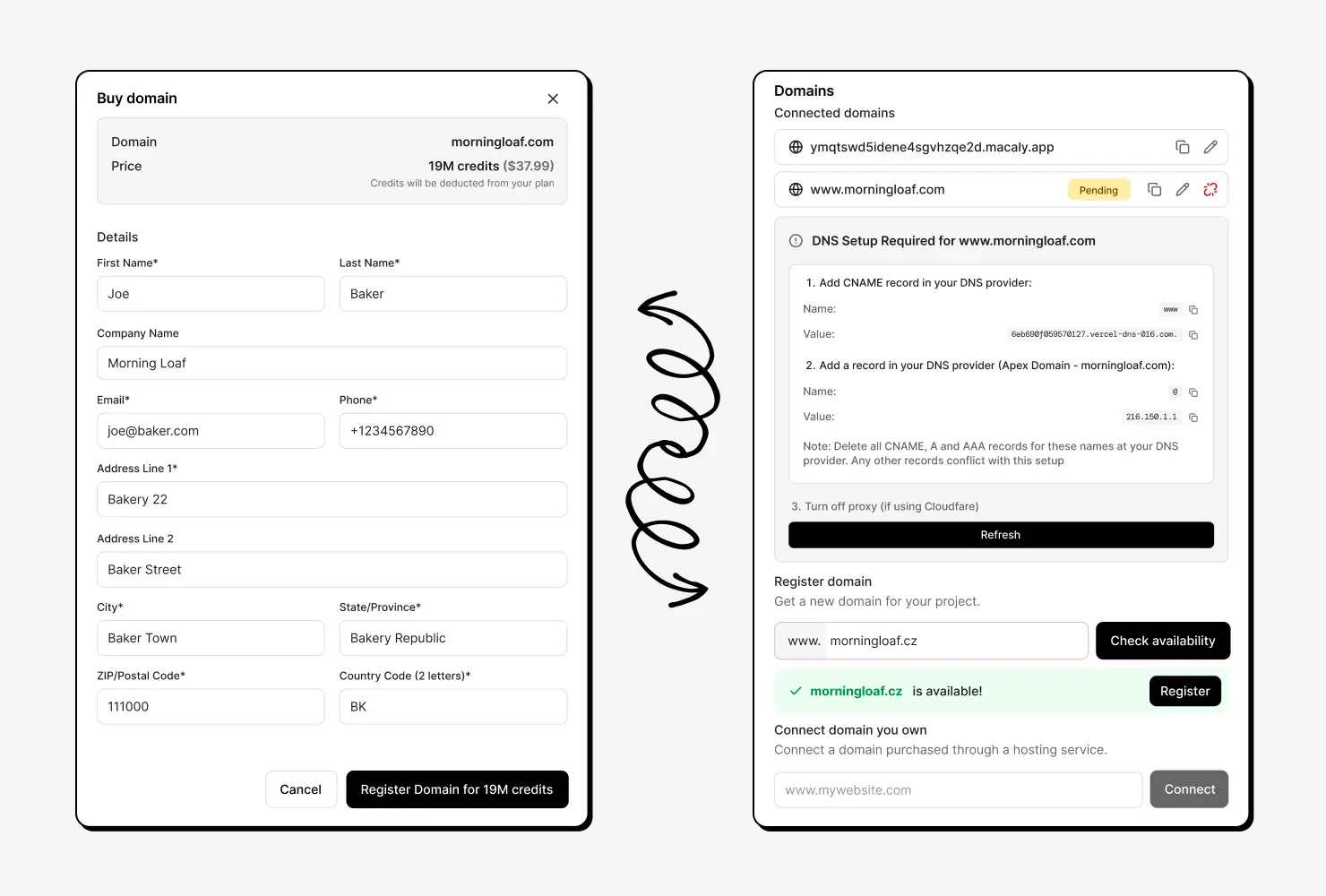

We catch problems before your visitors do
Before you publish, Macaly checks your site for security and SEO issues, then helps you fix anything it finds.
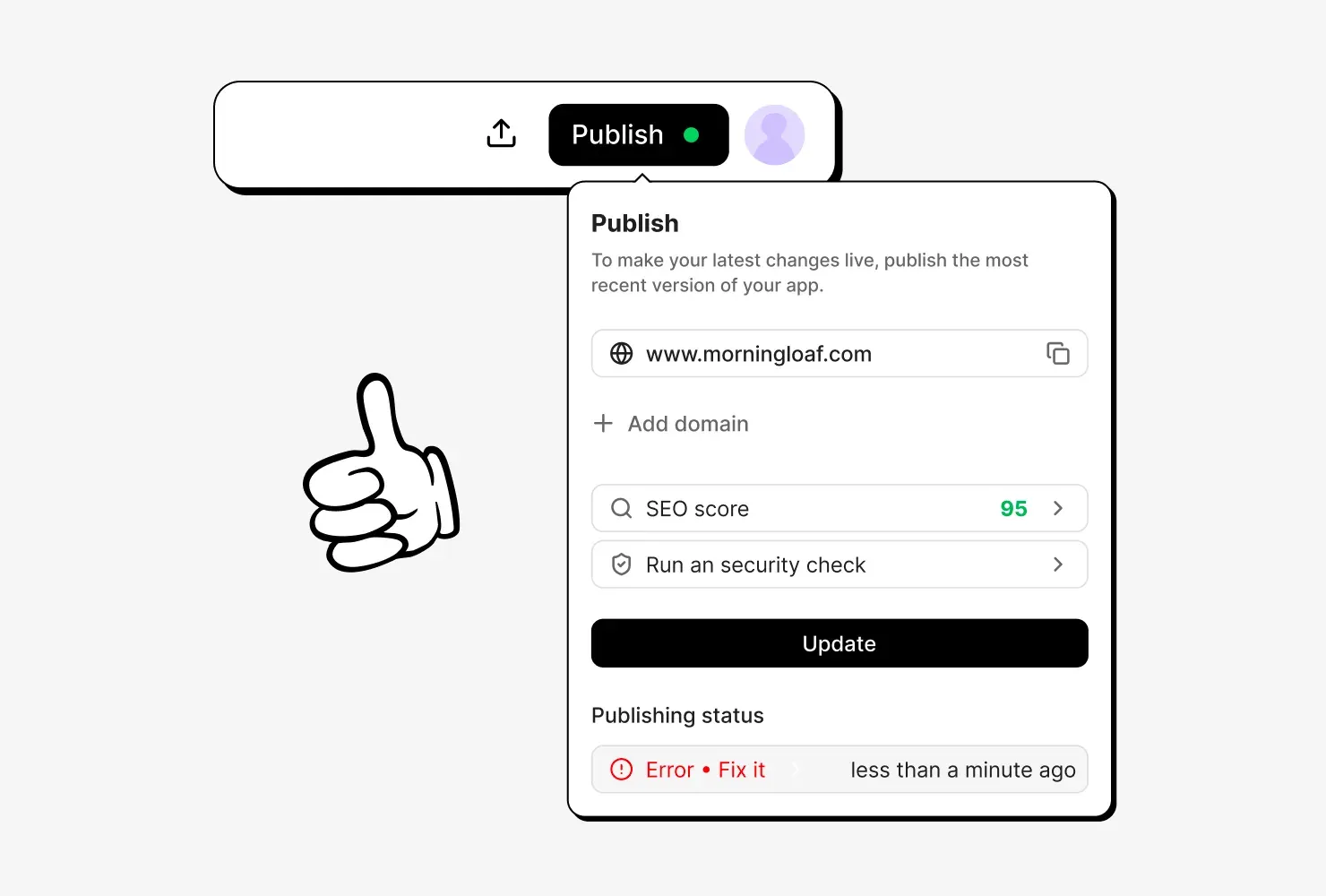

Go back to an earlier version
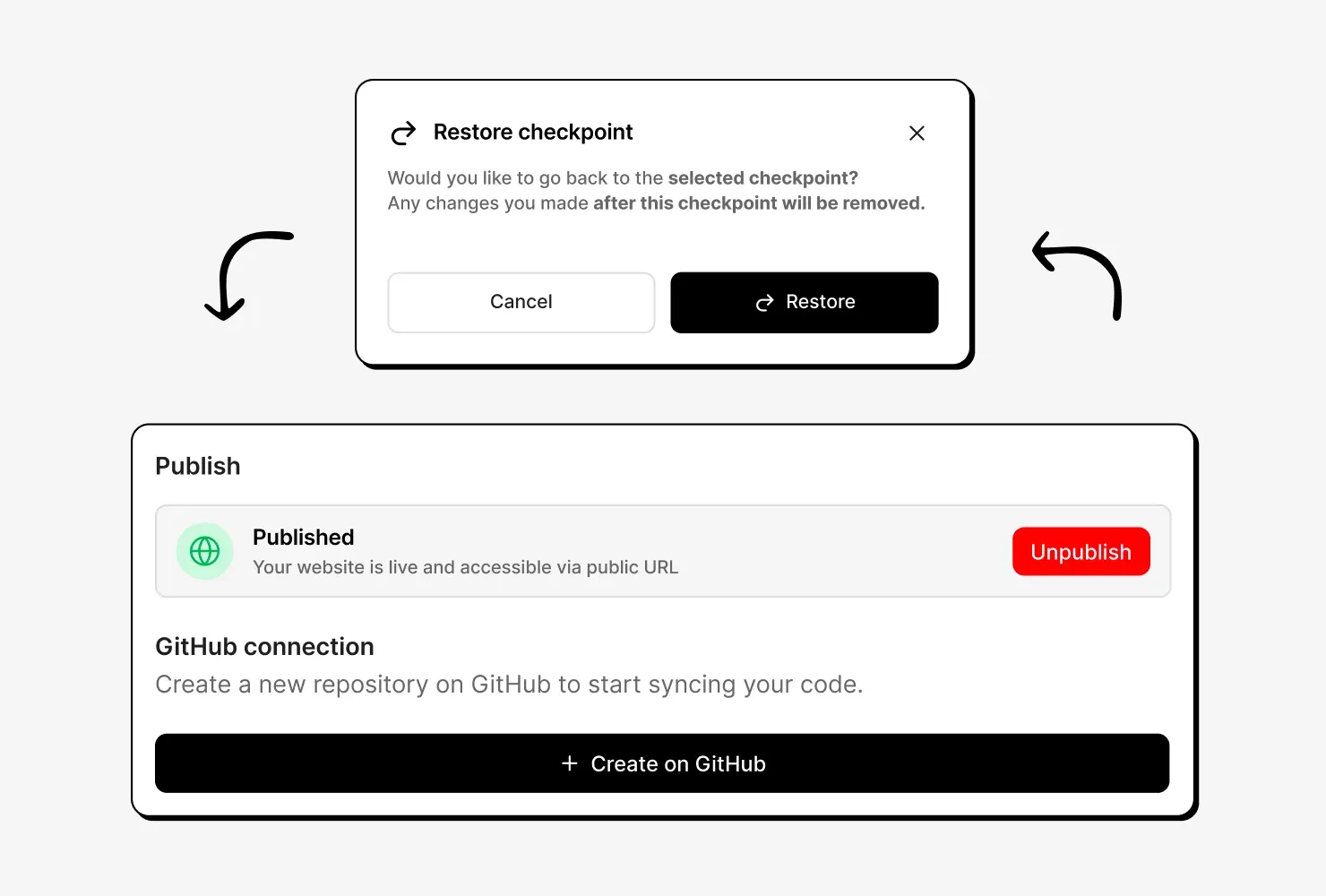
Every project keeps a version history. If something breaks, you can easily roll back to the previous version. And you can unpublish a project at any time.
Launching a site, then and now
Publishing anywhere else
- Choosing a hosting provider
- Getting a security certificate and keeping it renewed
- Setting up a way to upload new versions to your host
- Pointing your domain to the right place
- Backing up earlier versions in case something breaks
- Repeating most of it after every change
Publishing in Macaly
- Clicking the Publish button
Frequently asked questions
Your site runs on servers in the EU. Macaly takes care of hosting, the secure connection and keeping your site online, so there's nothing for you to manage.
Your site is published on a free macaly.app address. You can keep using it, or connect your own domain at any time.
Yes. Add a domain you own and Macaly shows you exactly which records to set with your domain provider, with the values ready to copy. Once the records are in place, we set up the secure connection for you. Custom domains aren't available on the Free plan.
Yes. Search for a name, check the price and pay with the credits already in your plan. The domain is connected to your project instantly.
Publishing on a macaly.app address is included in the Free plan. A custom domain needs a paid plan.
Yes. You can unpublish your site at any time and publish it again later. Your project and its data stay exactly as they are in the meantime.
Yes. Earlier versions of your project are saved automatically, so you can restore the previous one at any time.
On the Free plan, your site stays published on its macaly.app address only, and your custom domain stops working. To keep your custom domain, keep a paid plan.
Yes. On paid plans, you can download your project's source code at any time and take it anywhere you like.