Build straight from Claude or ChatGPT
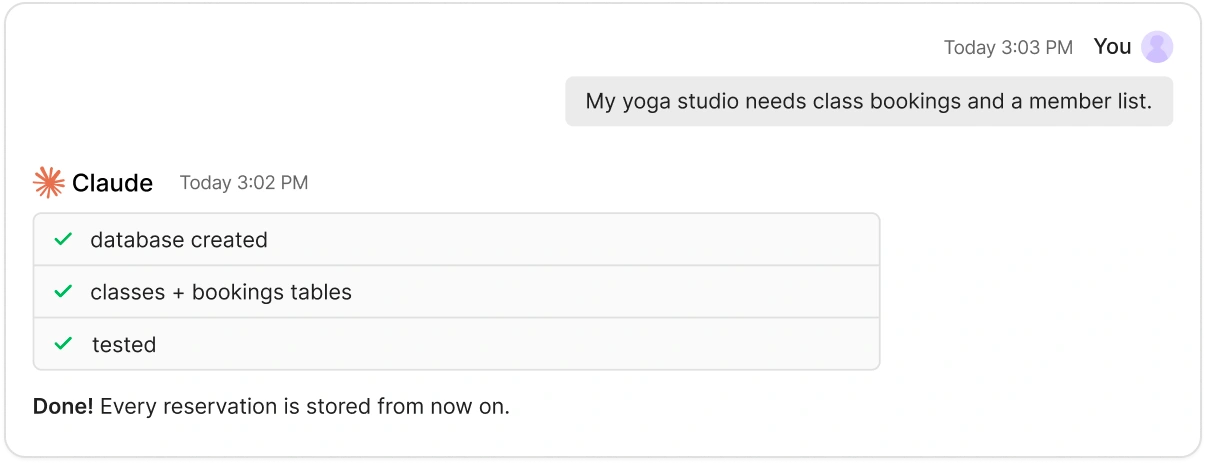
Connect Macaly Cloud and work on the app in that chat. It changes the code, works with the database and publishes the result.
🎁 Free migration · 3 months of Pro on us
Bring your Base44 app to Macaly and keep shaping how it works, from the pages to the database and the sign-in screen.

01
In Base44, open More actions and choose Export project as ZIP, which needs the Builder plan or higher.
02
Open Data, export the tables as CSV and attach your stored images with them.
03
Attach the files to a new chat, say how the app should work and let the agent build.
Connect Macaly Cloud and work on the app in that chat. It changes the code, works with the database and publishes the result.
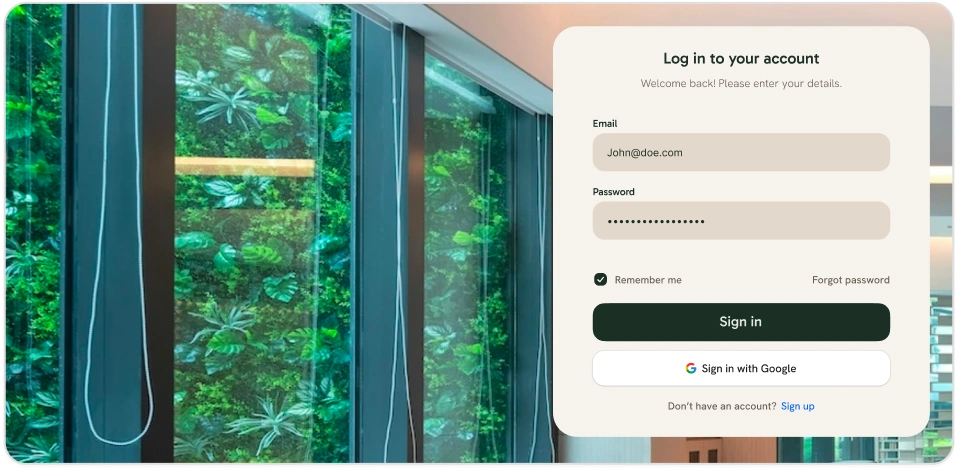
Sign-in and sign-up are ordinary pages in your project. Rewrite their text, colors and logo.
Edit rows in the Database tab and download an export whenever you want a copy.
Send us a link to your chat. We usually reply within one business day.
Nothing. The migration is free and you get 3 months of Pro on top.
Send the agent the public URL of your app and describe what it does inside. It builds the app from that.
Passwords cannot be moved. Your users sign up again in the new app and their data stays with them.
Yes. Once the new version is ready, point your domain to Macaly following the domain instructions.
Start the transfer and the offer is waiting for you right after sign-up.