


Turn a screenshot
into a website
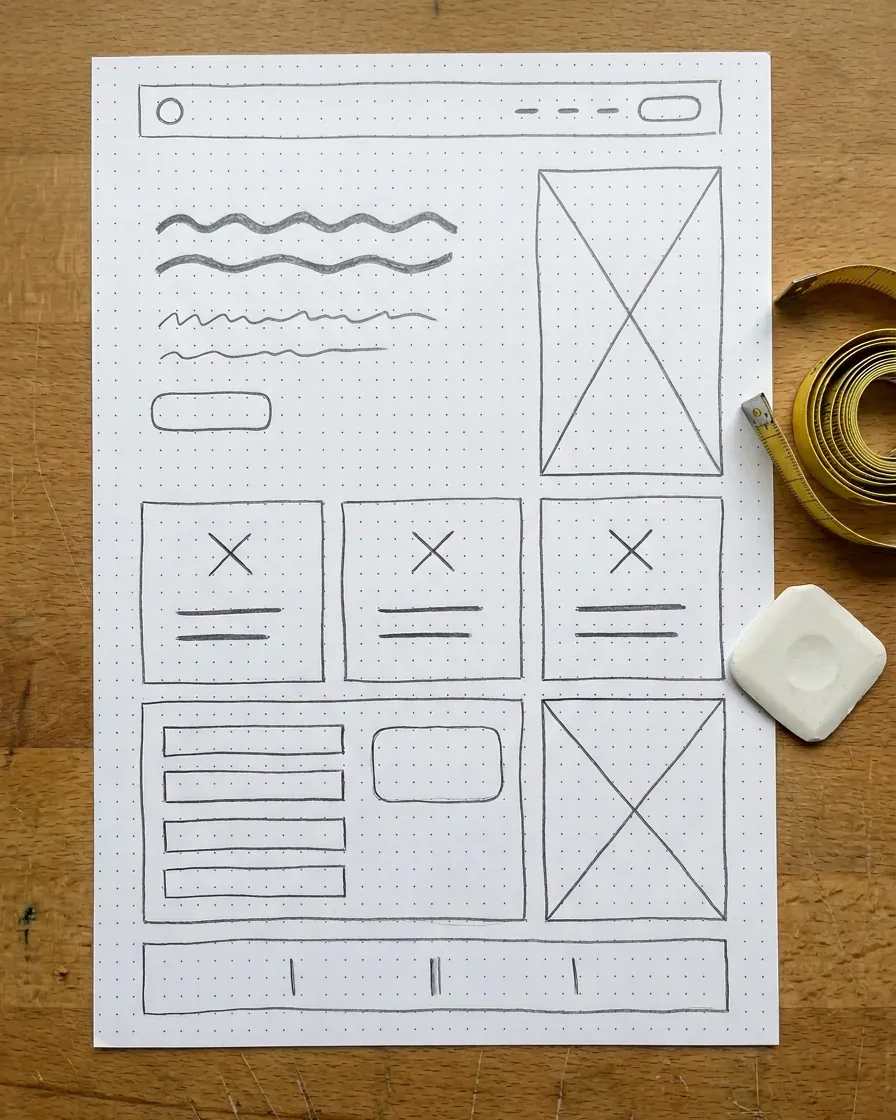
Drop in a screenshot, a mockup or a photo of a sketch, and Macaly builds that layout as a real site that works on a phone.
Alterations on Lorain Avenue
Clothes that fit the way they should.
Hems, sleeves, zips and wedding dresses. Bring it in, we pin it on you, and it is ready in about a week.
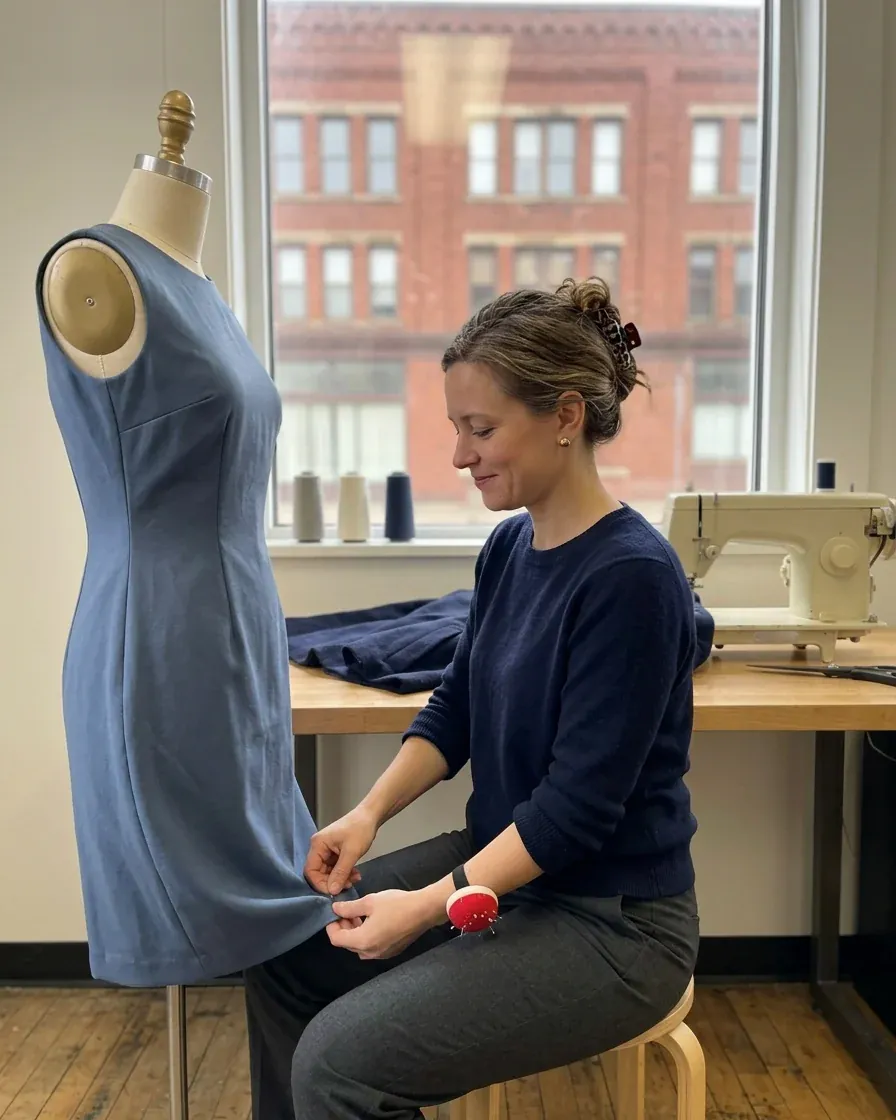
What we do
All prices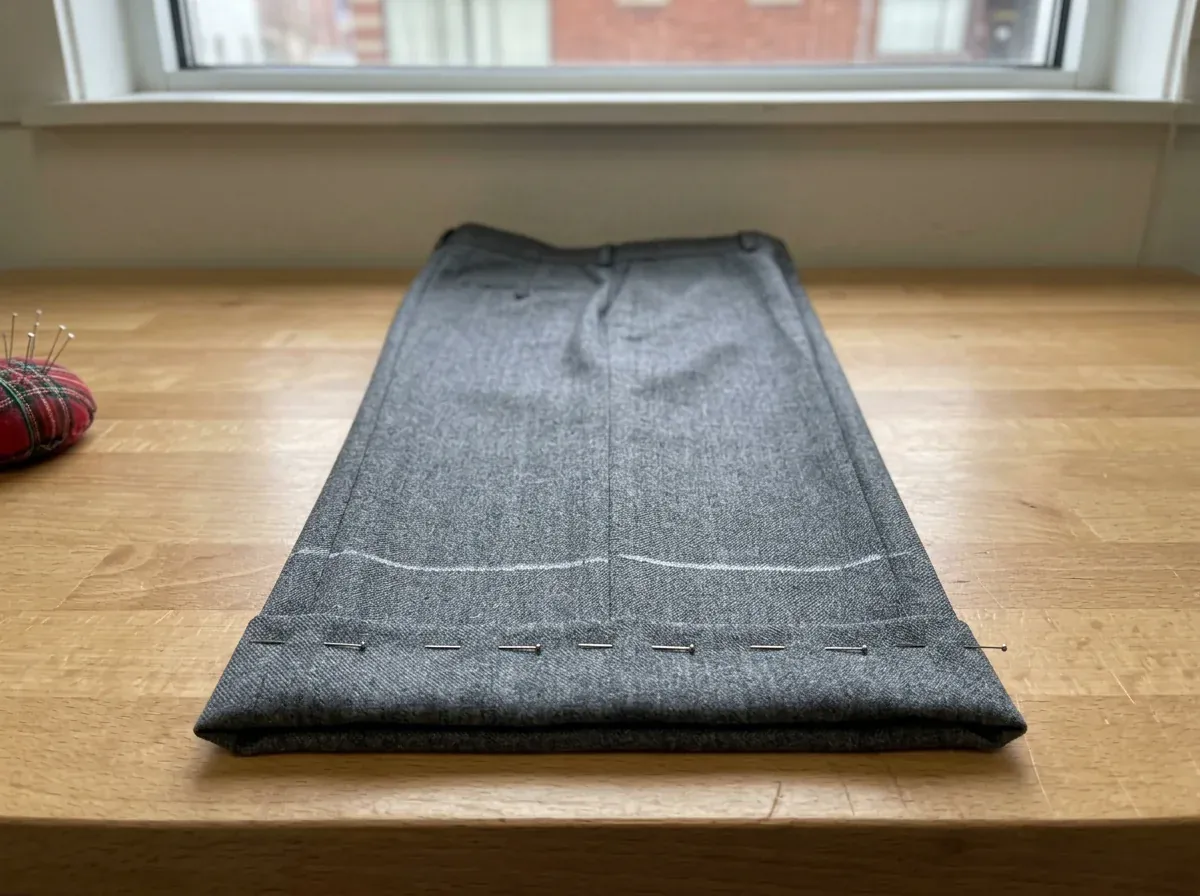
Hems
Trousers, jeans and skirts. On jeans we keep the original hem if you like.
From $18
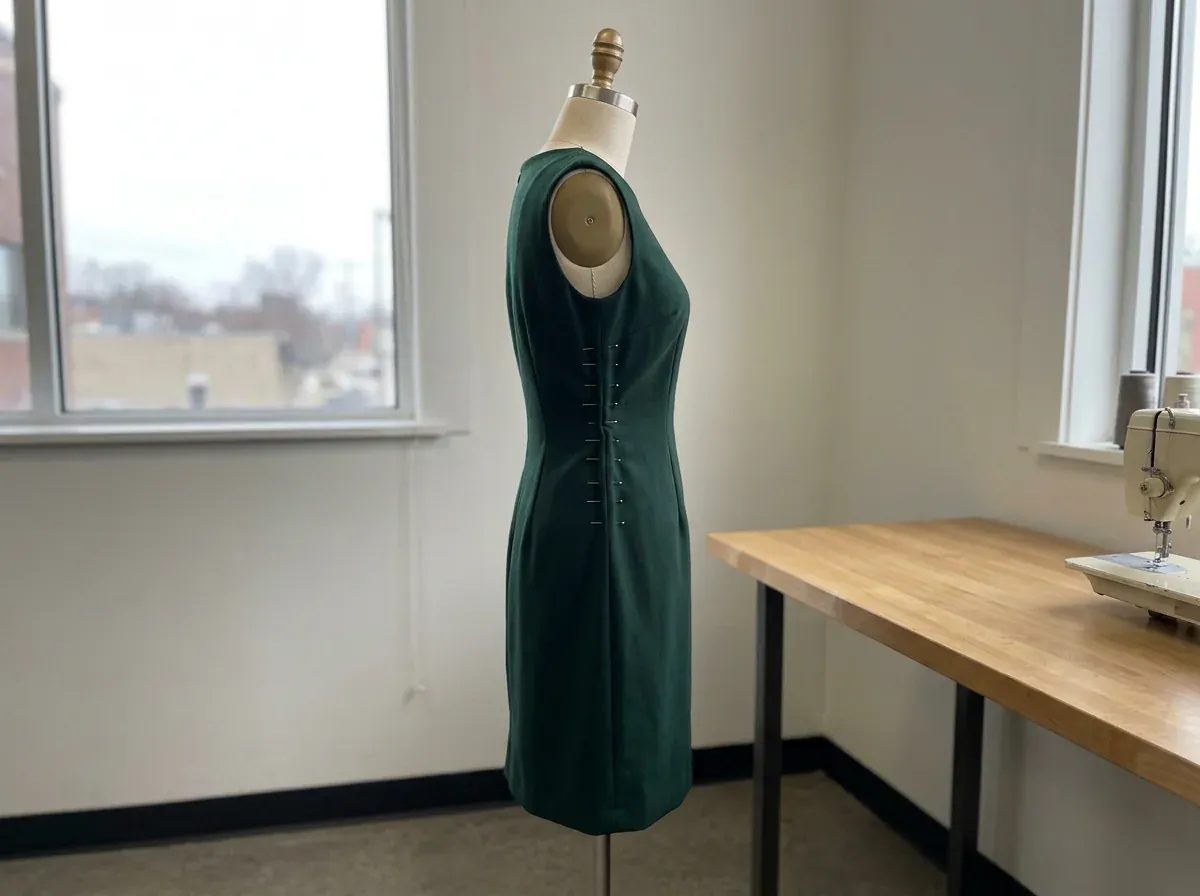
Taking in and letting out
Waists, side seams and sleeves, pinned on you first so it fits you.
From $30
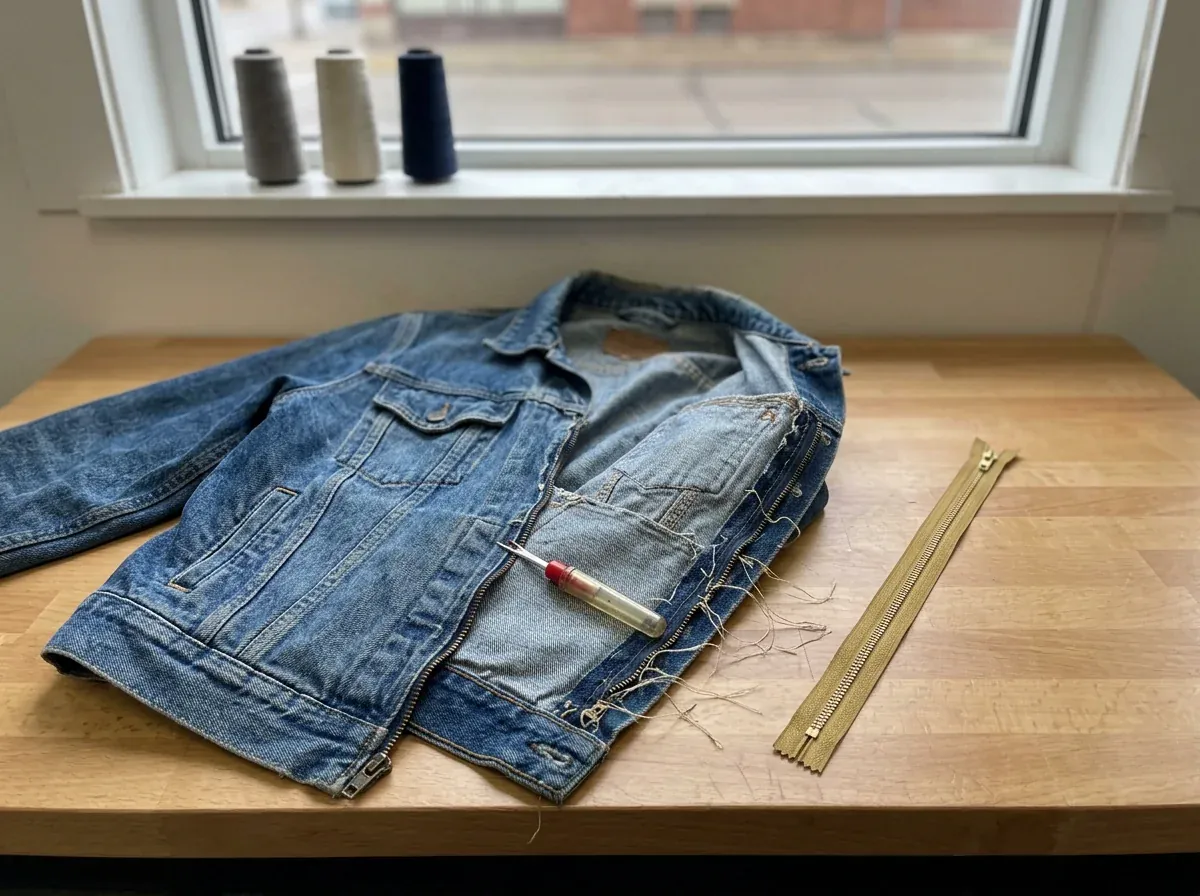
Zips and repairs
New zips, split seams, worn elbows and the button that keeps coming off.
From $15
Book a fitting
Tell us what needs doing and pick a day. We call you back to confirm the time.
Your name
Jo WhitakerPhone
What needs doing
Best day for you
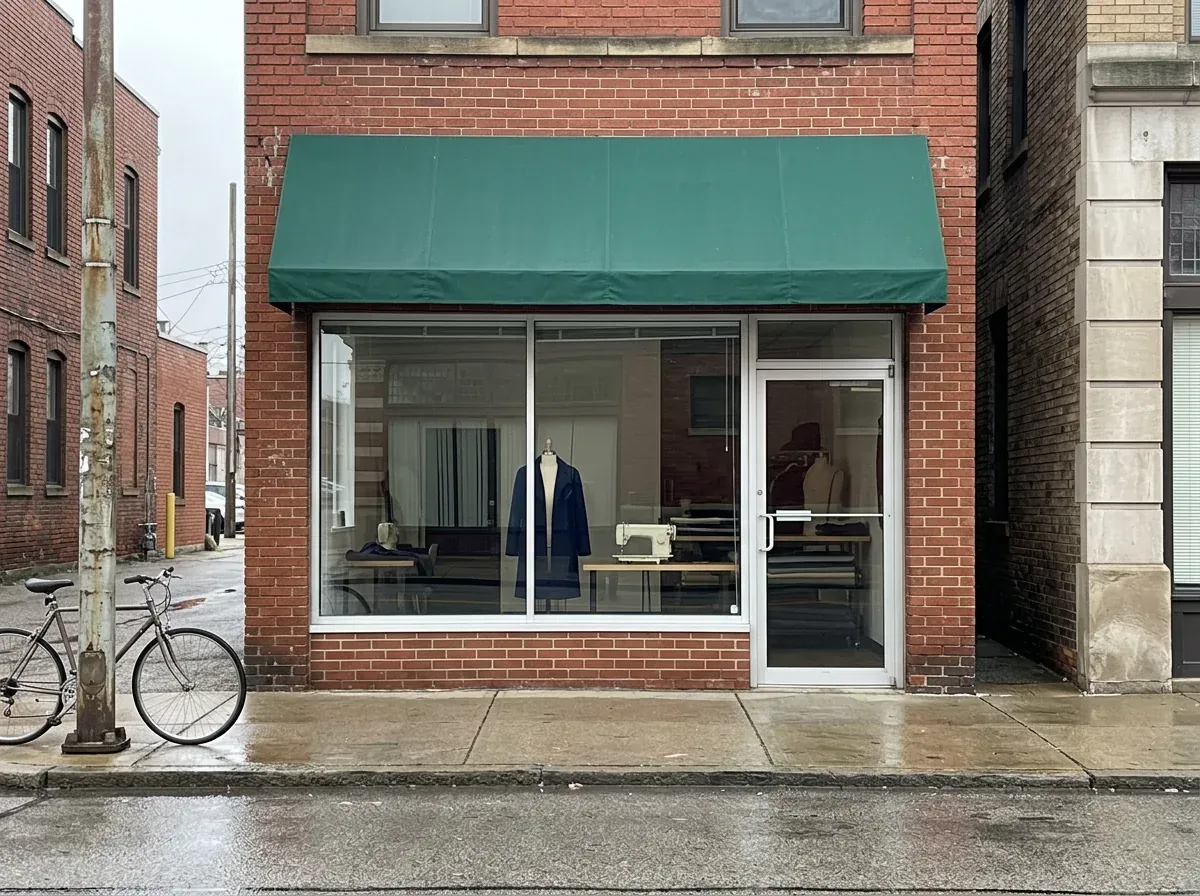
4316 Lorain Avenue
Cleveland, OH 44113 · (216) 555-0148
- Tuesday to Friday
- 10 to 6
- Saturday
- 10 to 2
- Sunday, Monday
- Closed
What is the site for?
Alterations shop with bookings
Borrow a layout from a site you like
Take a screenshot of a page that arranges things the way you want. Macaly rebuilds that layout, and the words, prices and photos are yours. Lena liked how a barber lists his prices, so her prices page reads the same way, in her own colors.
The barber's page she screenshotted
Her prices page
It works on a phone, and the form sends
Your picture shows one screen at one size. On a phone the columns stack and the menu folds into one button. The form you drew really sends, and every request is saved in your project's database.
- Thu
Jo Whitaker
Jeans, keep the original hem
- Sat
Mila Petrovic
Wedding dress, first fitting
- Tue
Owen Ruiz
Denim jacket, new zip
- Fri
Sofia Shah
Bridesmaid dress, take in
- Sat
Derek Bell
Suit trousers, hem
Show what to change with a screenshot
When something is not how you pictured it, take a screenshot of the draft, circle the part and drop it into the chat. Or click any text on the page and rewrite it yourself, on a computer.
Alterations on Lorain Avenue
Clothes that fit the way they should.
Hems, sleeves, zips and wedding dresses. Bring it in, we pin it on you, and it is ready in about a week.

Make this photo as tall as the text, like in my sketch.
Before you drop it in
Any picture of a whole page: a screenshot of a site, a mockup from Canva or Figma, or a photo of a drawing, saved as PNG or JPG. For a drawing, use a dark pen, take the photo from straight above in daylight, and write a word in each box, like Prices or Book.
Use it for the layout and the arrangement. Macaly looks at where the photo sits and how the prices are listed, and builds that structure. The name, logo, words and photos belong to that business, so you bring your own. The result is not a pixel for pixel copy.
Close, not pixel for pixel. The sections, their order, the colours and the type style come from your picture. A hand drawing leaves details out, so Macaly makes those choices and you correct them in the chat. On a phone the layout changes on purpose, so it fits the screen.
From you. Macaly uses the line you type about what the site is for and any text in your own sketch or mockup. Things it can't know, like prices or opening hours, it leaves for you to fill in. Send your photos and logo in the chat and they go where your picture had boxes.
Yes. A phone screenshot gives Macaly the order of things and the style. The site is built for phones and computers either way, so the wider layout is made from the same clues.
Start with one picture here, usually your front page. After you sign in, drop more pictures into the chat, one for each page or a close-up of one part, and say where each one goes.
Your browser makes it smaller and keeps it on this page until you press the button. When you sign in, the picture is attached to the first message of your new project, so the agent can see it.
You can build and publish without paying. Sign in or create a free account, Macaly builds a site from your picture, and you can publish it on a free macaly.app address with a small Macaly badge. Your own domain needs a paid plan.


Turn your picture into a website
Drop it in at the top of this page, or sign in and attach it to your first message. You can publish on a free macaly.app address when it's ready.