


Build a website
from your Google Business Profile
Macaly builds it from the reviews, photos and hours already on your profile, and the profile's Website button opens it once you add the address.
Your Google profile stays exactly as it is.





The Website button opens a site of your own
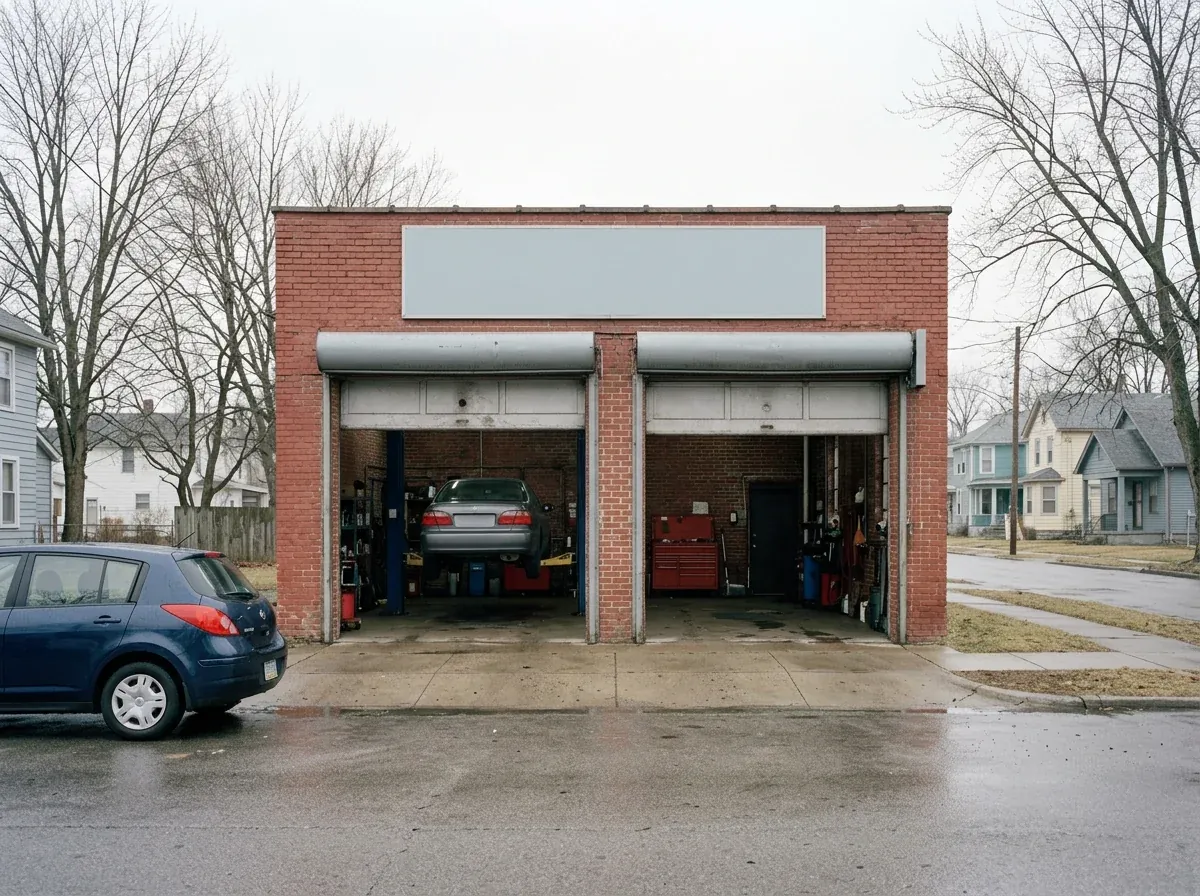
Szabo Auto Repair is a made-up garage. Its site was built from the reviews, shop photos and hours on its Google profile.


The reviews you earned come along
Your profile holds years of work: what customers wrote, your photos, your hours. The site is built from all of it, and each review keeps the customer's name and a tag that says it's from Google.
Booking requests come in while you're closed
The site gets a form that asks what people need, the day that suits them and their phone number. Every request is saved in your project's database, so one sent on Sunday night is there when you open on Monday.
Sunday, 9:42 pm, on your site
Monday, 7:30 am, in your project
Then put the address on your profile
Publish, open your Business Profile, choose Edit profile, then Contact, and paste the address into Website. The Website button on Search and Maps then opens your site.
Questions owners ask
Google switched off the websites it made from Business Profiles in March 2024. Their addresses ended in business.site; they sent visitors to the profile until June 2024 and have shown "page not found" since. Google's advice was to build a site somewhere else and put its address in your profile, and Macaly builds that site from the profile itself.
No. The agent reads the public part of your profile and never writes anything to Google. The one change is yours: pasting the new address into your profile's Website field, from the Google account that manages the profile.
The Share link from Google Maps. Open Maps, find your business, choose Share and copy the link; it starts with maps.app.goo.gl. A link from Google Search, your profile's dashboard or an old business.site address won't load your profile.
What anyone can see on it: name, category, address, phone, opening hours, photos, rating and reviews. After you sign in, the agent asks before loading your profile and shows the most credits the load can use. Nothing is loaded until you say yes.
Not on its own. The site is built from what your profile shows that day. When something changes, tell the agent in a sentence, or on a computer click the text on the page and change it yourself. The agent can also load your latest reviews again; it asks first, and that uses credits.
Nobody can promise that; where your profile shows up is Google's call. What the website does is give the people who tap through from your profile your services, hours and reviews in one place, and a way to book.
On a paid plan, yes: the agent can email you each new booking request. On any plan, every request is saved in your project's database. Customers don't get an automatic reply; if you want one, connect your Gmail and the agent can send it from your address.
You can build and publish without paying. Sign in or create a free account, and the site can go live on a free macaly.app address with a small Macaly badge. Loading your profile uses some of the monthly credits every account gets. Your own domain needs a paid plan.
Yes, on a paid plan. Buy a domain inside Macaly or connect one you already own, and the secure connection is set up for you. That domain is then the address you paste into your Google profile.


Give your Google profile a website
Paste your profile's link, say yes to loading it, and change anything you like before you publish. Your Google profile stays as it is.