

- Shared access: All team members have access to all chats and projects.
- Unified credits: The team uses a shared pool of credits from the owner’s account.
- Collaboration: Multiple people can work on projects together.
Members and roles
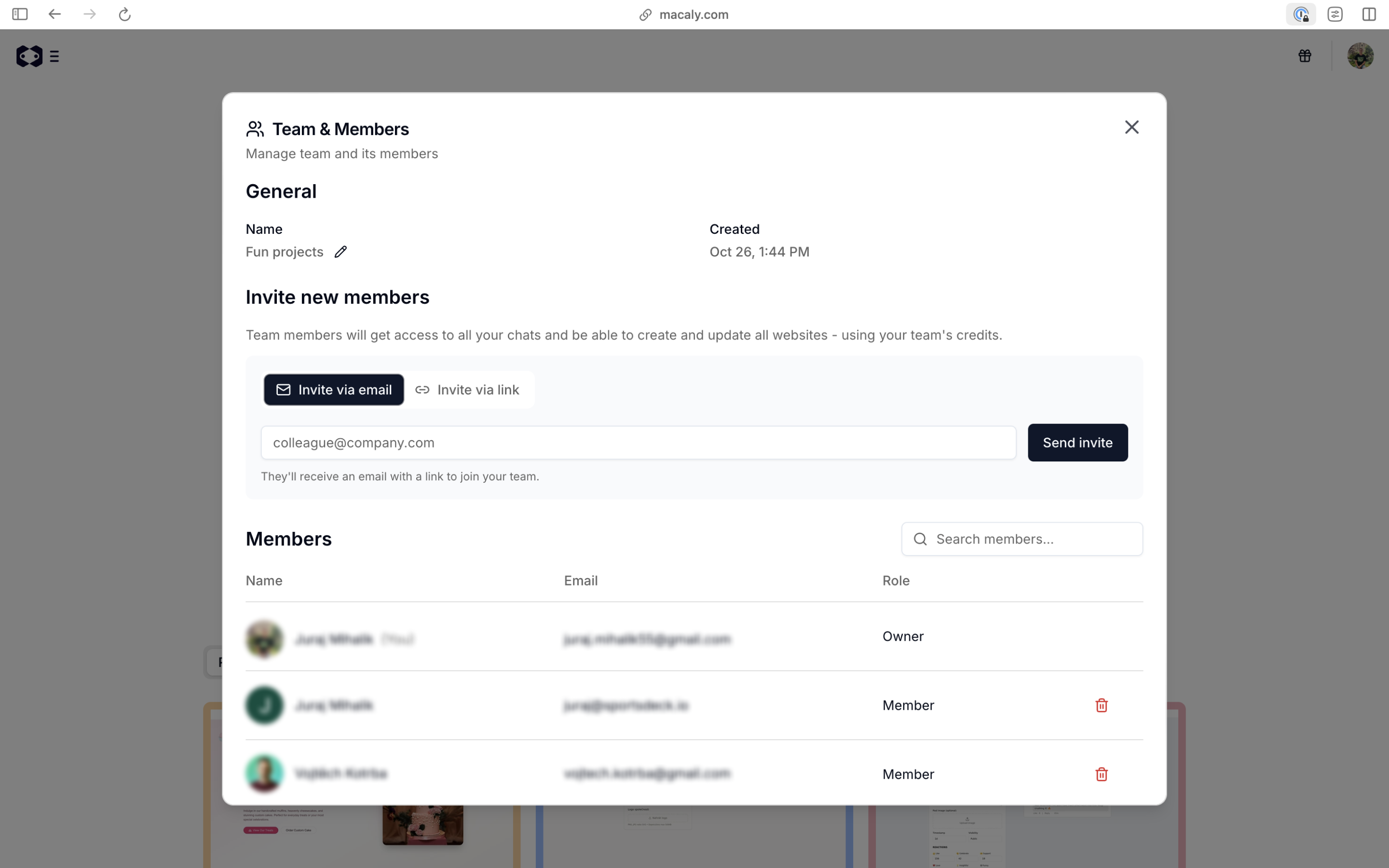
All team members can access and edit all chats and projects. Credits used by any member are drawn from the owner’s account. There are two ways to invite people to your team:- Invite via email: Enter an email address and send the invite to add someone to your team.
- Invite via link: Generate a shareable link that anyone can use to join your team.
- Manage billing and subscriptions
- Invite and remove team members
- Access all team chats and projects
- Accesses all team chats
- Creates and edits projects
- Uses the owner’s credits
- Cannot manage billing or team settings